EasyManua.ls Logo

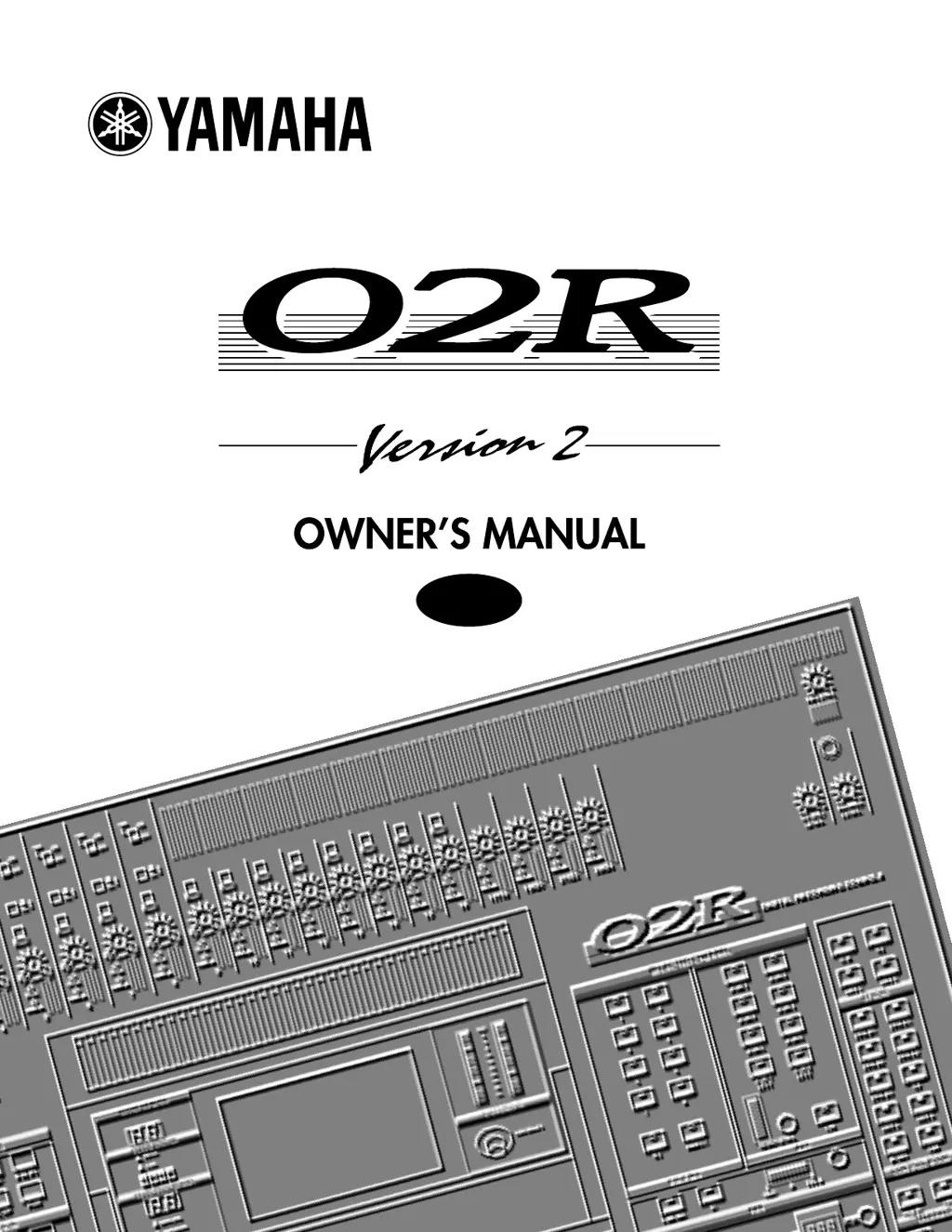
Yamaha 02R Version 2 - User Manual

Yamaha 02R Version 2
398 pages
Print Icon
To Next Page IconTo Next Page
Loading...
DIGITAL RECORDING CONSOLE
E

Table of Contents

Questions and Answers

  • J
    John SaundersAug 16, 2025
    Why is there no sound coming from my Yamaha 02R Version 2?
    • K
      Kyle ZimmermanAug 16, 2025
      If no sound is produced, check the following: * Ensure the signal is coming in from the external device. * Check if the input “ON” indicator is lit. * Verify the input fader is raised. * Confirm the stereo output “ON” indicator is lit. * Make sure the stereo output fader is raised. * Ensure the option board is securely inserted. * Verify the output bus is assigned correctly. * Check if the word clock is set correctly. * Confirm the output in the C-R monitor section is selected.
  • W
    William HouseAug 18, 2025
    What to do if my Yamaha 02R Version 2 Recording Equipment sound is distorted?
    • C
      Carol LewisAug 19, 2025
      If the sound is distorted, verify that the PAD switch and GAIN volume control are set correctly. Also, check if the input fader and stereo output fader are raised too high. In addition, verify that the gain in the equalizer section is not set too high.
  • R
    Richard ZimmermanAug 22, 2025
    How to fix Yamaha 02R Version 2 when the power is not turned on?
    • W
      Walter FosterAug 22, 2025
      If the power is not turning on, verify that the power cord is plugged into a correct AC outlet and that the POWER switch is ON.
  • P
    perkinsdanielAug 25, 2025
    What to do if the volume level is very low on my Yamaha Recording Equipment?
    • R
      Rhonda SchroederAug 25, 2025
      If the volume level is very low, check if the PAD switch and GAIN volume control are set correctly. Also, ensure the input fader is raised. Check that the gain isn't set too low in the equalizer section and that the threshold and ratio settings for the dynamics processor are correct. Finally, verify that the [DIM] key in the C-R monitor section is OFF.
  • C
    ccrosbyAug 27, 2025
    Why is the fader movement not consistent on my Yamaha Recording Equipment?
    • T
      Thomas HatfieldAug 28, 2025
      If the fader movement is not consistent, calibrate the faders.
  • M
    Michael PierceAug 30, 2025
    What causes abnormal phase in Yamaha 02R Version 2 Recording Equipment?
    • K
      Kevin WilkinsAug 31, 2025
      If there is an abnormal phase, check if the phase on the input device is set correctly.
  • A
    Alex LittleSep 2, 2025
    How to fix Yamaha 02R Version 2 when scene data cannot be stored?
    • M
      Michael KellySep 2, 2025
      If scene data cannot be stored, check if memory protect is ON. Also, note that you cannot store scene data to Scene “0.”
  • A
    Ashley PayneSep 6, 2025
    What to do if a pair of stereo channels does not sound in stereo on Yamaha 02R Version 2?
    • L
      Laura MarshSep 6, 2025
      If a pair of stereo channels does not sound in stereo, check if the pan setting is correct.
  • R
    robert00Sep 9, 2025
    Why does the volume level of certain channels go up and down on my Yamaha Recording Equipment?
    • M
      Martin LloydSep 9, 2025
      If the volume level of certain channels goes up and down, check if the dynamics processor ducking is set for those channels.
  • M
    Mrs. Taylor SmithSep 12, 2025
    How to troubleshoot MIDI data transmission issues with Yamaha 02R Version 2?
    • N
      natalie24Sep 12, 2025
      If MIDI data cannot be transmitted or received, verify that the MIDI transmit channel matches the receive channel. Also, confirm that the switch for the item to be transmitted/received (Program Change, Parameter Change) is turned on.

Yamaha 02R Version 2 Specifications

General IconGeneral
TypeDigital Mixing Console
Bit Depth24-bit
Analog Inputs16
Analog Outputs8
EQ4-band parametric EQ per channel
Aux Sends8
Group Outputs8
Matrix Outputs8
Total Harmonic Distortion + Noise< 0.05%
Dynamic Range> 100 dB
A/D and D/A Conversion24-bit
Sampling Rate44.1 kHz / 48 kHz
Digital I/OADAT, AES/EBU
EffectsBuilt-in effects processor
Frequency Response20 Hz - 20 kHz
Power Supply100-240V, 50/60Hz
Channels56 (24 internal + 32 via ADAT)

Related product manuals