Digital I/O, Setup, and Utilities 213
02R User’s Guide
Battery Check
This function allows you to check the status of the 02R’s backup battery.
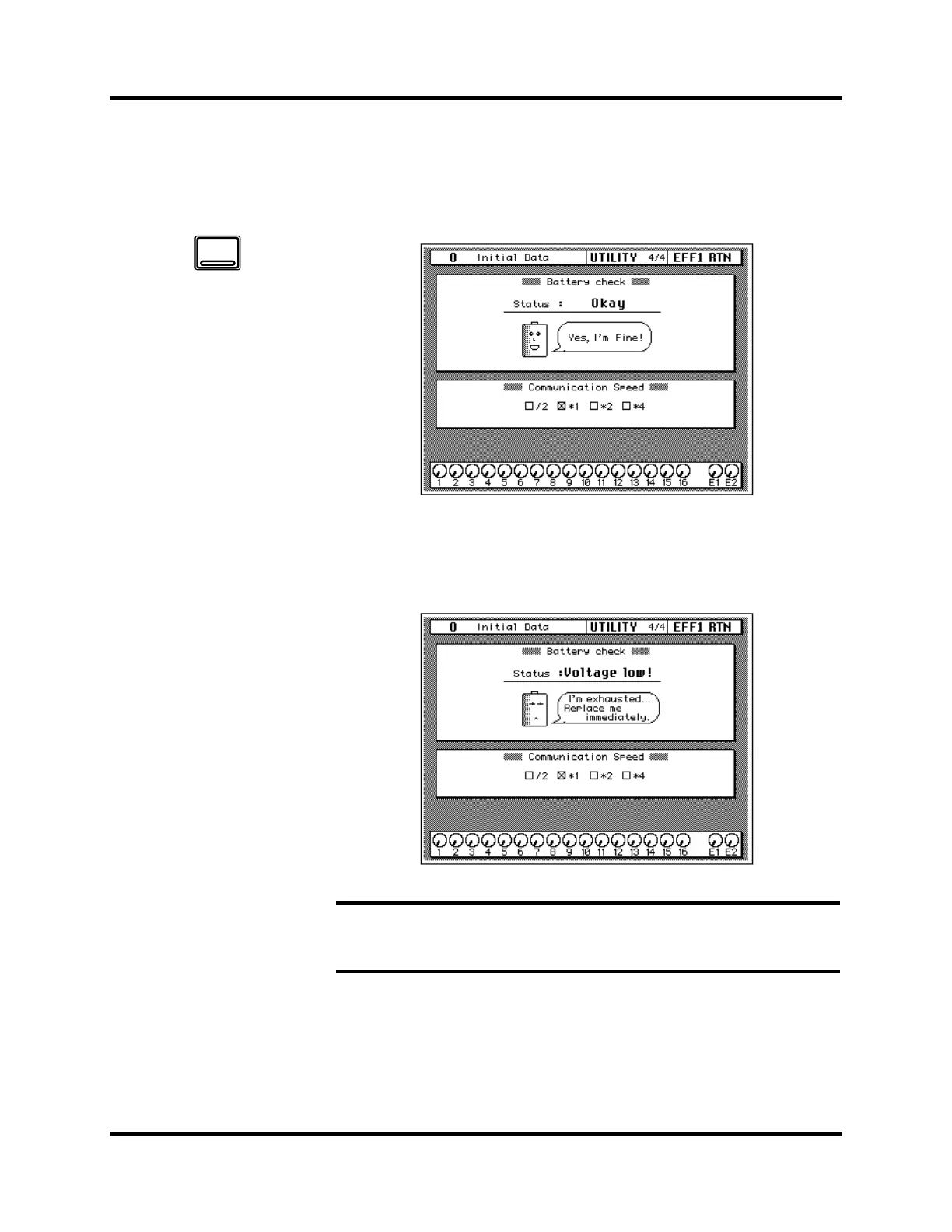
Shown below is the UTILITY 4/4 page—Battery Check.
If there is enough battery capacity, the battery says “Yes, I’m fine!”
If the battery needs to be changed, it says, “I’m exhausted... Replace me
immediately.”, as shown below.
Note: If this message appears, your important data in memory, such as scene
memories, automix memories, and libraries, may be lost. Ask your nearest Yamaha
dealer or Yamaha Service Center to replace the battery as soon as possible.
1. Use the [UTILITY] button
to locate the UTILITY 4/4
page.
UTILITY



 To Next Page