MIDI 167
02R User’s Guide
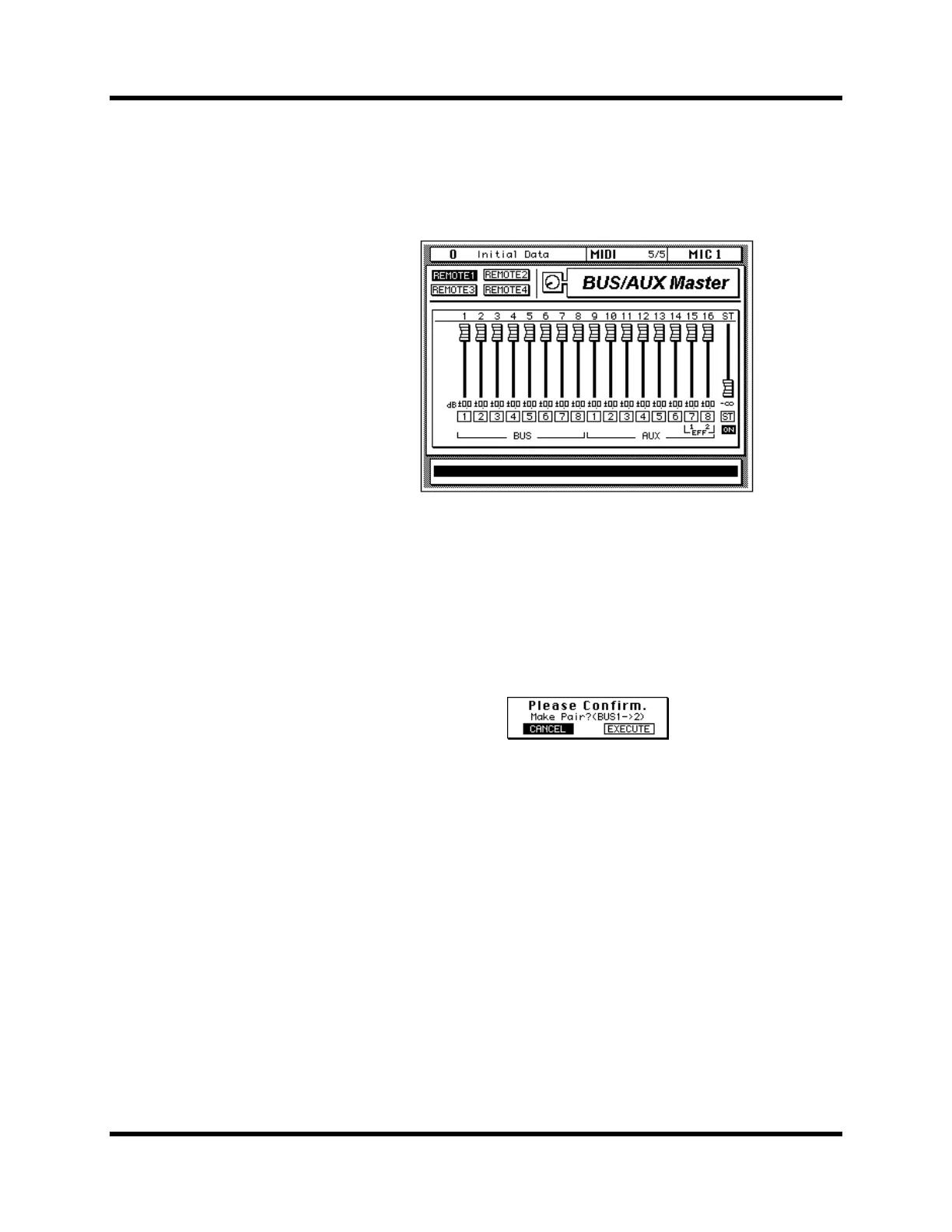
BUS/AUX Master
The Bus/Aux Master page is not really a MIDI Remote page because it
controls the bus out, aux send, and stereo master levels of the 02R itself.
Although similar to the METER 3/3 page, this page allows you to use the
02R faders instead of the encoder wheel to set the levels.
While the BUS/AUX Master page is selected, MIC channel [SEL] buttons 1
to 14 can be used to make and break bus and aux pairs. To make a pair,
press and hold the [SEL] buttons of both channels. When the Make Pair
dialog box appears, select EXECUTE to pair the channels. Which channel’s
settings are copied to the other channel depends on which [SEL] button
you press first. For example, if you press the MIC 1 [SEL] button and then
MIC 2 [SEL] button, the settings of the bus 1 channel are copied to the bus 2
channel, and vice versa. The Make Pair dialog box, shown below, indicates
in which direction the channels settings will be copied.
To cancel a channel pair, press both [SEL] buttons, and choose EXECUTE
on the Break Pair dialog box.



 To Next Page