Introductory Recording Tutorial 25
02R Getting Started Guide
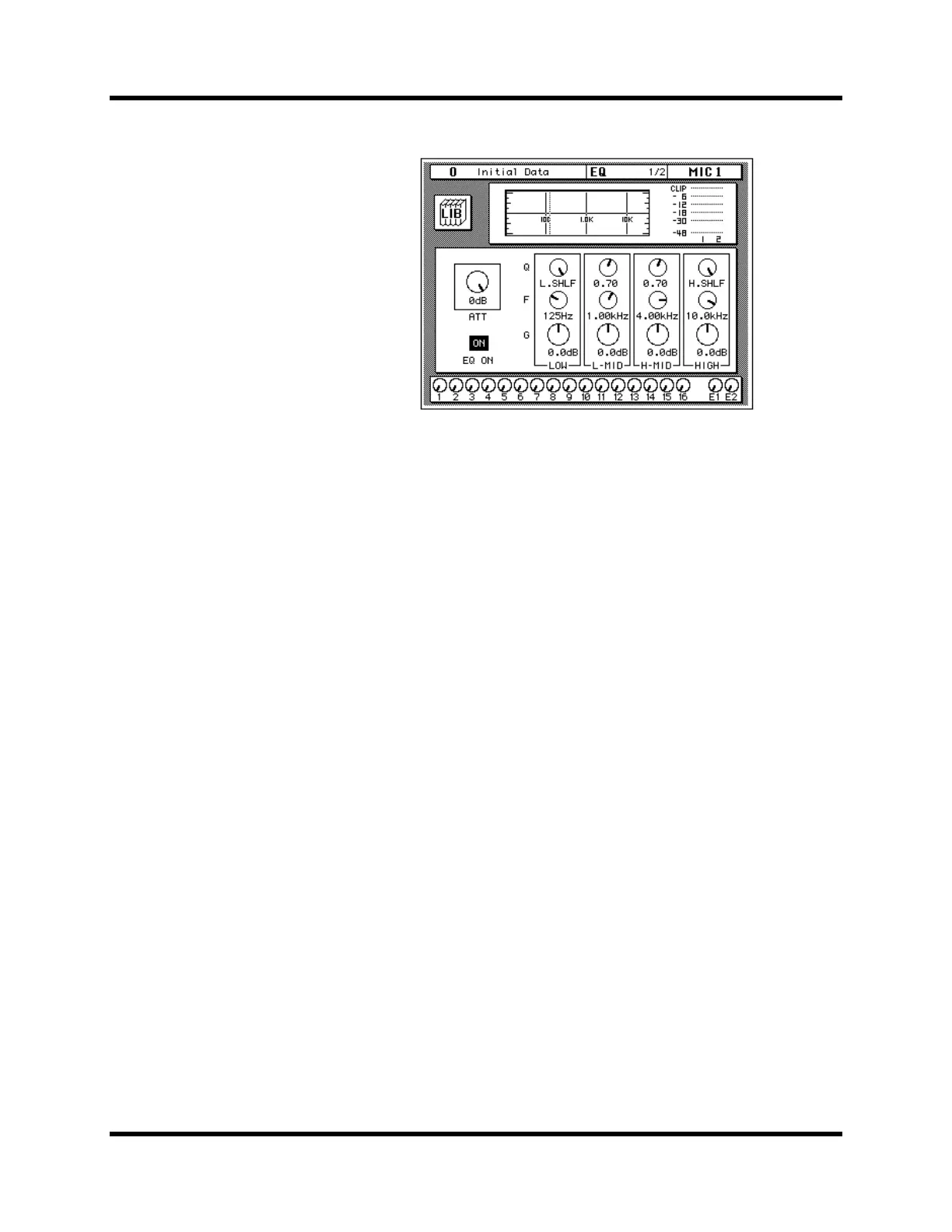
The EQ 1/2 page appears, showing the EQ curve and settings for
MIC/LINE 1.
3. Use the CURSOR buttons to select the EQ ON icon.
If the EQ is ON, the icon will be highlighted. The LED inset in the [EQ ON]
button of the SELECTED CHANNEL—EQUALIZER block controls will
also be illuminated.
4. To turn the EQ either on or off, press the [ENTER] button or the
[EQ ON] button.
The ON icon will change to OFF. The LED inset in the [EQ ON] button will
no longer be illuminated.
Turn the EQ on for the remainder of this tutorial.
Setting the Gain
1. Select the gain (G) icon for the LOW band using the CURSOR
buttons.
Alternatively, press the [LOW/HPF] button of the SELECTED
CHANNEL—EQUALIZER controls.
2. Rotate the encoder wheel clockwise to boost the gain.
Alternatively, you could use the EQUALIZER G control.



 To Next Page