Introductory Recording Tutorial 37
02R Getting Started Guide
Selecting the Routing
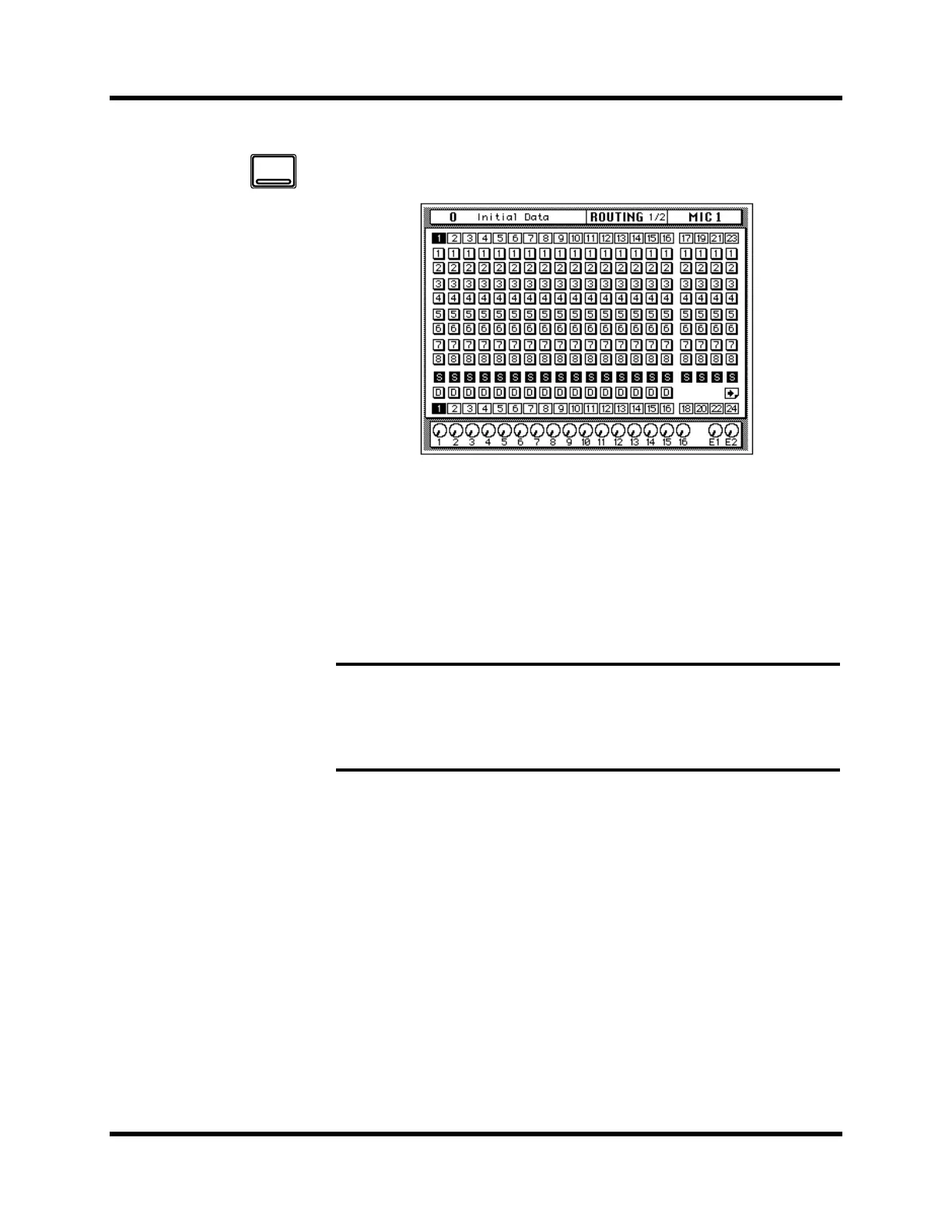
1. Use the [ROUTING] button to locate the ROUTING 1/2 page shown
below.
2. Use the ROUTING buttons of the SELECTED CHANNEL controls to
route the MIC/LINE 1 channel.
As you press the ROUTING buttons, the LED inset in the button
illuminates and the corresponding icon on the ROUTING page appears
highlighted.
You can also operate the routing using the CURSOR buttons to move to the
desired routing icon and pressing the [ENTER] button.
Note: When you select a route, the signal from the channel will be routed to the
selected bus. The output from that bus will appear at the corresponding outputs of
all the I/O cards installed in the 02R. The only exception is when you are using I/O
cards in slots 1 and 2 for direct output. See “Routing” on page 39 of the User’s
Guide for further details.
ROUTING



 To Next Page