Introductory Recording Tutorial 39
02R Getting Started Guide
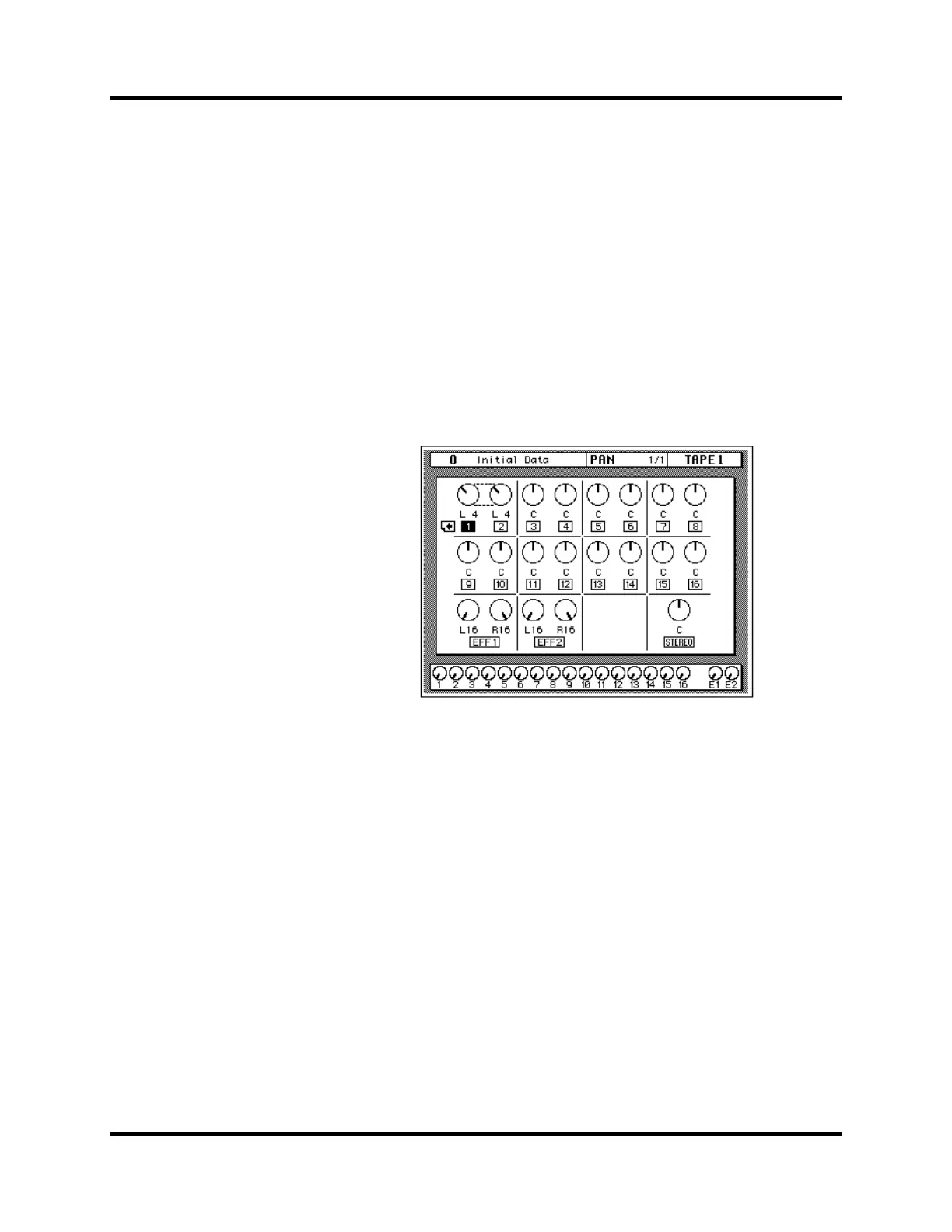
Ganging Pans
You can gang the pan controls of two adjacent channels for simultaneous
pan adjustment
1. Press the [SEL] button for MIC/LINE 1.
You can also select the MIC/LINE 1 icon using the CURSOR buttons.
2. Press the [ENTER] button to connect the channels together.
You can also gang channels together by simultaneously pressing the
[L/ODD] and [R/EVEN] buttons of the PAN block of the SELECTED
CHANNEL group.
Ganged pan is indicated by a pair of dotted lines between the pan controls,
as shown below.
When you adjust one channel, the ganged channel also moves by a
corresponding amount. For further details, see “Pan Gang” on page 37 of
the User’s Guide.



 To Next Page