Configuring network connection
En 15
English
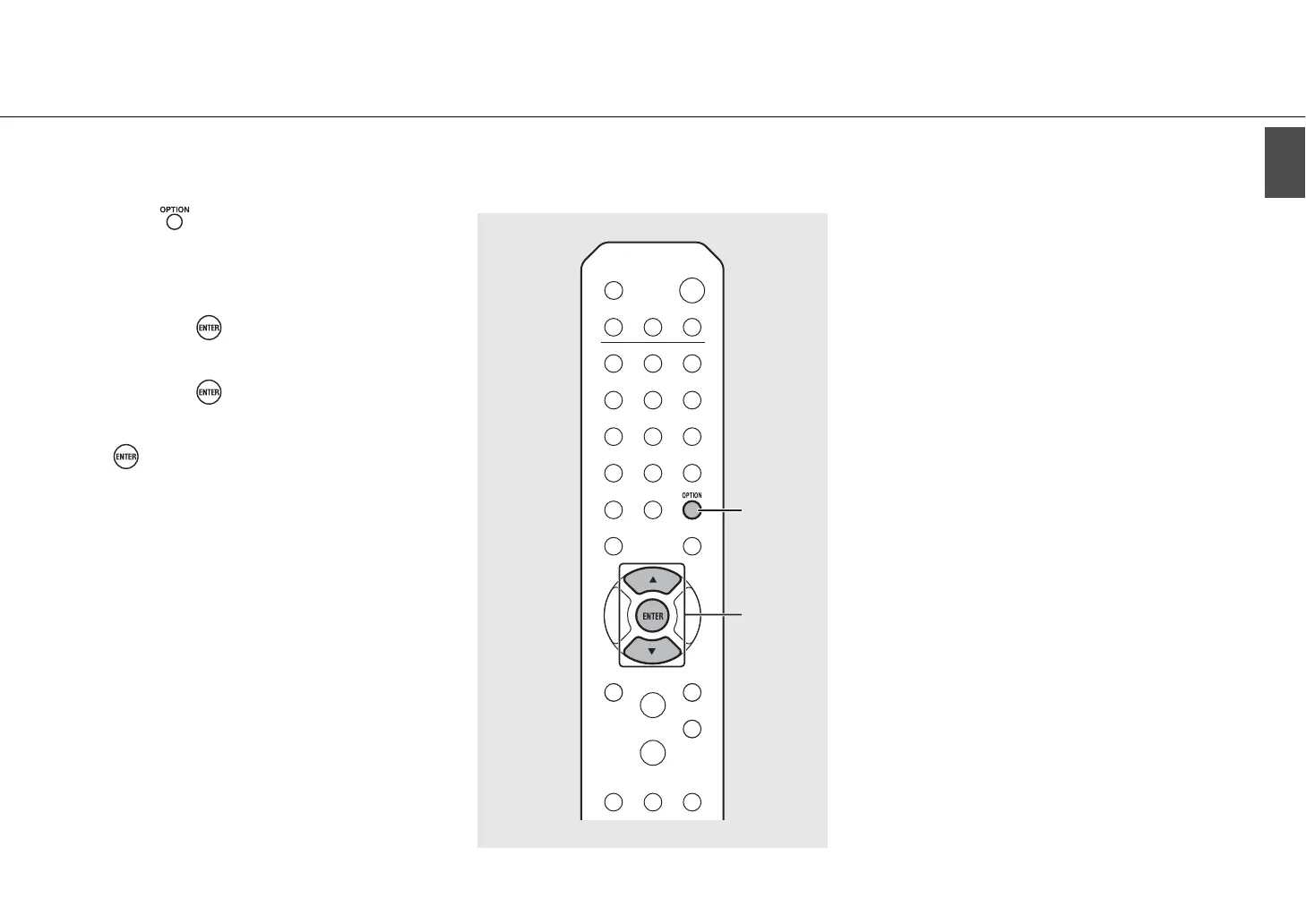
1 Press .
• The option menu is shown on the front panel
display.
2 Select [Network Config] with S/T,
and press .
3 Select [Select Network] with S/T,
and press .
4 Select [Wired] with S/T, and press
.
• By default, [Wired] is set for the unit.
S/T
ENTER
2, 3, 4
OPTION
1


 To Next Page
 Loading...











