More on playback
En 39
English
Presetting network
contents
You can preset the network content being played back.
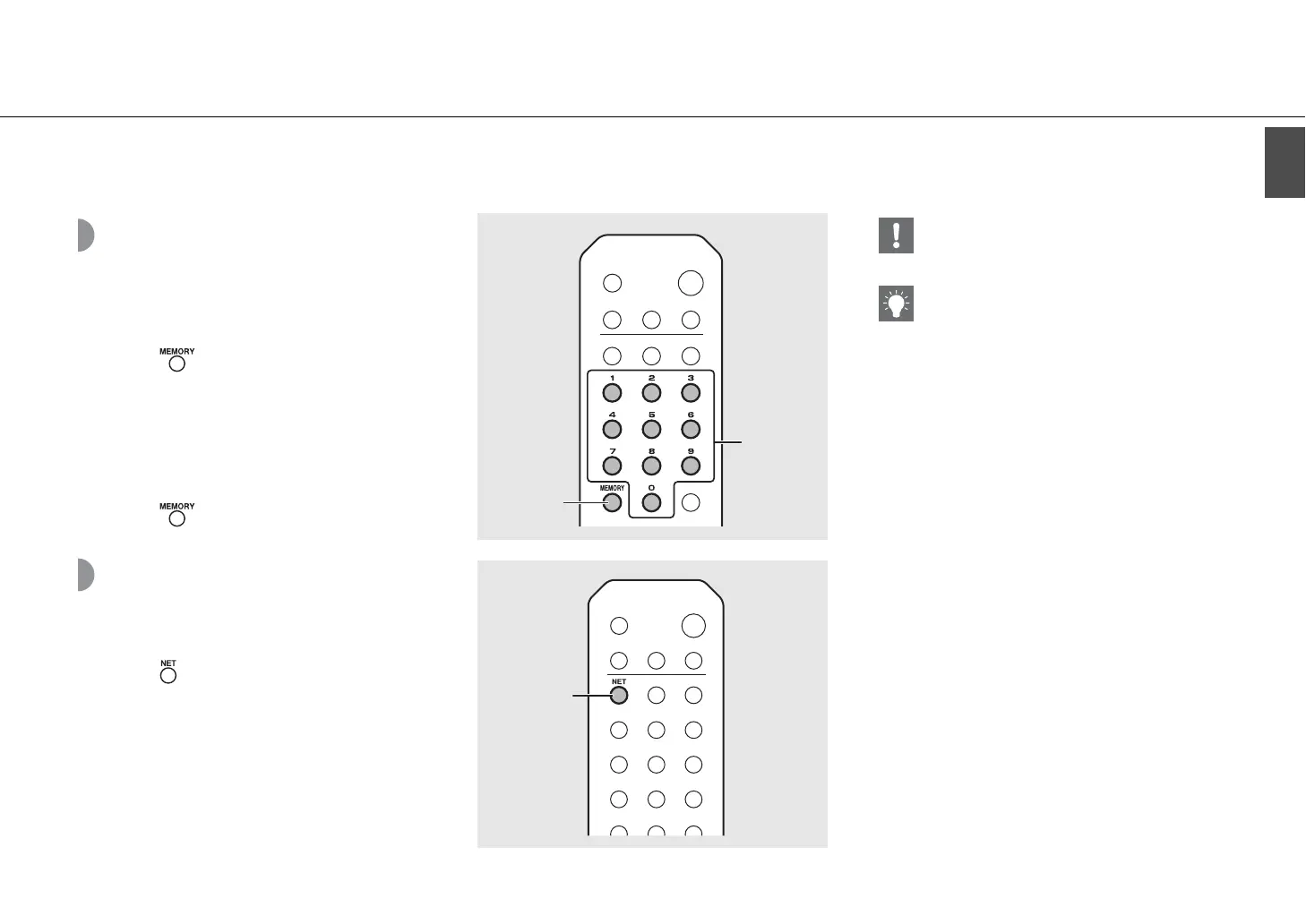
1 Press during the playback of the
network content.
• Start presetting.
2 Enter the desired preset number using
the numeric buttons.
3 Press to preset the station.
Selecting preset
network content
1 Press .
2 Enter the preset number using the
numeric buttons.
• When the network is connected, the content preset for
the input preset number is played back.
• If the source being used is not the selected content, the
current source is replaced with the selected content.
2
MEMORY
1, 3
NET
1
• If the input preset number already has content
registered, the content is overwritten.
• If
A is pressed during presetting, the unit enters in
the standby mode and the preset is canceled.
• The preset is available for the following sources:
- Internet radio
- Server
- Streaming service (may be unavailable for some
areas)
• You can set the preset number from 1 to 37.


 To Next Page
 Loading...











