Listening to the FM radio stations
En 33
English
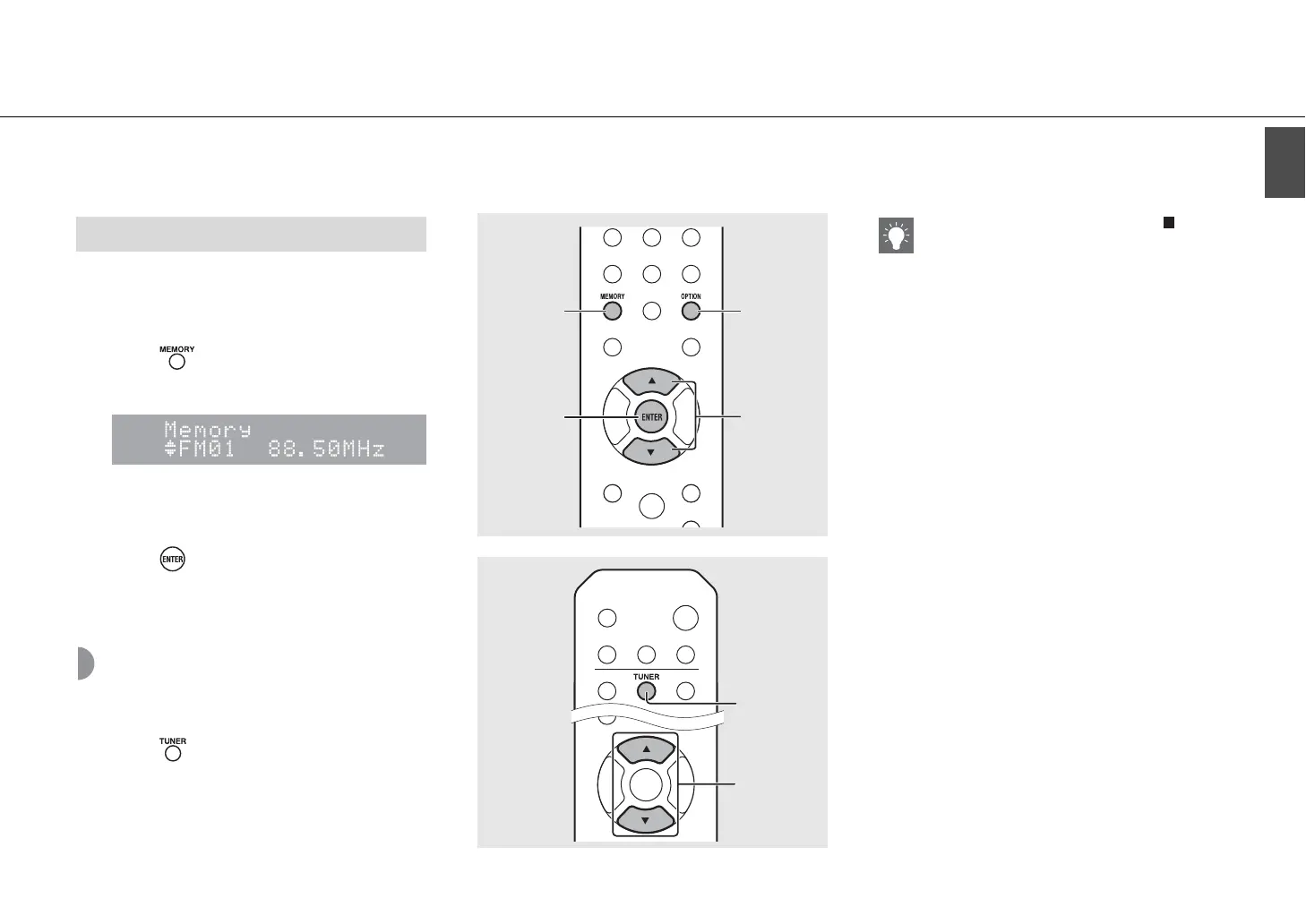
1 Tune into a station you want to preset
(& P.32).
2 Press .
• Preset number flashes on the front panel display.
3 Press S/T to select the desired preset
number.
4 Press to preset the station.
Selecting preset FM
stations
1 Press .
2 Press S/T to select a station.
Manual preset
S/T
3
OPTION
ENTER
4
MEMORY
2
TUNER
1
S/T
2
• To cancel manual preset setting, press .
Deleting a preset station
Use the option setting to delete a preset station.
1 Press OPTION when the source is FM.
- The option menu is shown on the front panel
display.
- To cancel deleting preset stations, press
OPTION.
2 PressS/Tto select [Preset Delete] and press
ENTER.
3 Press S/T to select the preset number to
be deleted.
4 Press ENTER.
- The preset station is deleted and [Deleted!] is
shown on the front panel display.
5 Press OPTION to finish the option setting.


 To Next Page
 Loading...











