More on playback
40 En
Presetting music
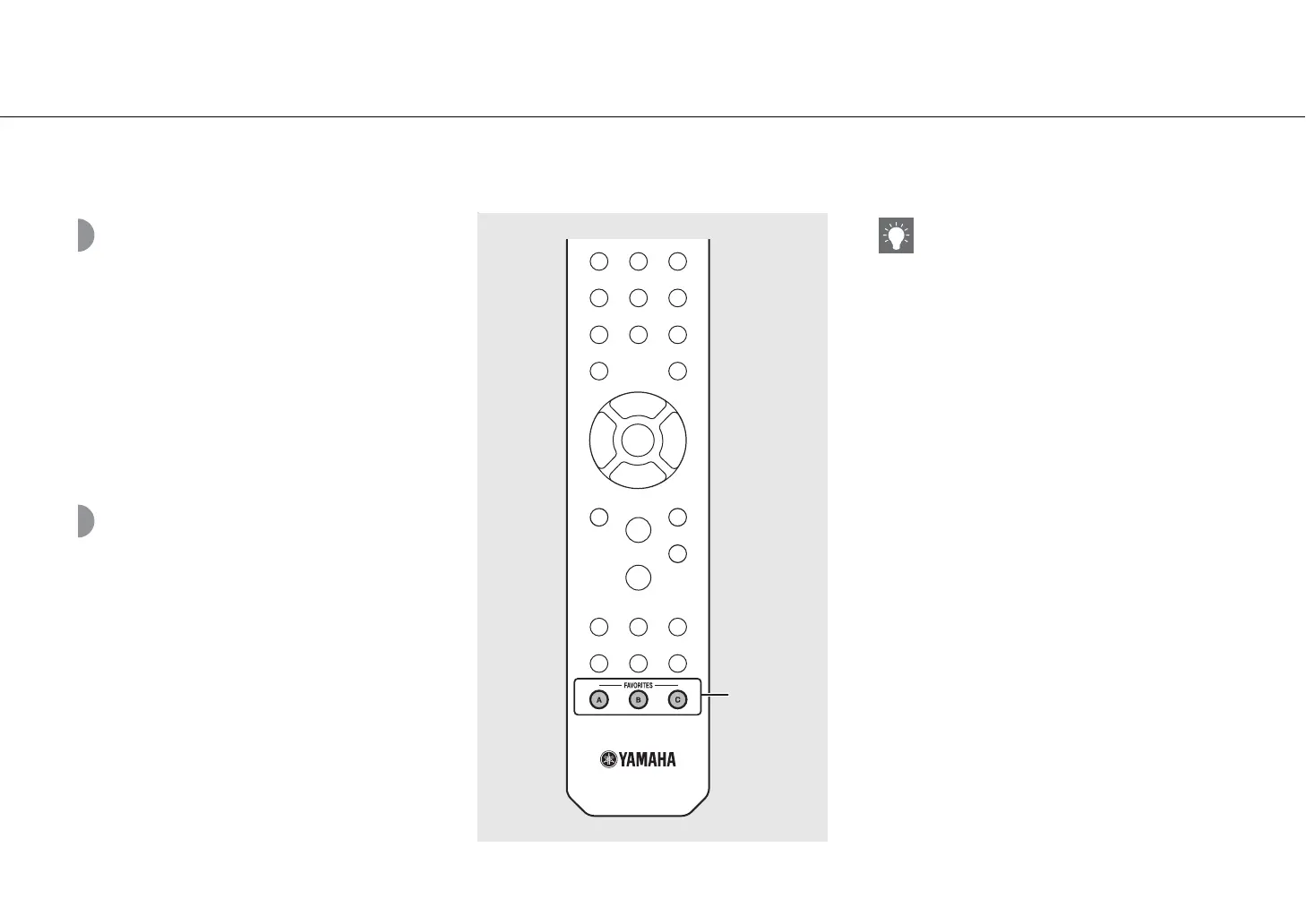
contents to FAVORITES
You can register your favorite content to the FAVORITES
buttons (A to C) to easily play back the content.
Press and hold any of the FAVORITES
buttons (A to C) during the playback of the
content.
• The content being played back is registered to the
FAVORITES button.
Selecting network
content registered to
FAVORITES
Press the FAVORITES button (A to C) with
the content registered.
• The content is being played is switched to that
registered to the pressed FAVORITES button.
?
FAVORITES
(A to C)
• The operation when the registered FAVORITES
buttons are pressed depends on the input sources
of the registered contents (& P.41).


 To Next Page
 Loading...











