En 29
English
Listening to DAB stations (CD-NT670D only)
You can listen to radio of higher quality sound with Digital Audio Broadcasting (DAB) and DAB+ (upgraded version of DAB).
Connect the supplied antenna (& P.9) and perform an initial scan before you tune into DAB for the first time.
Initial scan
Press repeatedly to select [DAB].
• Initial scan starts automatically when you select [DAB]
for the first time.
• When scanning is complete, the number of receivable
DAB stations is shown on the front panel display
momentarily, and the first station stored in station order
is played.
Tuning in DAB stations
1 Press repeatedly to select [DAB].
• When the unit cannot receive the DAB signal, “Off
Air” is shown on the front panel display.
2 Press W/X to select a DAB station.
TUNER
1
W/X
2
• You can also perform initial scan from the option
setting.
1 Press when the source is DAB.
- Option menu is shown on the front panel
display.
2 Press S/T to select [Initial Scan] and press
.
- Initial scan starts and finishes automatically.
• If the initial scan is performed, stored DAB station
information and preset DAB stations are cleared.
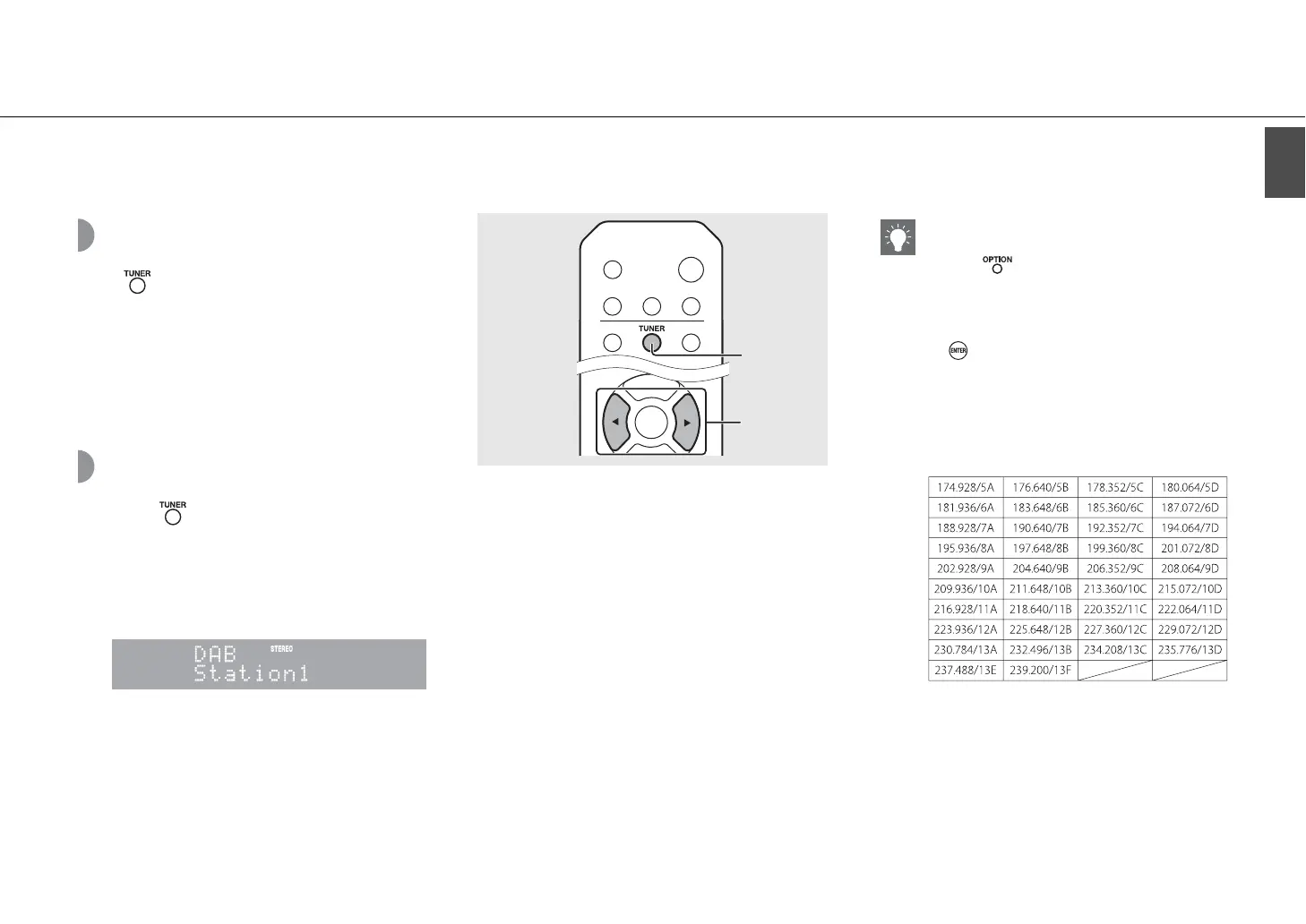
• This unit can receive only Band III DAB frequencies.
Frequency in MHz/Channel label



 To Next Page
 Loading...










