22 En
Playing back music on USB devices
This unit allows playback USB devices which music files are recorded.
For details on playable USB devices, see “Supported devices/medias” (P.53).
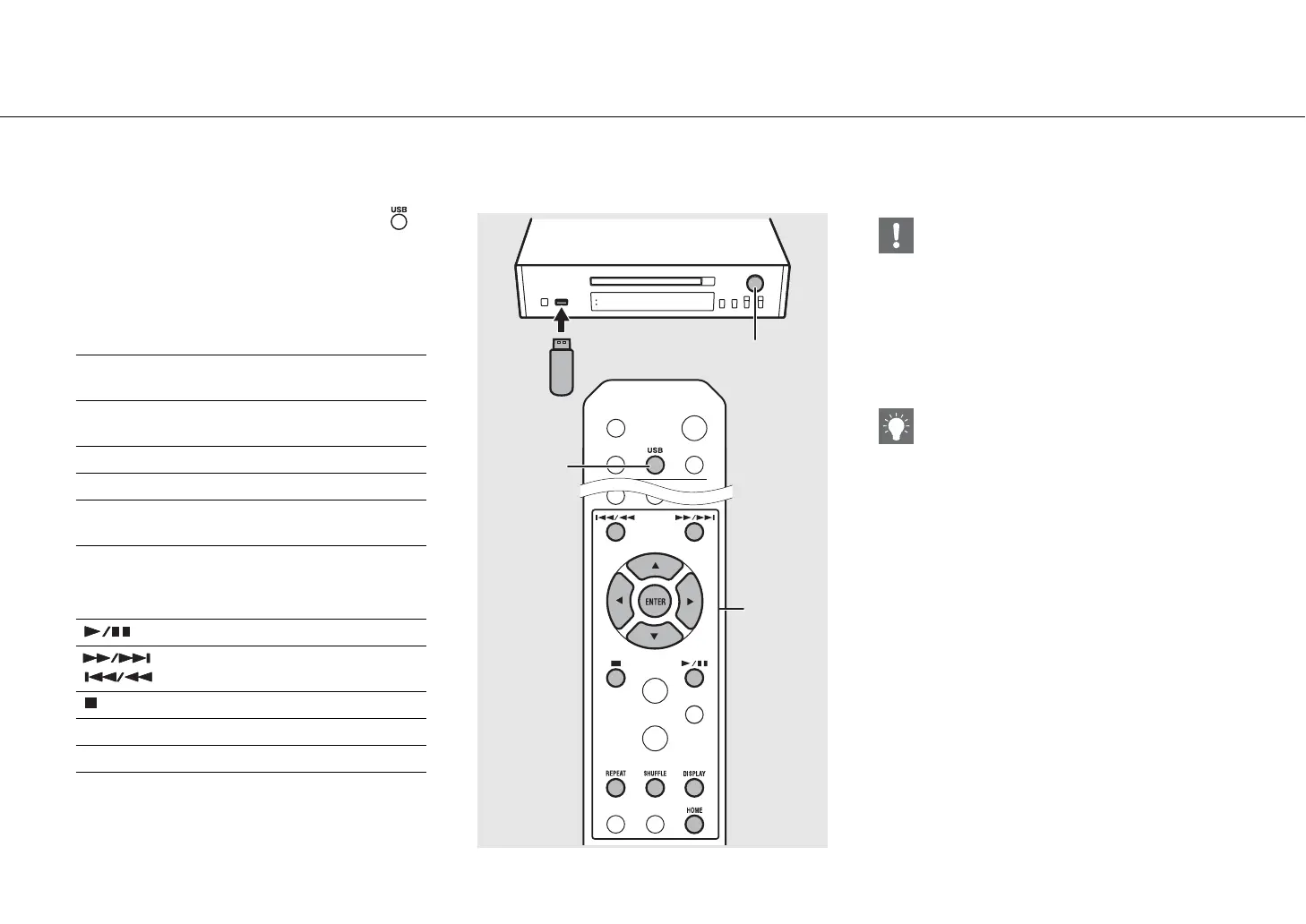
1 Turn INPUT to select [USB] or press
on the remote control.
2 Connect a USB device to the USB port.
3 Browse and select a song.
4 Playback starts.
S
T
Shows other item.
ENTER/X
Confirms the selected item and proceeds
to the next level or start playback.
HOME Shows the top-level item.
W Returns to the previous item.
DISPLAY
Finishes browsing and displays the
playback content information.
Play/pause
/ Moves to the next or previous song in the
folder.
Stop
SHUFFLE Starts shuffle playback (& P.37).
REPEAT Starts repeat playback (& P.37).
INPUT
1
USB
1
2
3
, 4
• Some USB devices may not work properly even if
they meet the requirements. Playability of and
power supply to all USB devices are not
guaranteed.
• Yamaha and suppliers do not accept any liability
for the loss of data saved on a USB device
connected to the unit. As a precaution, it is
recommended to make backup copies of
important files.
• Stop playback before disconnecting the USB device.
• A USB device is automatically charged when it is
connected to the unit, except in the eco standby
mode.


 To Next Page
 Loading...











