Playing back songs in the computer
24 En
Playing back songs in
the PC
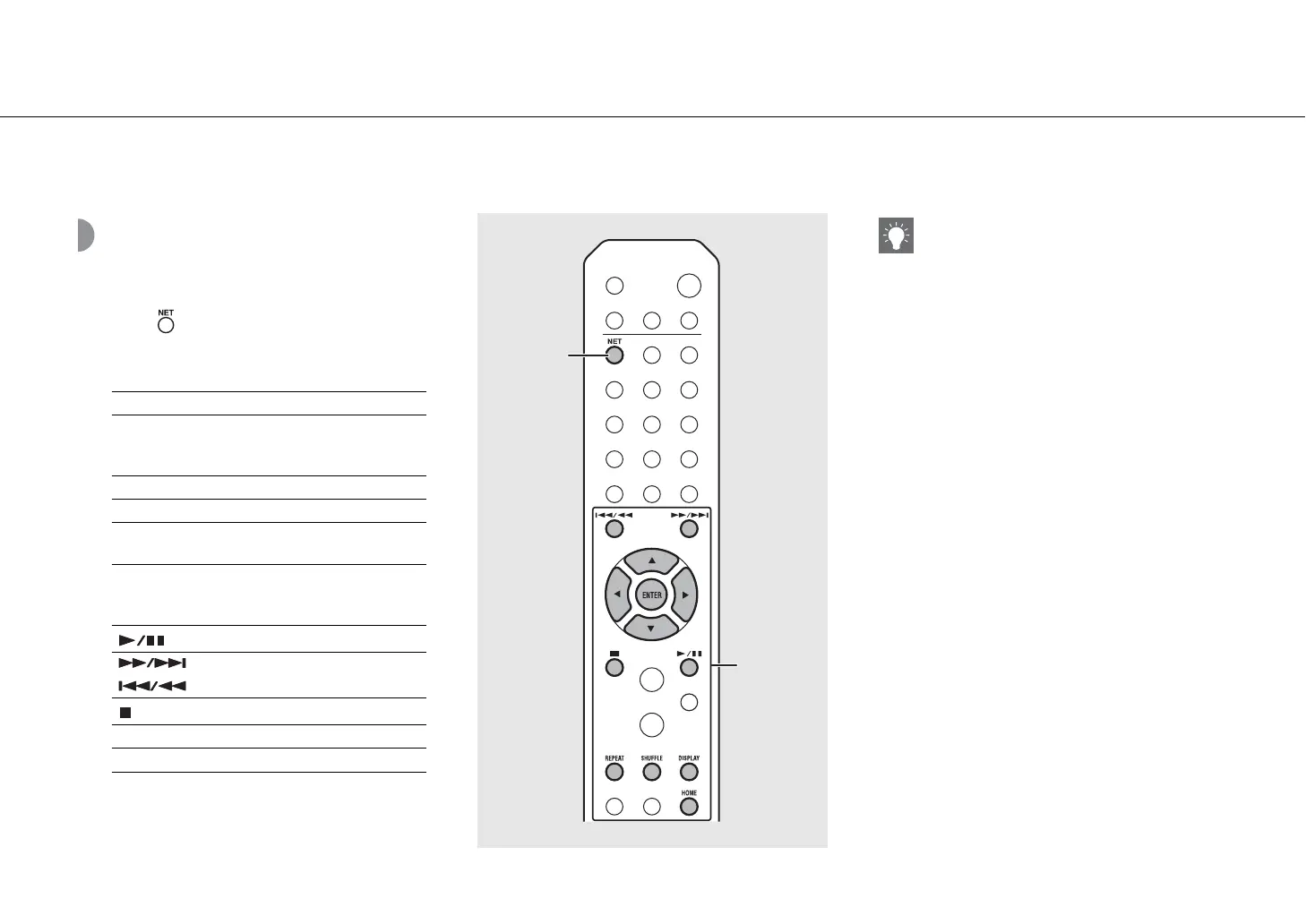
1 Press repeatedly and select [Server].
2 Browse and select a song.
3 Playback starts.
S/T Shows other item.
ENTER/X
Confirm the selected item and
proceed to the next level or start
playback.
HOME Show the top-level item.
W Back to the previous item.
DISPLAY
Finish browsing and display the
playback content information.
Play/pause
/
Move to the next or previous song
in the folder.
Stop
SHUFFLE Starts shuffle playback (& P.37).
REPEAT Starts repeat playback (& P.37).
NET
1
2
, 3
• If playback is not possible, check the network
connections and your router settings, and then
connect the unit and the PC to the same network.
• The music files in your PC can be preset (& P.39).


 To Next Page
 Loading...











