Configuring network connection
En 19
English
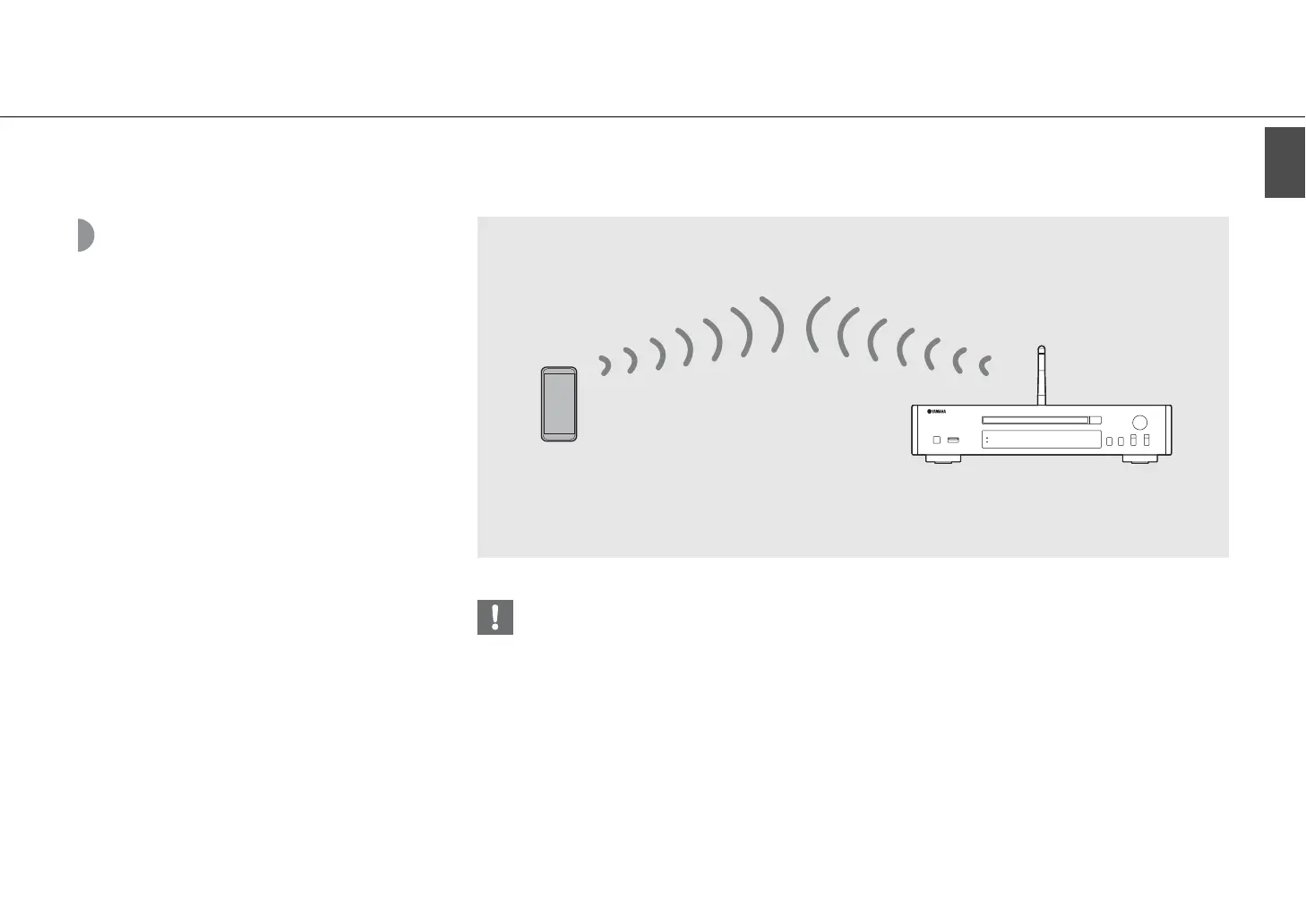
Establishing wireless
direct connection with
mobile device
Connect the unit directly with the mobile device
wirelessly.
Put up the wireless antenna of the unit in advance
(& P.13).
• You cannot simultaneously use this setting with the wired network connection or the wireless network connection.
• When using the Wireless Direct, you cannot connect the unit to the Internet. Therefore, the Internet services, such as the
Internet radio, are unavailable.
• For details about how to set Wi-Fi connection of the mobile device, see the user's guide of your mobile device.
This unit
Mobile device


 To Next Page
 Loading...











