CL Editor Owner’s Manual
48
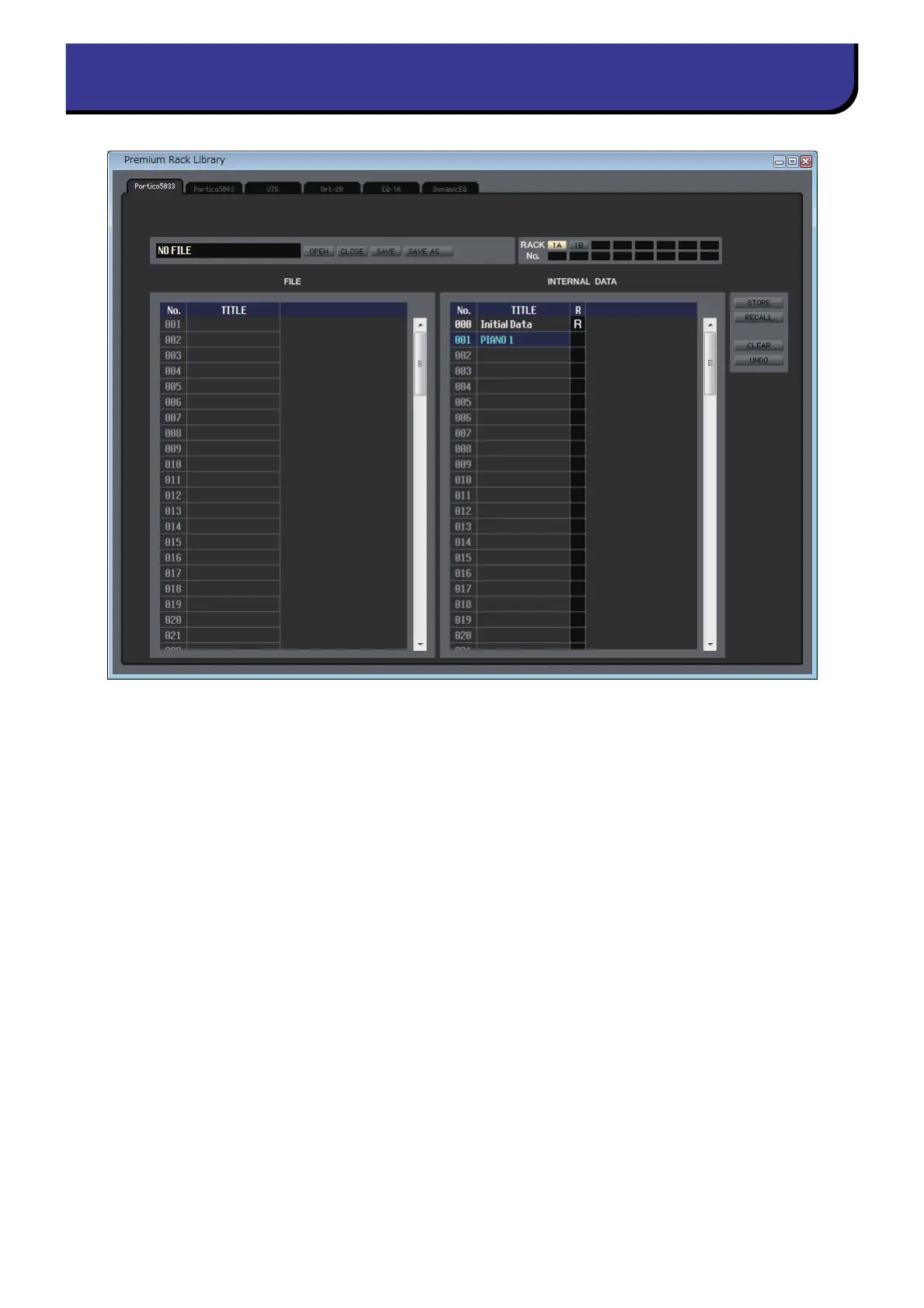
Here you can edit the libraries of each EQ or compressor of the PREMIUM rack. You can also load library files that were
saved on a drive of your computer, edit the order or title of library items, recall the desired library data, or copy desired
library data to a library within the CL.
This window is divided into Portico5033, Portico5043, U76, Opt-2A, EQ-1A, and DynamicEQ pages; to switch pages, click
the tabs located at the top of the window. To display this window, choose [Premium Rack Library] from the [Windows]
menu, and select either “Portico5033,” “Portico5043,” “U76,” “Opt-2A,” “EQ-1A,” or “DynamicEQ.”
The operating procedure is the same as for the Library window (➥ p.45.)
Premium Rack Library window



 To Next Page