CL Editor Owner’s Manual
88
Menu Action
Key operation
Windows Mac
File menu
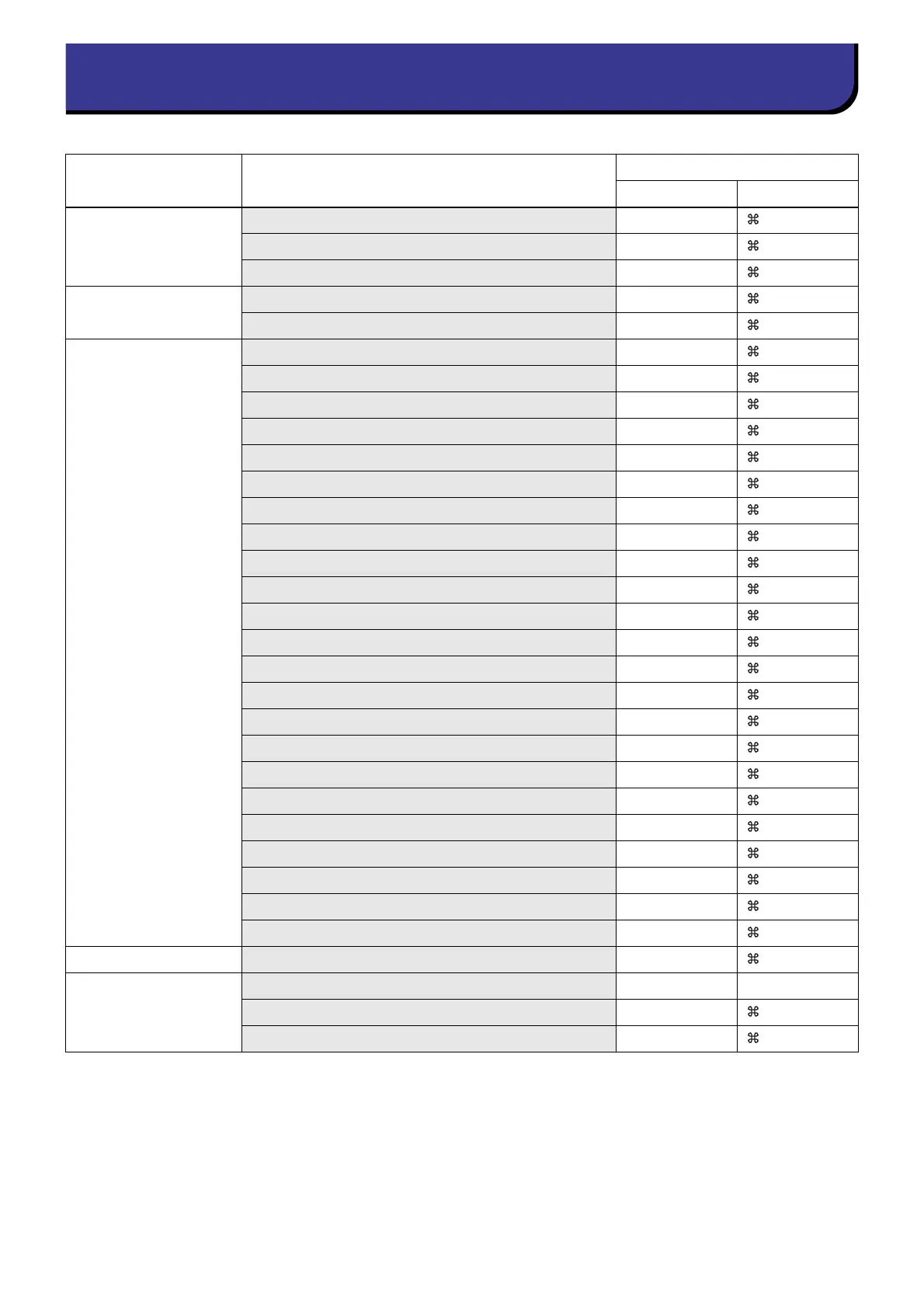
Creates a new Session Ctrl+N +N
Opens a previously saved Session Ctrl+O +O
Saves the current Session Ctrl+S +S
Edit menu
Undo Ctrl+Z +Z
Redo Ctrl+Y +Y
Windows menu
Closes the active window Ctrl+W +W
Closes all windows Ctrl+Alt+W +Option+W
Tiles all windows Ctrl+T +T
Cascades all windows Ctrl+Alt+T +Option+T
Opens the Master window Ctrl+1 +1
Opens the Sends On Fader window Ctrl+2 +2
Opens the INPUT CH (CH1-16) window Ctrl+Alt+1 +Option+1
Opens the INPUT CH (CH17-32) window Ctrl+Alt+2 +Option+2
Opens the INPUT CH (CH33-48) window Ctrl+Alt+3 +Option+3
Opens the INPUT CH (CH49-64) window (CL5, 3) Ctrl+Alt+4 +Option+4
Opens the INPUT CH (CH65-72) window (CL5) Ctrl+Alt+5 +Option+5
Opens the ST IN window Ctrl+Alt+6 +Option+6
Opens the MIX 1–16 window Ctrl+Alt+7 +Option+7
Opens the MIX 17–24 window Ctrl+Alt+8 +Option+8
Opens the MATRIX window Ctrl+Alt+9 +Option+9
Opens the STEREO/MONO window Ctrl+Alt+0 +Option+0
Opens the Selected Channel window Ctrl+3 +3
Opens the Library window Ctrl+4 +4
Opens the Patch Editor window Ctrl+5 +5
Opens the Virtual Rack window Ctrl+6 +6
Opens the Meter window Ctrl+7 +7
Opens the Group/Link window Ctrl+8 +8
Opens the Scene window Ctrl+9 +9
Synchronization menu
Opens the Re-Synchronize window Ctrl+0 +0
Library window or
SCENE MEMORY page
of the Scene window
Selects consecutive multiple items (memories) Shift+click shift+click
Selects non-consecutive multiple items (memories) Ctrl+click +click
Selects all memories in a section Ctrl+A +A



 To Next Page