CL Editor Owner’s Manual
83
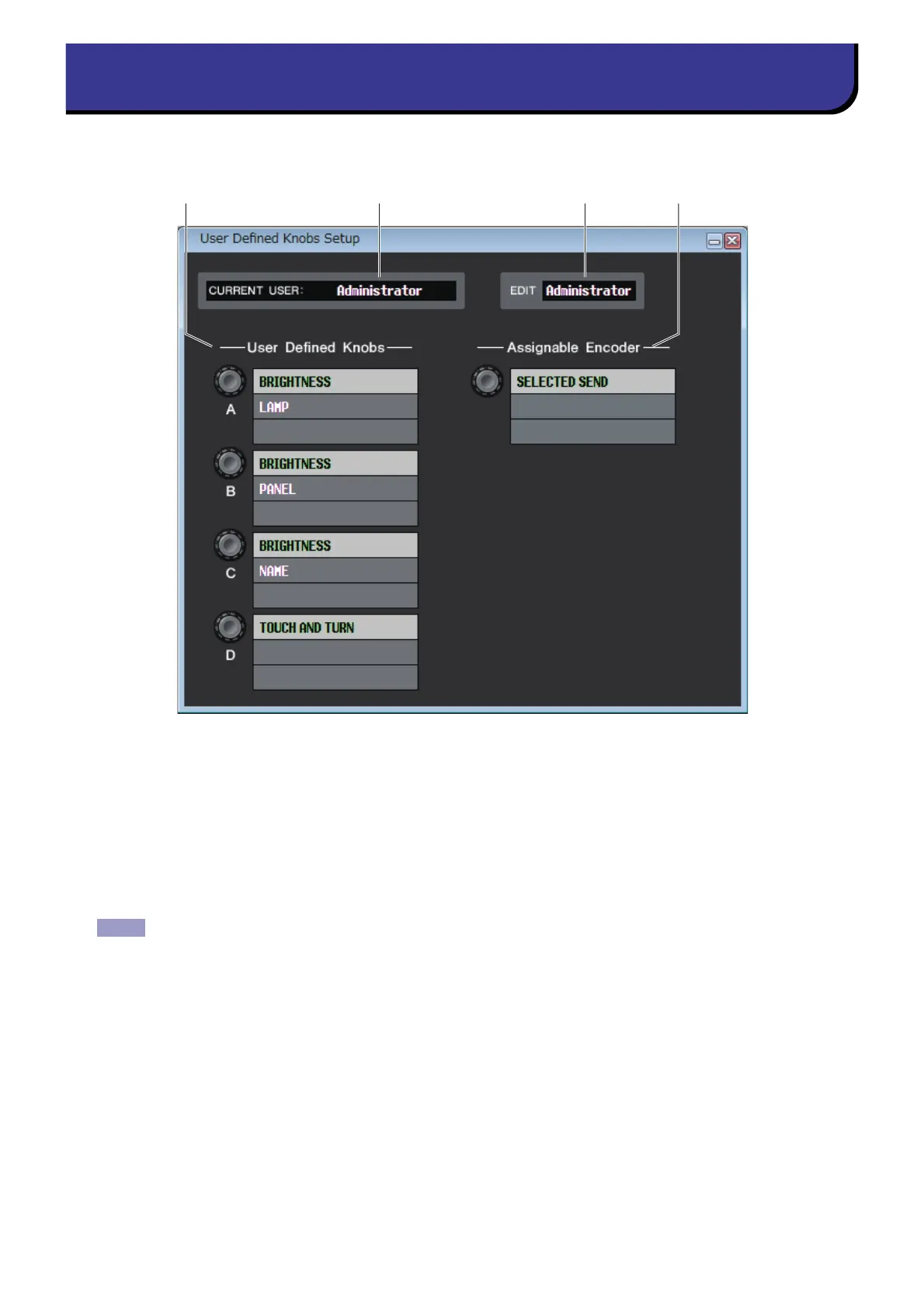
In this window, you can specify the functions or parameters to be assigned to the USER DEFINED knobs and ASSIGN
knob of the CL. Operation of each parameter is done by the USER DEFINED knobs and ASSIGN knob of the CL.
To open this window, choose [User Defined Knobs Setup] from [Windows] menu.
1 CURRENT USER
Displays the name of the user currently logged into the CL console. If the CL has not yet been synchronized with the
Editor, this field displays “Administrator.”
2 EDIT
Displays and enables you to specify the user level (Administrator, Guest, or Ext.User) of the User Defined knobs that
you are editing. “Ext.User” is the user who is currently logged into the CL console via a user authentication key stored
on a USB flash drive. You can select this user only when the CL console is synchronized with the Editor.
Ext.User’s User Defined knob settings will not be stored in a session file.
User Defined Knobs Setup window



 To Next Page