CL Editor Owner’s Manual
45
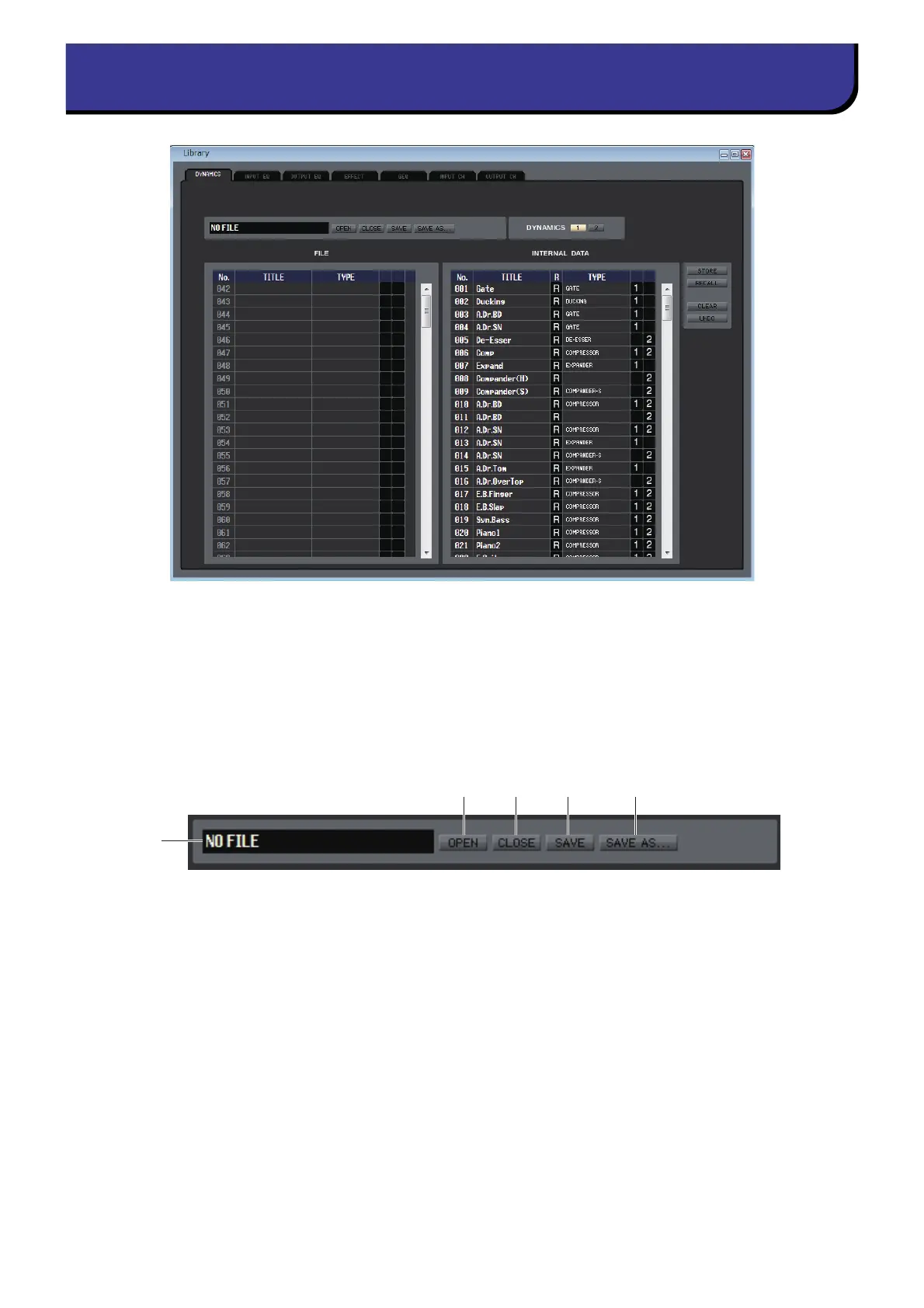
Here you can edit the CL’s various libraries. You can also load library files that were saved on a drive of your computer, edit
the order or title of library items, recall the desired library data, or copy desired library data to a library within the CL.
This window is divided into DYNAMICS, INPUT EQ, OUTPUT EQ, EFFECT, GEQ (Graphic Equalizer), INPUT CH, and
OUTPUT CH pages; to switch pages, click the tabs located at the top of the window.
To display this window, choose [Library] from the [Windows] menu, and select either “DYNAMICS,” “INPUT EQ,” “OUT-
P U T E Q,” “ E F F E C T,” “G E Q,” “I N P U T C H ,” o r “ O U T P U T C H .”
1 OPEN (Open a file)
Opens a library file located on a drive of your computer. Use this when you want to edit library data that you’ve saved
on a USB flash drive.
2 CLOSE (Close a file)
Closes the currently-open library file.
3 SAVE
Saves the currently-open library file on a drive of your computer. Use this to re-save an edited library on a USB flash
drive, or to create a backup on the hard disk of your computer.
4 SAVE AS (Save under a different name)
Saves the currently-open library file under a different name on a drive of your computer.
5 File name
Indicates the file name of the currently-open library.



 To Next Page