CL Editor Owner’s Manual
44
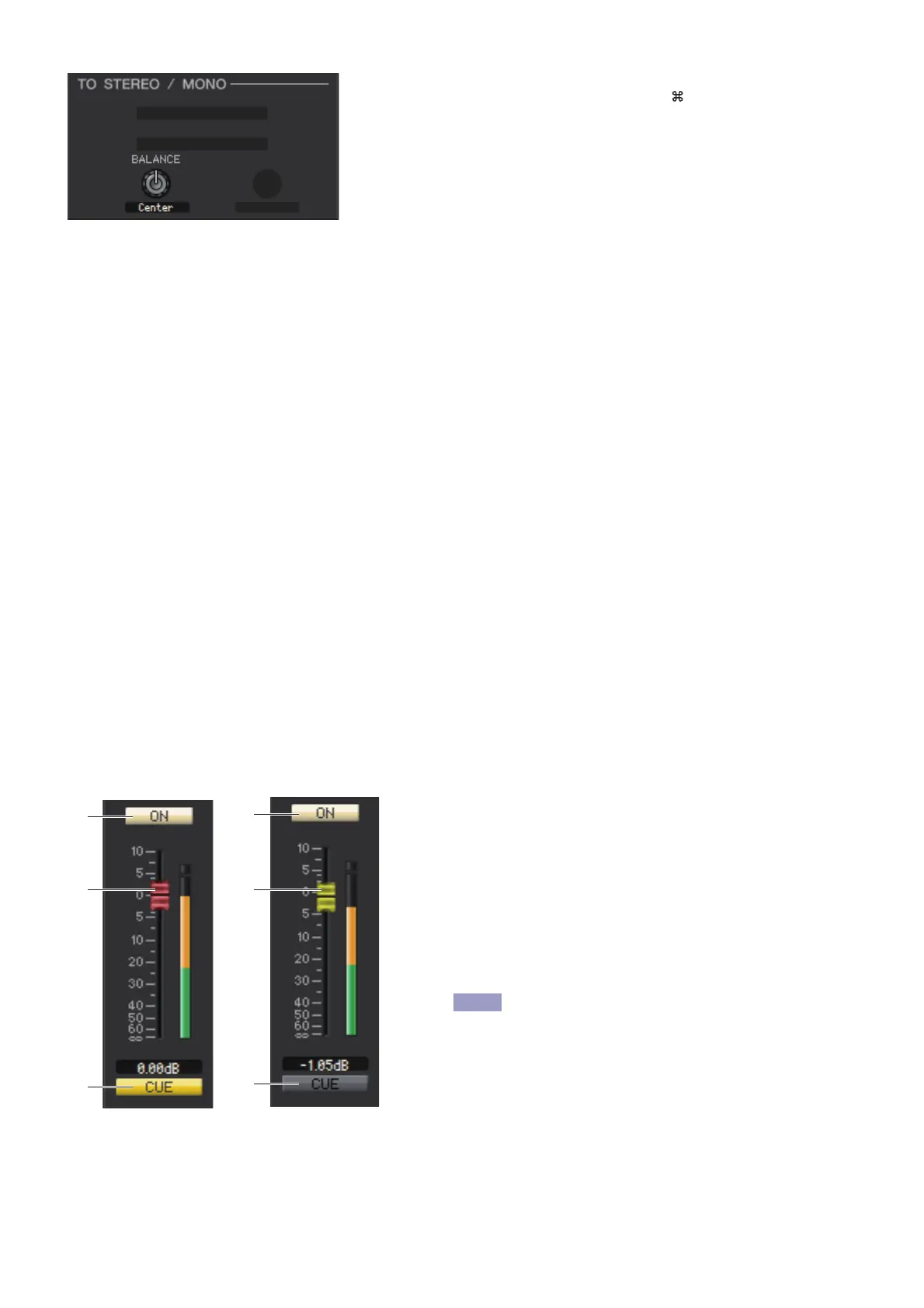
❏ BALANCE (except for MONO channel)
This adjusts the left/right volume balance in the STEREO bus. You can set this
to the center value by holding down the <Ctrl>(< >) key of your computer
keyboard and clicking this knob.
❏ EQ (Equalizer)
This is the same as the equalizer settings of a MIX channel (➥ p.39.)
❏ DYNAMICS1
Except for the fact that the available types are COMPRESSOR, EXPANDER, COMPAND H and COMPAND S, and
that you can select more than one signal as the key-in signal, this is the same as the dynamics for input channels
(➥ p.30.)
❏ INSERT
Except for the fact that the insert ports that can be selected are different, this is the same as for the insert settings of an
input channel (➥ p.34.)
❏ RECALL SAFE/MUTE SAFE
These are the same as the RECALL SAFE/MUTE SAFE of a MIX channel (➥ p.40.)
❏ MUTE GROUP
These are the same as the MUTE GROUP of a MIX channel (➥ p.40.)
❏ Fader
1 ON
This switches the STEREO/MONO channel on/off.
2 Fader
Adjusts the output level of the STEREO/MONO channel. A
meter indicating the signal level is shown at the right of the
fader, and the current value is shown in the numerical box
immediately below.
3 CUE
This button cue-monitors the signal of the STEREO/MONO
channel.
If the Channel Select/Sends On Fader checkbox
in the System Setup dialog box is not checked,
the [CUE] button will be hidden in the screen.



 To Next Page