CL Editor Owner’s Manual
55
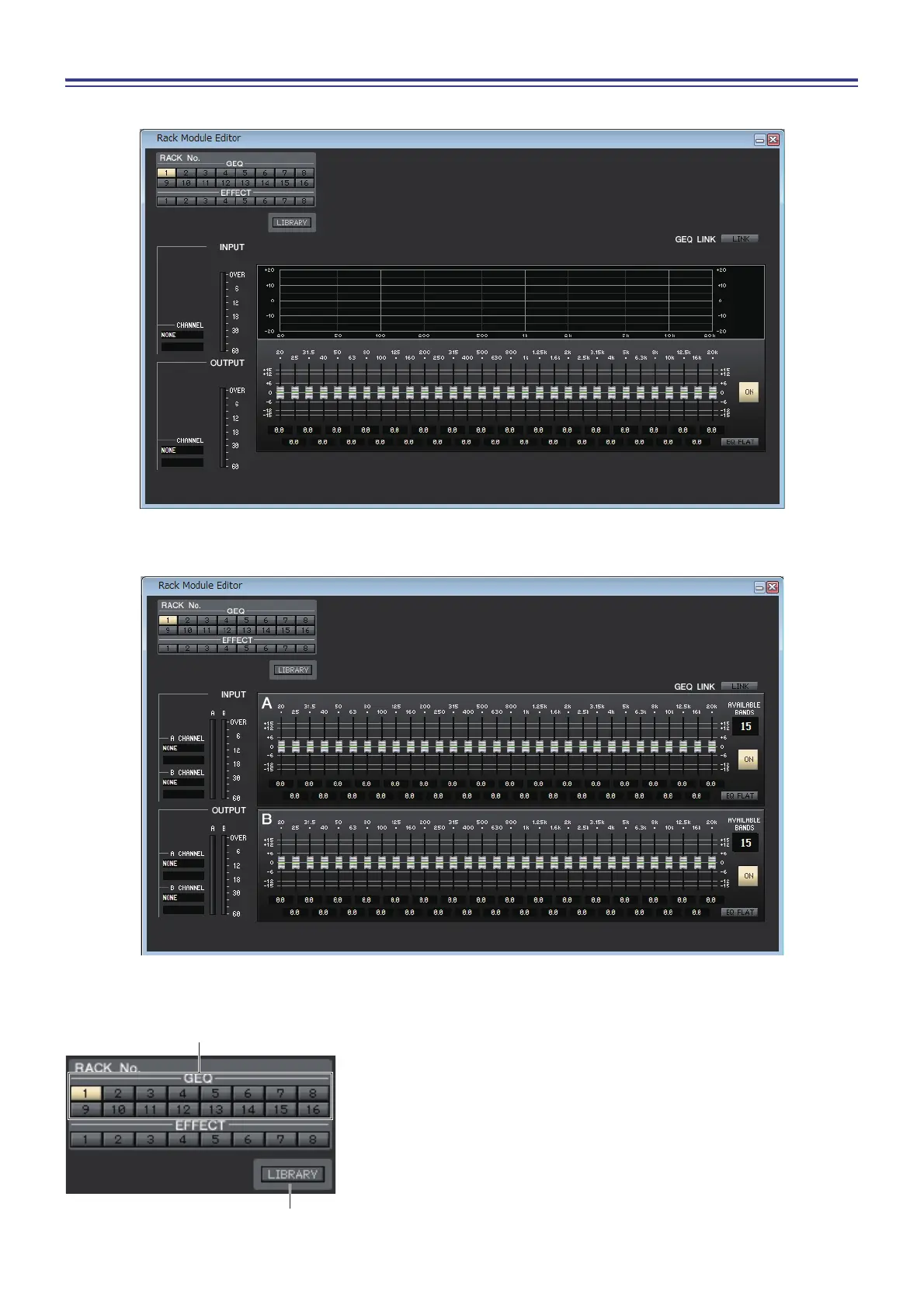
Rack module editor — GEQ window
In this window you can select the insertion destination of GEQ, and edit the parameters.
1 Rack No. (Rack selection)
Select the rack module of the GEQ rack that you want to control.
2 LIBRARY
This button accesses the GEQ library. Clicking this button will open the
GEQ page of the Library window.



 To Next Page