110 Chapter 12—Common Channel Functions
DM2000—Owner’s Manual
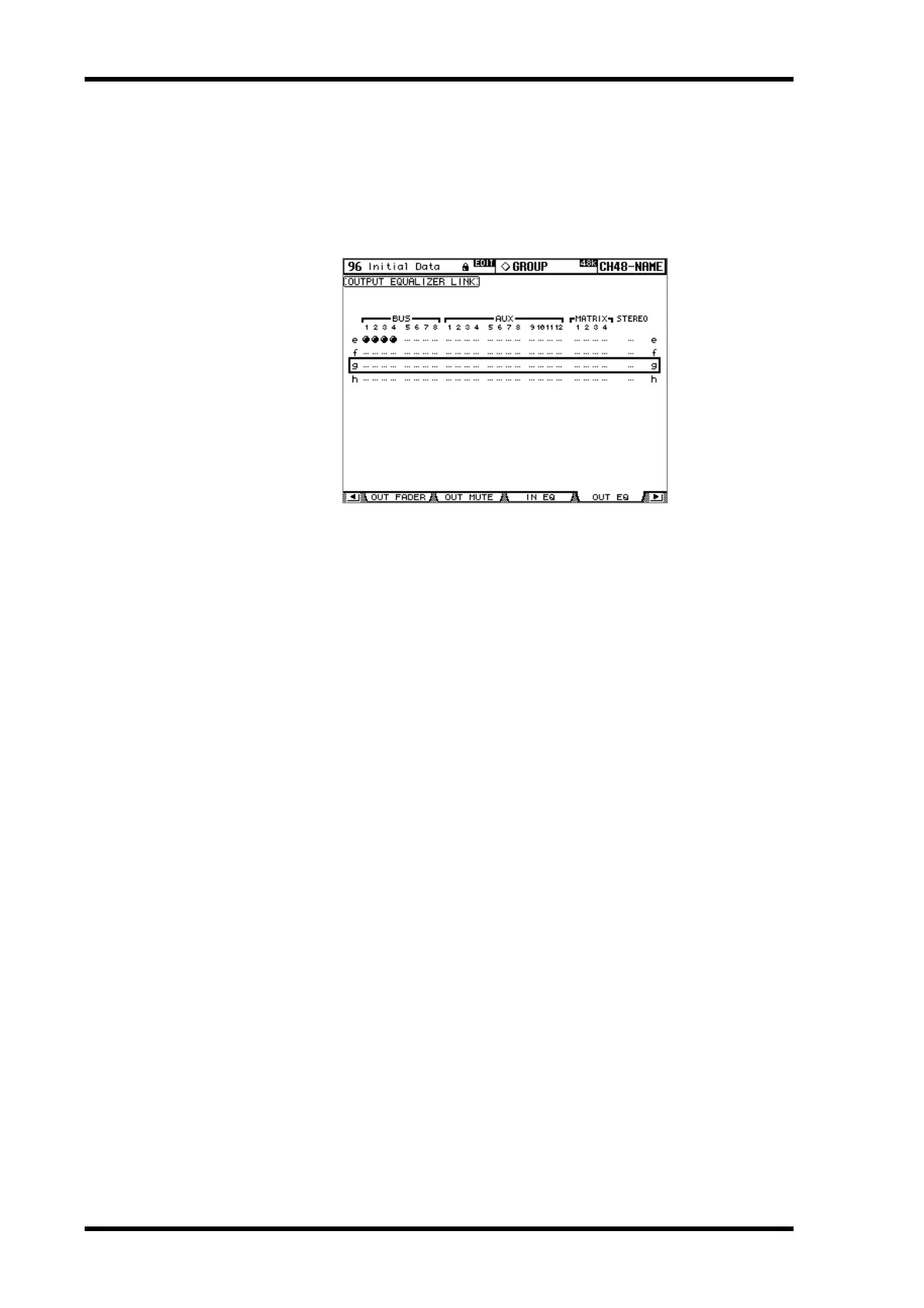
Grouping Output Channel EQs
The Bus Out, Aux Send, Matrix Send, and Stereo Out EQs can be grouped, allowing you to
control the EQ of several Output Channels simultaneously. There are four Output Channel
EQ groups: e, f, g, and h.
1 Use the DISPLAY ACCESS [GROUP] button to locate the Output Equalizer
Link page.
2 Press the LAYER [MASTER] button.
3 Use the Up/Down cursor buttons to select EQ groups e–h.
The selected group is highlighted by a flashing cursor box.
4 Use the [SEL] buttons to add and remove Output Channels to and from the
selected group.
The EQ settings of the first Output Channel added to the group are applied to all subse-
quently added Output Channels.
When an Output Channel is added to a group, its [SEL] button indicator lights up.



 To Next Page