76 Chapter 7—Input Channels
DM2000—Owner’s Manual
The currently selected Surround mode is displayed in the lower-left corner. When Stereo
mode is selected, the Bus Out routing buttons display numbers from 1 through 8. When a
Surround Pan mode is selected, they display abbreviations of the Surround Channel names,
as shown in the following table. See “Using Surround Pan” on page 77 for more informa-
tion.
Panning Input Channels
Input Channels can be panned between the left and right channels of the Stereo Out.
Using the Encoders
1 Use the LAYER buttons to select the Input Channel Layers.
2 Press the ENCODER MODE [PAN] button to select the Pan Encoder
mode.
3 Use the Encoders to pan the input channels.
Using the SELECTED CHANNEL PAN/SURROUND Controls
1 Use the LAYER buttons to select the Input Channel Layers, and use the [SEL]
buttons to select the Input Channels.
2 Use the Pan control to pan the currently selected Input Channel.
The pan display indicates the pan position of the currently selected Input Channel. When
pan is set to center, the center two segments light up. You can use the [L] and [R] buttons
to select horizontal or vertical Input Channel partners.
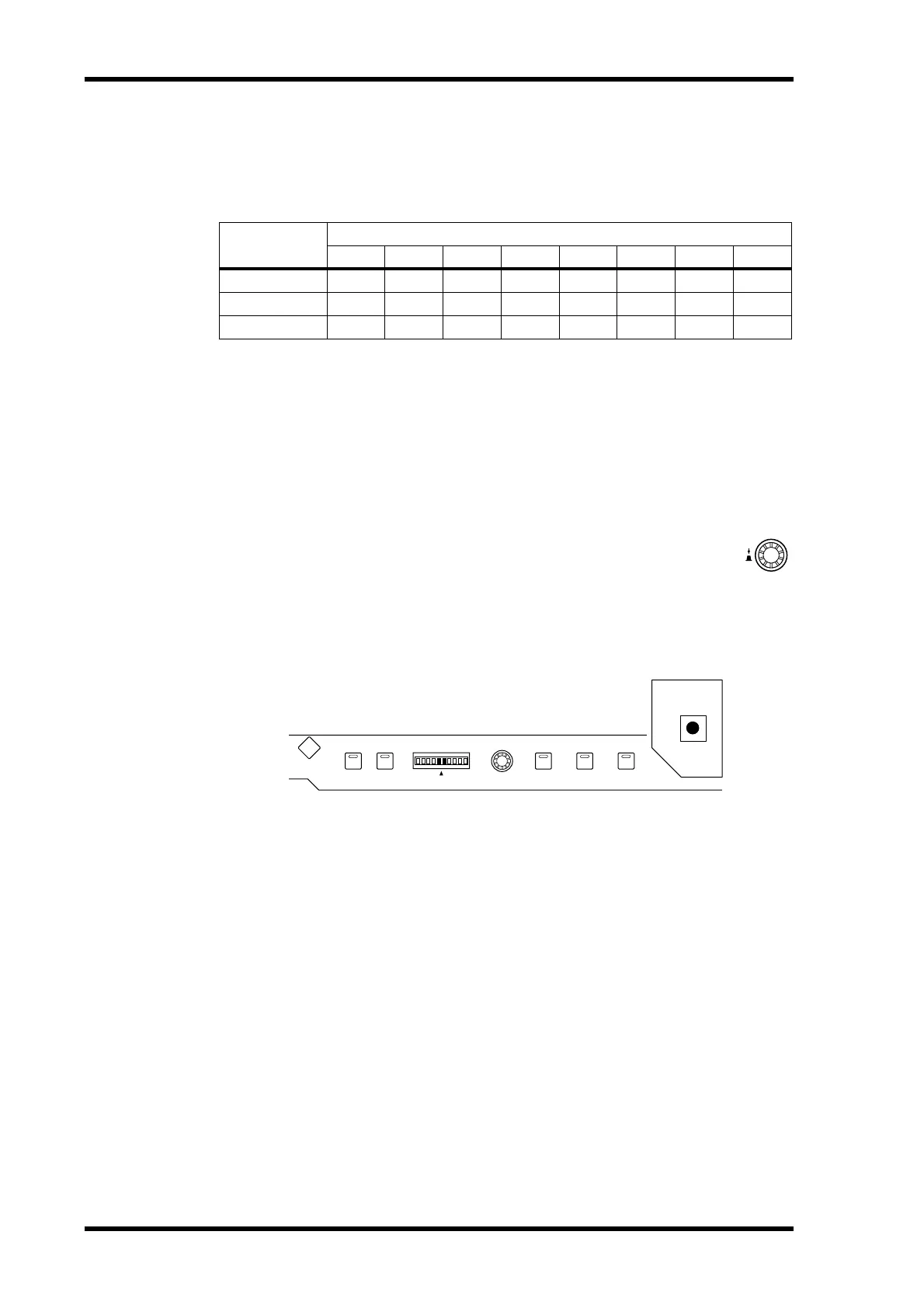
The [LINK] button, which is enabled only when a Surround mode other than Stereo is
selected, is used to link the Pan control and the Joystick so that either control can be used
for panning. It’s a global setting that applies to all Input Channels. For this to work, the
[EFFECT] button indicator must be off and the [GRAB] and [LINK] button indicators
must be on.
Pan Pages
Pan settings can be viewed and set on the Pan pages. If the Auto PAN/SURROUND Display
preference is on, these pages appear automatically when a control in the SELECTED
CHANNEL PAN/SURROUND section is operated. If both the [LINK] and [GRAB] button
indicators are on, these pages will also appear when the Joystick is operated. See “Auto
PAN/SURROUND Display” on page 234.
1 Use the SELECTED CHANNEL PAN/SURROUND [DISPLAY] button to select
the Input Channel Pan pages.
Surround Mode
Bus Outs
12345678
Stereo
12345678
3-1
LRCS5678
5.1
LRLsRs C
E
1
1. Short for LFE (Low frequency Effects).
78
LINK GRAB EFFECT
L
EVEN
R
L
R
PAN/SURROUND
DISPLAY
ODD



 To Next Page