Setting Parameters using Menu Mode
42
Advanced Techniques
DTX402K DTX432K DTX452K Owner’s Manual
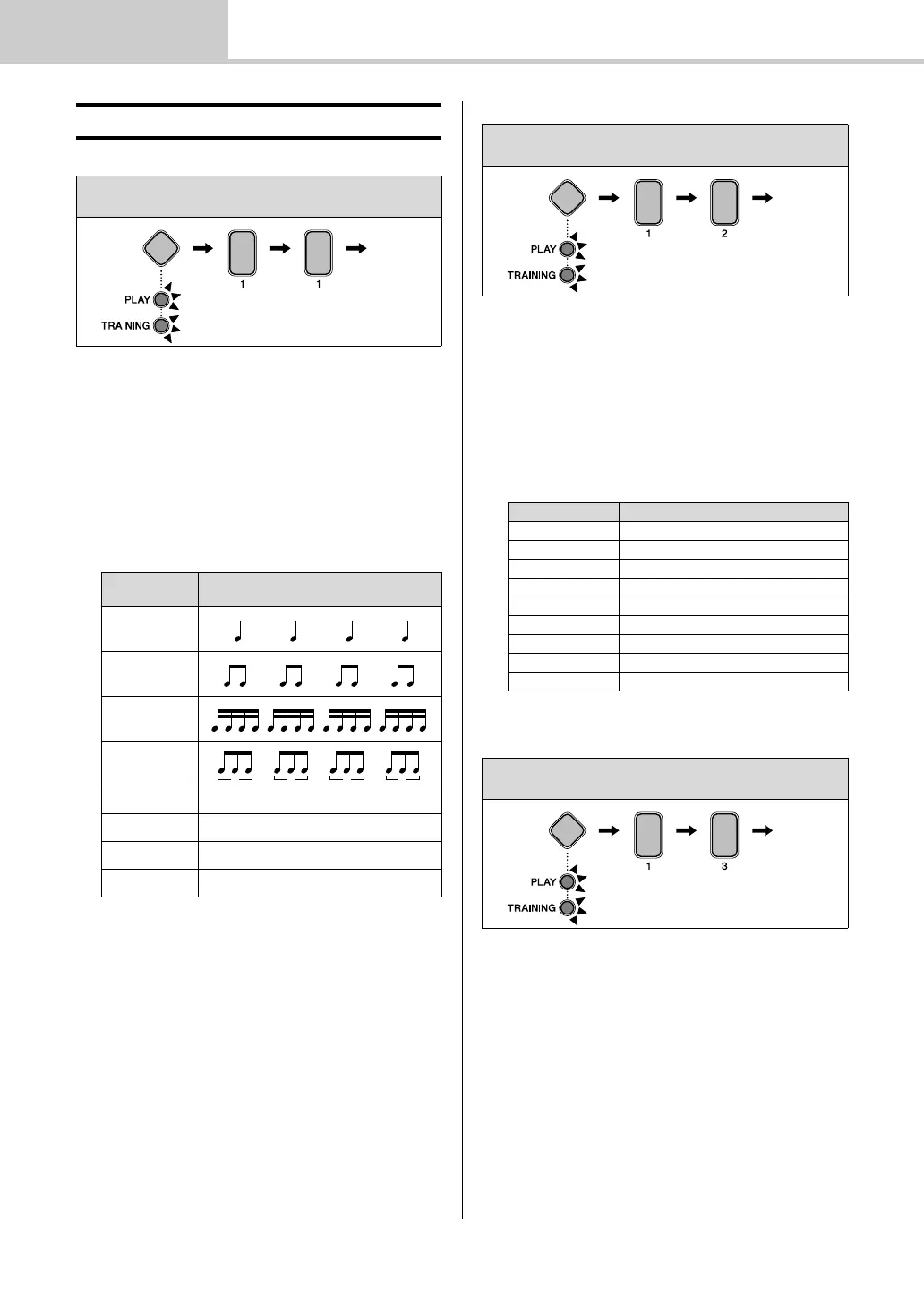
1-1. Pattern
You can set one of eight patterns for the drum module’s
metronome.
1. Hold down the Mode switch to activate Menu Mode.
2. Press number button [1] to select the Metronome Set-
tings parameter group.
3. Press number button [1] to select the Pattern parame-
ter.
4. Select a new metronome pattern using the correspond-
ing number button [1] to [8].
1-2. Beats
You can set the metronome to between 1 and 9 beats in
length.
1. Hold down the Mode switch to activate Menu Mode.
2. Press number button [1] to select the Metronome Set-
tings parameter group.
3. Press number button [2] to select the Beats parameter.
4. Select a new metronome length in beats using the corre-
sponding number button [1] to [9].
1-3. Sound
You can set the sound played by the metronome to, for
example, a standard click sound, a cowbell, a drumsticks
sound, or a spoken count.
1. Hold down the Mode switch to activate Menu Mode.
2. Press number button [1] to select the Metronome Set-
tings parameter group.
3. Press number button [3] to select the Sound parameter.
z Metronome Settings
Steps:
Hold down the Mode switch [1] [1] Setting
Number
button
Setting
[1]
[2]
[3]
[4]
[5]
3-2 Son Clave
[6]
2-3 Son Clave
[7]
3-2 Rumba Clave
[8]
2-3 Rumba Clave
Steps:
Hold down the Mode switch [1] [2] Setting
Number button Setting
[1] 1 beat
[2] 2 beats
[3] 3 beats
[4] 4 beats
[5] 5 beats
[6] 6 beats
[7] 7 beats
[8] 8 beats
[9] 9 beats
Steps:
Hold down the Mode switch [1] [3] Setting



 To Next Page