Setting Parameters using Menu Mode
55
Advanced Techniques
DTX402K DTX432K DTX452K Owner’s Manual
7-6. Stereo/Mono
You can set the [PHONES/OUTPUT] jack to output either
mono or stereo sound. We recommend that you select the
Mono setting if connecting a standard mono-audio cable to
this jack in order to use your drum module with external
speakers, a mixer, or other similar equipment.
1. Hold down the Mode switch to activate Menu Mode.
2. Press the number button [7] to select the Other Set-
tings.
3. Press the number button [6] to select Stereo/Mono.
4. Select Stereo/Mono using the number button [1] or
[2].
7-7. Initialize Kit
You can restore a drum kit’s default settings used for a spe-
cific music category.
1. Press the Mode switch to turn the “PLAY” light on.
2. Select a music category you wish to initialize the corre-
sponding kit using the number button [1] to [10].
3. Hold down the Mode switch to activate Menu Mode.
4. Press the number button [7] to select the Other Set-
tings.
5. Press the number button [7] to select Initialize Kit.
• The number button [1] will light up.
6. Press the number button [1].
• The number button will start to flash.
• If you do not wish to proceed with initialization, press
the Mode switch now to exit Menu Mode.
7. Press the number button [1].
• The kit will be initialized.
7-8. Delete Song
You can delete an imported MIDI song on the drum module.
1. Hold down the Mode switch to activate Menu Mode.
2. Press the number button [7] to select the Other Set-
tings.
3. Press the number button [8] to select Delete Song.
• The number button [1] will light up.
4. Press the number button [1].
• The number button will start to flash.
• If you do not wish to proceed with deletion, press the
Mode switch now to exit Menu Mode.
5. Press the number button [1].
• The song will be deleted.
Steps:
Hold down the Mode switch [7] [6] Setting
Number button Setting
[1] Stereo
[2] Mono
When you initialize a kit, all of the changes you have made to it
will be lost. Before proceeding, therefore, you should ensure that
the kit contains no irreplaceable settings.
Steps:
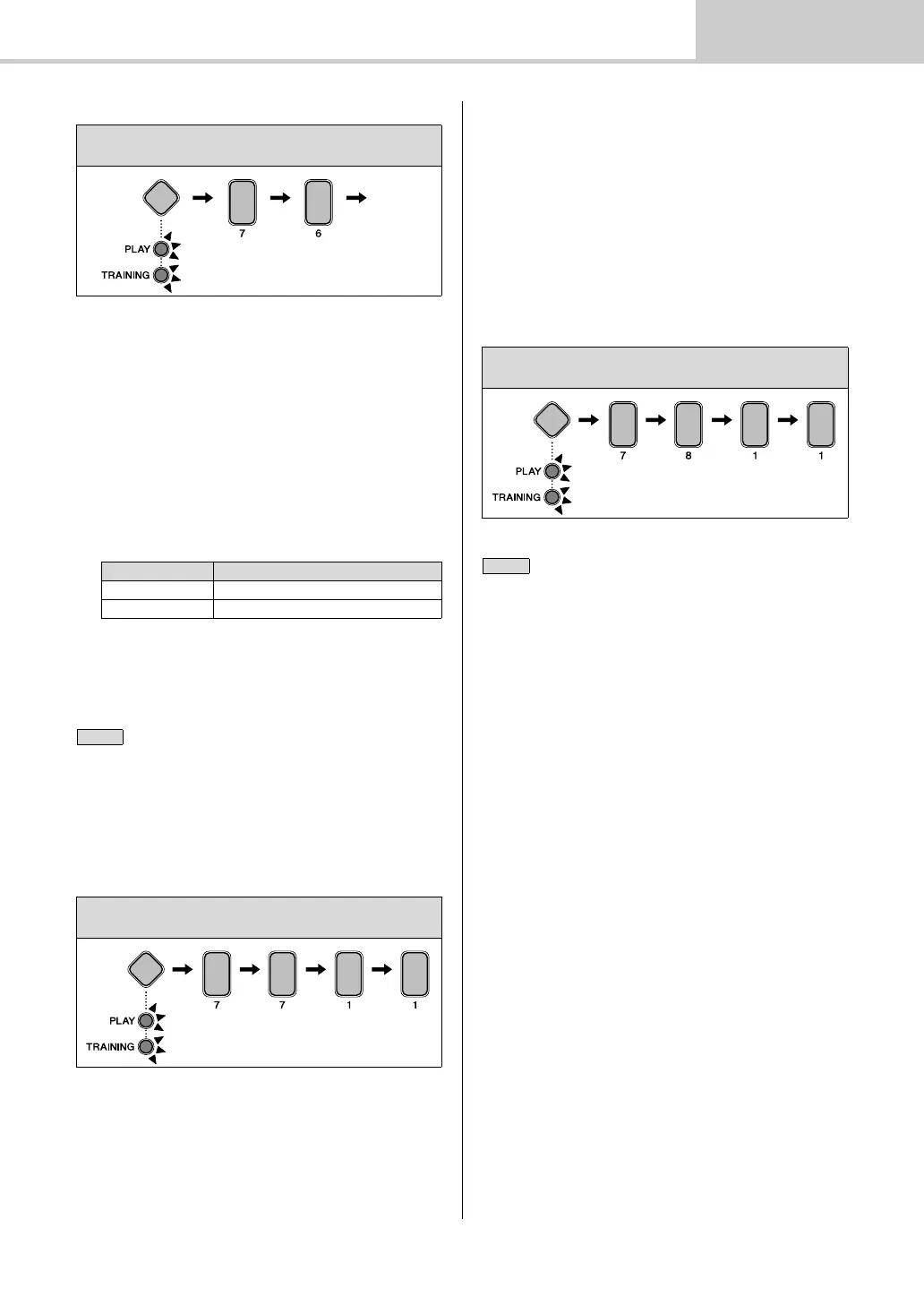
Hold down the Mode switch [7] [7] [1] [1]
Steps:
Hold down the Mode switch [7] [8] [1] [1]
You cannot restore a deleted song. Before proceeding, therefore,
you should ensure that the song contains no irreplaceable data.



 To Next Page