Setting Parameters using Menu Mode
48
Advanced Techniques
DTX402K DTX432K DTX452K Owner’s Manual
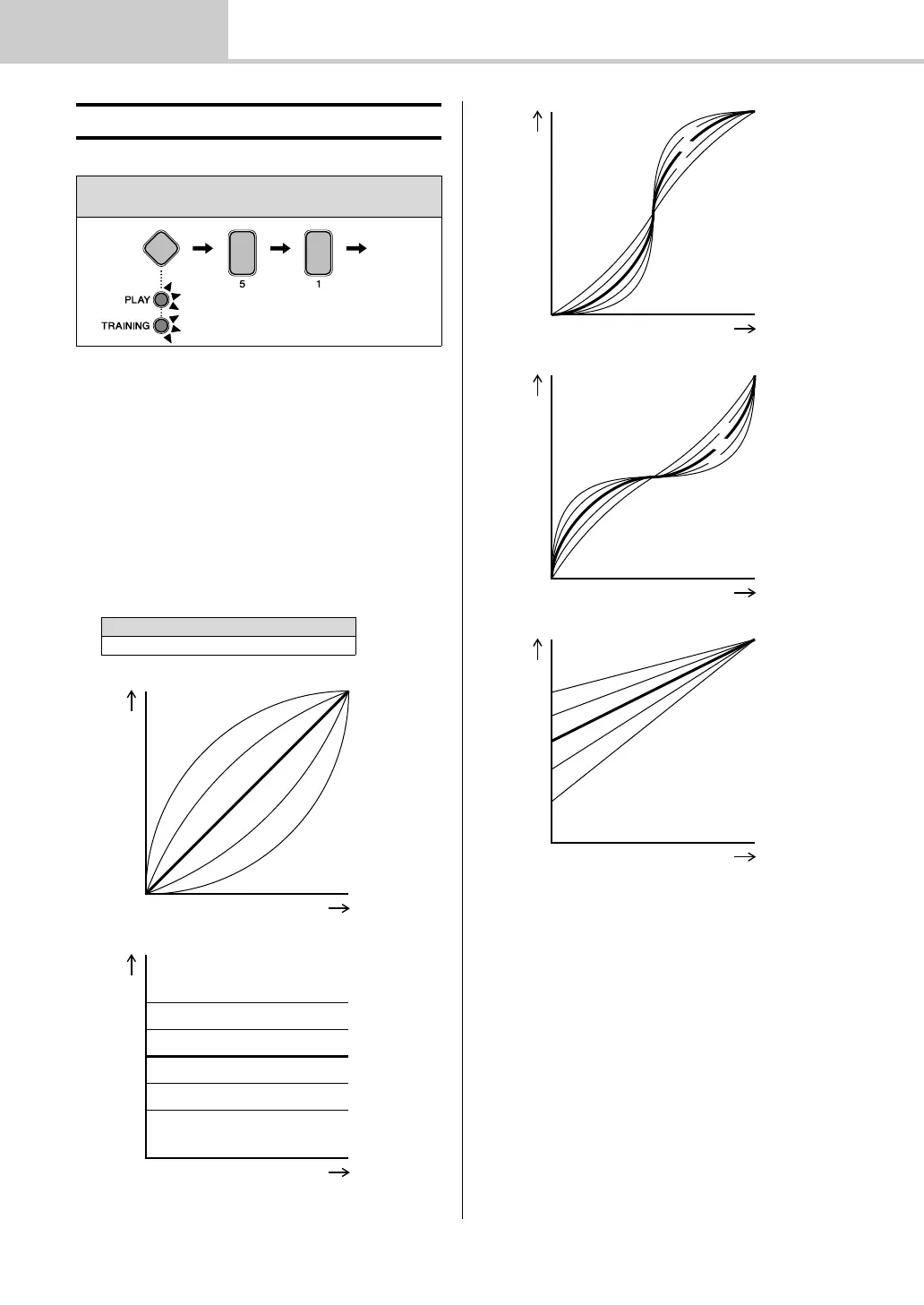
5-1. Pad Velocity Curve
You can select a velocity curve for individual pads. A veloc-
ity curve determines how the velocity (or power) of a sound
is affected by how hard you strike the pad.
1. Hold down the Mode switch to activate Menu Mode.
2. Press number button [5] to select the Trigger Settings
parameter group.
3. Press number button [1] to select the Pad Velocity
Curve parameter.
4. Strike a pad to select it.
5. Enter a new velocity curve setting using the
TEMPO[+]/[–] buttons.
b Trigger Settings
Steps:
Hold down the Mode switch [5] [1] Setting
Setting
1 to 25
Velocit y
Trigger input level
Velocity
Trigger input level
16
17
18
19
20
Velocity
Trigger input level
Velocit y
Trigger input level
Velocity
Trigger input level



 To Next Page