Setting Parameters using Menu Mode
44
Advanced Techniques
DTX402K DTX432K DTX452K Owner’s Manual
2-3. Pad Tuning
You can adjust the panning of the current kit’s pads.
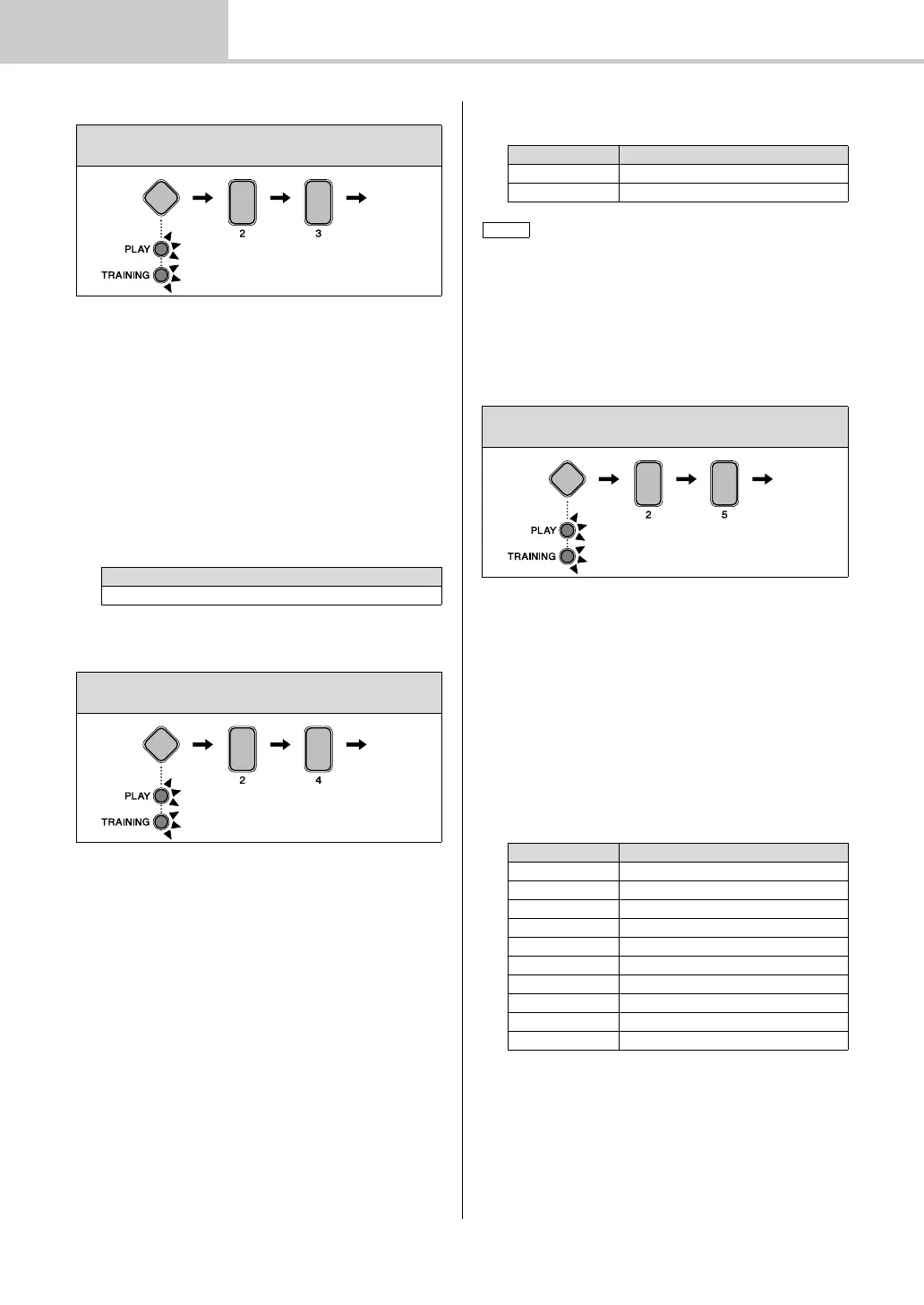
1. Hold down the Mode switch to activate Menu Mode.
2. Press number button [2] to select the Kit Settings
parameter group.
3. Press number button [3] to select the Pad Panning
parameter.
4. Strike a pad to select it.
5. Enter a new tuning setting using the TEMPO[+]/[–]
buttons in 25 cent steps. The “cent” is a unit of measure
for musical intervals. 100 cents make up a semitone. A
value of 64 corresponds to normal pitch (0 cents).
2-4. Double Bass Drum
You can easily configure the drum module to produce a kick
drum sound when you operate the pedal connected to the
[HI-HAT CONTROL] trigger input jack. This convenient
function provides support for double bass drumming tech-
niques.
1. Hold down the Mode switch to activate Menu Mode.
2. Press number button [2] to select the Kit Settings
parameter group.
3. Press number button [4] to select the Double Bass
Drum parameter.
4. Set the parameter using number button [1] or [2]. The
available settings are as follows.
2-5. Reverb
Reverb effects add a warm ambience to sounds, simulating
the complex reflections of actual performance spaces, such
as a concert hall or a small club. Use the following proce-
dure to select a reverb effect for the current kit.
1. Hold down the Mode switch to activate Menu Mode.
2. Press number button [2] to select the Kit Settings
parameter group.
3. Press number button [5] to select the Reverb parame-
ter.
4. Select a reverb effect using the corresponding number
button [1] to [10].
Steps:
Hold down the Mode switch [2] [3] Setting
Setting
16 (-1200 cents) to 64 (0 cent) to 112 (+1200 cents)
Steps:
Hold down the Mode switch [2] [4] Setting
Number button Setting
[1] Off
[2] On
• While the Double Bass Drum function is enabled, you will be
unable to use the hi-hat controller plugged into the [HI-HAT
CONTROL] trigger input jack to simulate opening and closing of
the hi-hat.
• If using an HH40 Hi-hat Controller, you can adjust the kick veloc-
ity. For details, see 4-5. Kick Velocity (page 47).
Steps:
Hold down the Mode switch [2] [5] Setting
Number button Setting
[1] Off
[2] Hall
[3] Studio
[4] Room 1
[5] Room 2
[6] Stage
[7] Small Stage
[8] Plate
[9] Early Reflection
[10] Gate Reverb



 To Next Page