6 En
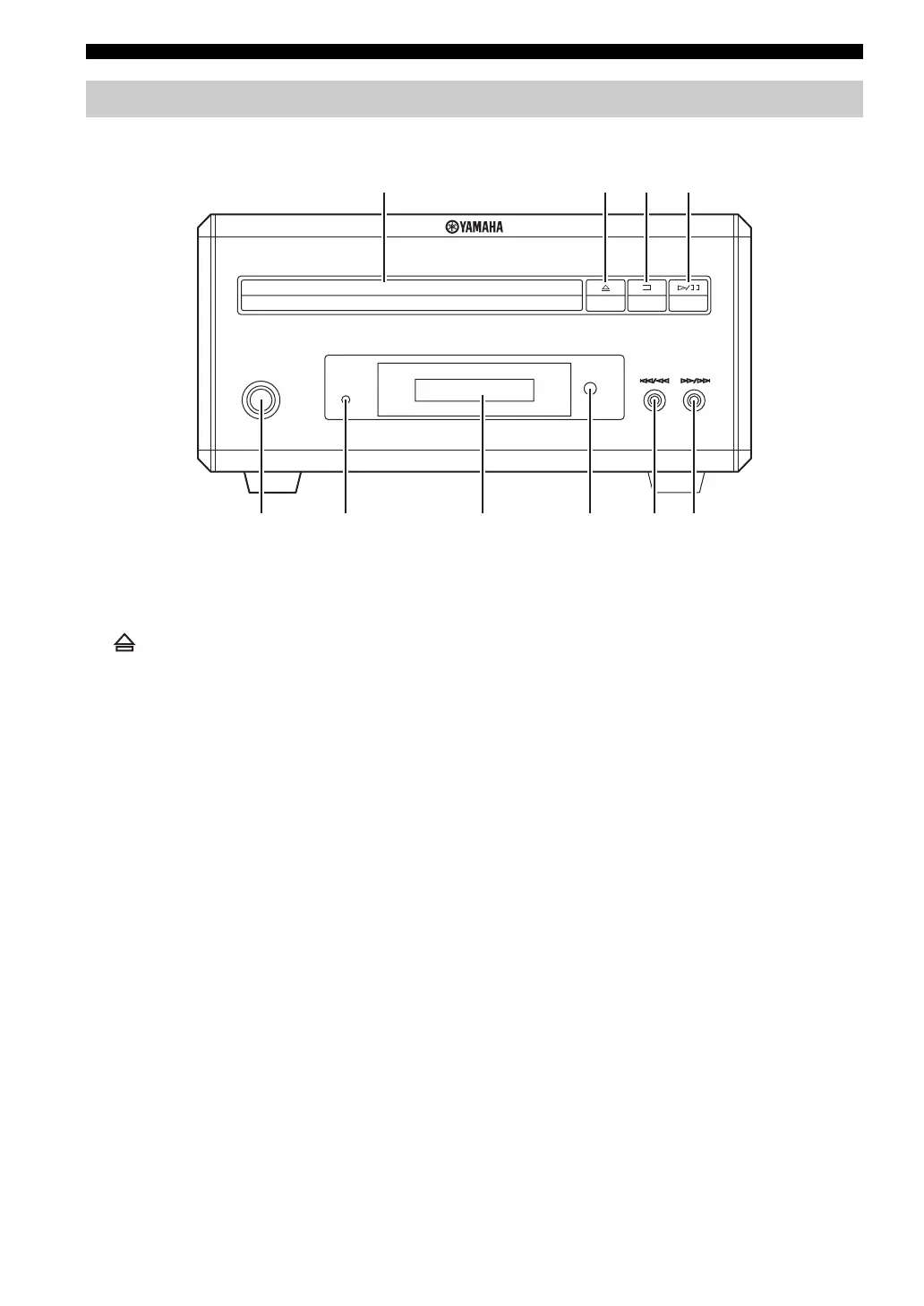
Controls and Functions
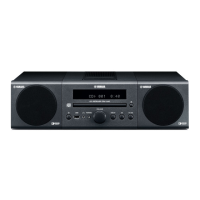
■ Front panel
1 Disc tray
Holds a disc to be played back.
2
Opens and closes the disc tray.
3 s
Stops playback (see page 25).
4 h/e
Starts or pauses playback (see page 25).
5 STANDBY/ON
Turns the DVD player on or sets it to the standby mode
(see page 22).
6 PROGRESSIVE indicator
Lights up when the progressive scan mode is on (see
page 54).
7 Front panel display
Shows the current status of the DVD player.
8 Remote control sensor
Receives signals from the remote control.
9 b/w
Skips to the begining of the current chapter/track. Press
and hold to fast reverse (see page 25).
0 f/a
Skips to the next chapter/track. Press and hold to fast
forward (see page 25).
DVD player (DVD-E810)
STANDBY/ON
PROGRESSIVE
NATURAL SOUND DVD PLAYER DVD-E810
6 7589
2
13
4
0


 To Next Page