EasyManua.ls Logo

Yamaha RX21 - Pattern Operations; Pattern Selection

Yamaha RX21
59 pages
Print Icon
To Next Page IconTo Next Page
To Previous Page IconTo Previous Page
Loading...
PATTERN
OPERATIONS
Pattern
Selection
Playback
of
Patterns
Pattern
Change
During
Playback
With
the
RX21,
a
“pattern”
denotes
a
one
bar
(one
measure)
drum
sequence,
which
repeats
when
you
play
it
back.
The
RX21
is
capable
of
storing
a
total
of
100
different
patterns
in
its
internal
pattern
memory.
Pattern
memories
56
through
99
contain
44
preset
patterns
that
provide
a
variety
of
exciting
and
usable
drum
patterns
that
you
can
play
immediately.
These
are
listed
in
the
RX21
PATTERN
BOOK
accom-
panying
this
manual.
Preset
patterns
56
through
59
contain
blank
patterns
of
dif-
ferent
lengths
which
are
useful
as
rests
or
breaks
in
a
song
program.
Pattern
me-
mories
0
through
55
enable
you
to
store
up
to
56
of
your
own
personally
programmed
drum
patterns.
To
select
a
pattern
the
RX21
must
be
in
the
pattern
mode—this
is
the
mode
that
is
active
when
the
RX21
is
initially
turned
on.
The
LCD
panel
will
show
“SELECT
PTN
00”.
A
rectangular
“cursor”
will
be
flashing
on
the
right
side
of
the
display,
prompting
you
to
enter
a
pattern
number.
This
cursor
will
normally
appear
in
any
display
where
data
can
be
entered.
Two
methods
of
pattern
selection
are
available:
1)
Selecting
Patterns
Using
the
1/NO
and
+1/YES
Buttons
Pressing
the
—1/NO
or
+1/YES
buttons
decreases
or
increases
the
pattern
number
by
one,
respectively.
This
method
of
selection
is
easy
when
going
to
an
adjacent
or
nearby
pattern
number,
but
when
selecting
a
pattern
in
a
distant
number
range,
the
direct
numeric
selection
method
is
quicker.
2)
Selecting
Patterns
Using
the
Numeric
Buttons
The
two
rows
of
grey
numbered
buttons
may
be
used
for
pattern
selection.
Entering
the
desired
pattern
number
using
these
buttons
immediately
selects
that
pattern.
You
must
input
two
digits:
e.g.
for
pattern
number
7
you
must
press
07.
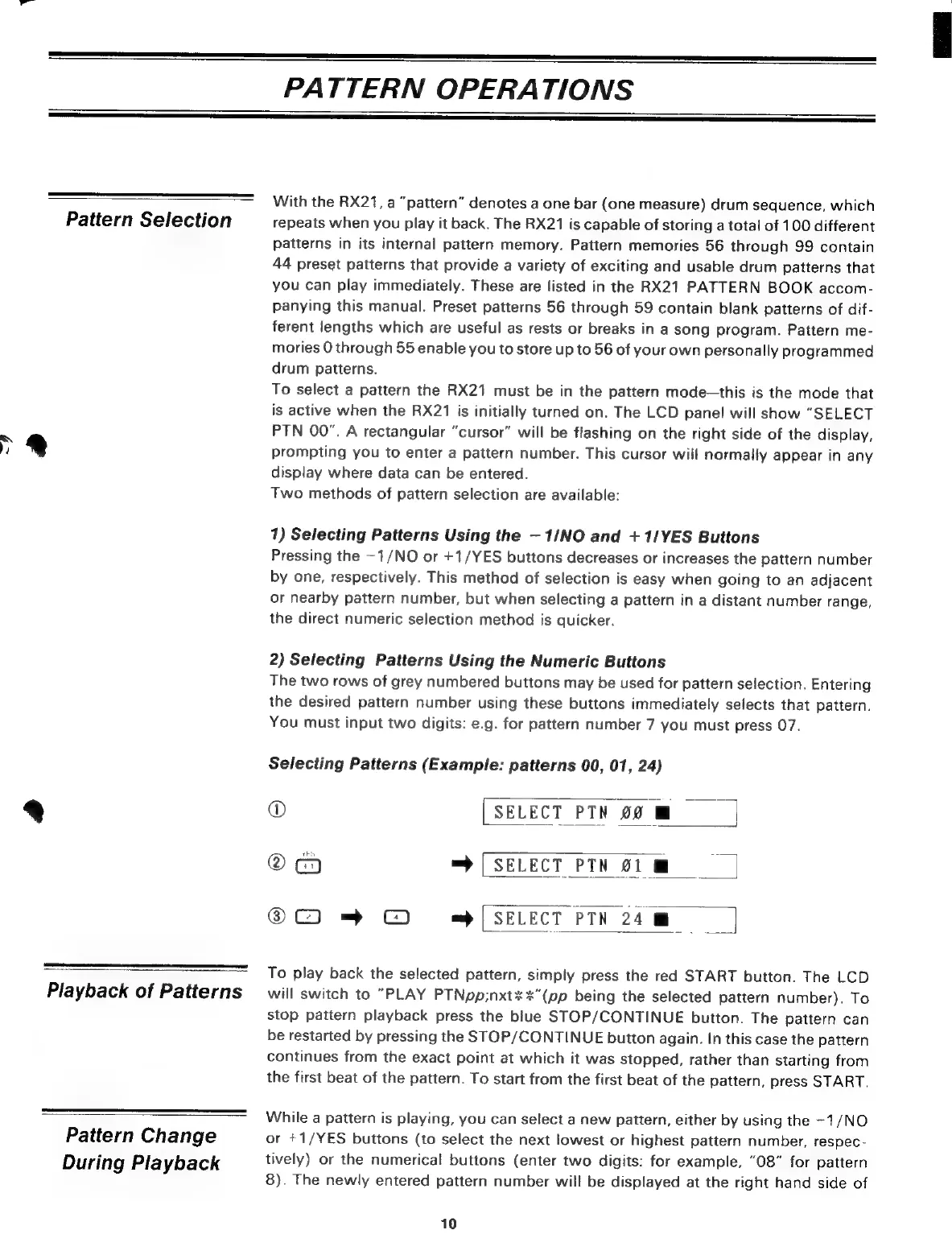
Selecting
Patterns
(Example:
patterns
00, 01,
24)
o
[SELECT
РТМ
90
M
А
=
SELECT
PTN
01
W
QC)
=
©
[SELECT
PTN
24
м.
To
play
back
the
selected
pattern,
simply
press
the
red
START
button.
The
LCD
will
switch
to
"PLAY
PTNpp;nxt%%"(pp
being
the
selected
pattern
number).
To
Stop
pattern
playback
press
the
blue
STOP/CONTINUE
button.
The
pattern
can
be
restarted
by
pressing
the
STOP/CONTINUE
button
again.
In
this
case
the
pattern
continues
from
the
exact
point
at
which
it
was
stopped,
rather
than
starting
from
the
first
beat
of
the
pattern.
To
start
from
the
first
beat
of
the
pattern,
press
START.
While
a
pattern
is
playing,
you
can
select
a
new
pattern,
either
by
using
the
-1/NO
or
+1/YES
buttons
(to
select
the
next
lowest
or
highest
pattern
number,
respec-
tively)
or
the
numerical
buttons
(enter
two
digits:
for
example,
"08"
for
pattern
8).
The
newly
entered
pattern
number
will
be
displayed
at
the
right
hand
side
of
10

Related product manuals