l
Listen to the Demo
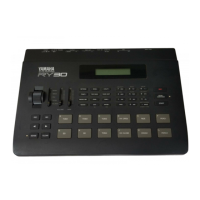
The RY30 is programmed with two demonstration songs that you might enjoy
listening to after setting up your system. Take a short break and enjoy the demo:
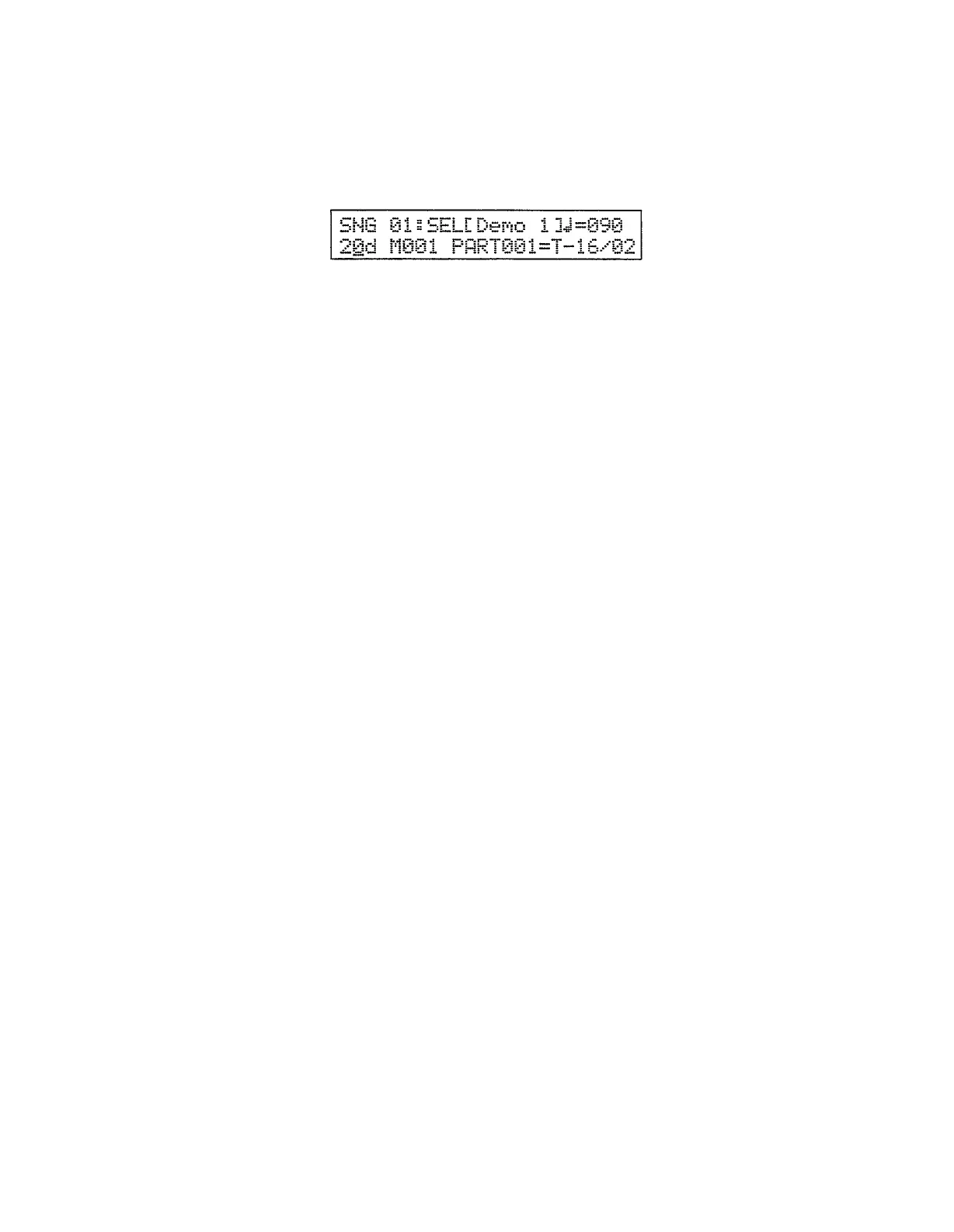
1. Press the [SONG] key to select the song mode, then use the [DATA] con-
trol to select song number 20 or 21 (song numbers 20 and 21 are demo songs
— indicated by a “d” to the right of the song number).
2.
Press the [START] key to start demo playback. The demo songs will play in
sequence repeatedly until the [STOP] key is pressed.
3.
Press the [STOP] key when you want to stop demo playback, and then the
[PATTERN] key to return to the pattern mode.
16


 To Next Page