Insert
The insert job allows you to insert a new part — pattern, repeat, tempo change,
or velocity change — at any point in the song.
Use the [INC] and [DEC] keys, the [DATA] control, or the numeric keys to
select the part at which you want to insert a new event.
Press the [Enter] key. “Sure” will appear on the upper line of the display.
Confirm your intention to insert at the specified location by pressing the
[ENTER] key again. This actually executes the insert operation and
“Complete!” will appear on the display briefly when the operation is finished.
The RY30 will automatically return to the song edit mode.
Example:
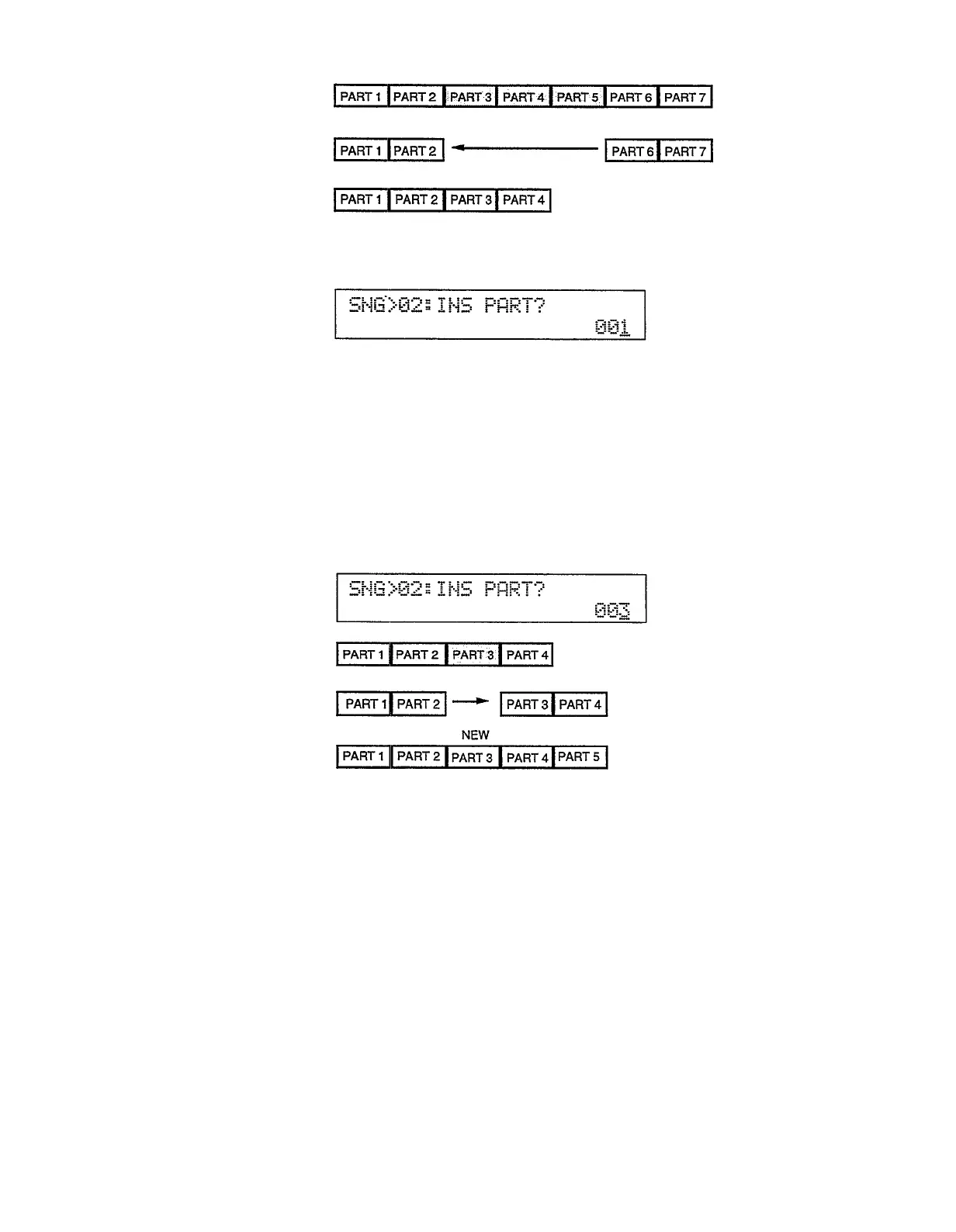
Here’s what happens when you insert at part 3:
When the insert operation is executed the existing part 3 and all subsequent
parts are moved up, leaving space for a new part 3 which should be recorded
immediately after the insert operation is executed (while the TYPE and event
parameters are flashing).
36


 To Next Page