Give Your Pattern a Name
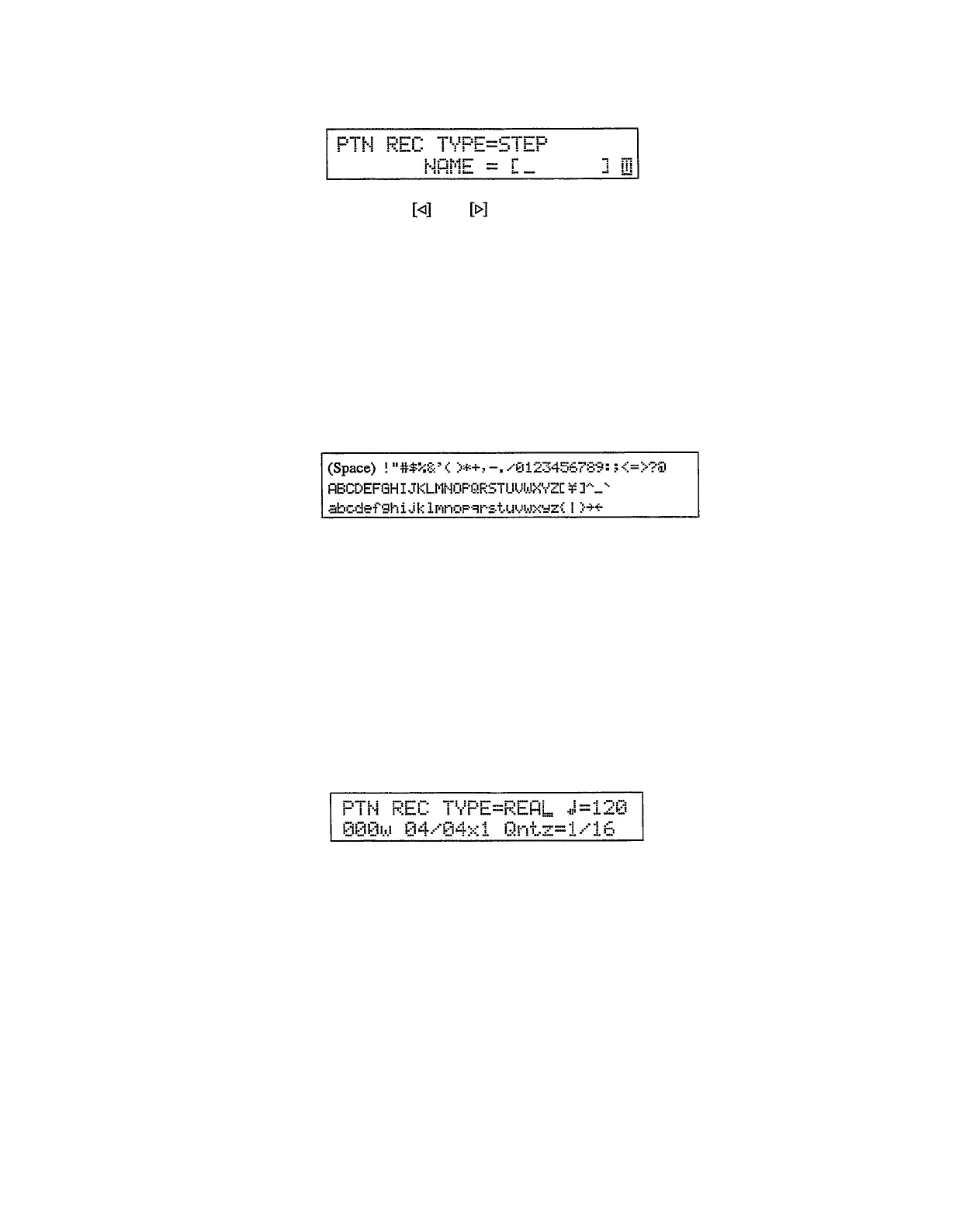
If you press the [PAGE] key and then the [PAGE+] key during step recording,
a display like the following will appear.
Use the
and
keys to move the cursor to one of the 6 available char-
acter locations within the NAME brackets. Use the numeric keys, the [INC] or
[DEC] keys, or the [DATA] slider to enter the characters for the voice name.
Each numeric key accesses four different characters — its number and the
remaining three characters printed on the key. The characters printed on the key
are called in sequence each time the key is pressed. To enter the letter “H”, for
example, press the [2] key three times. The [CLEAR] key switches between
upper and lower case characters
— indicated by a reverse (white on black) “U”
for upper or “L” for lower to the right of the new voice name.
The [INC] and [DEC] keys and the [DATA] slider access a complete list of
lower and upper case characters, plus a range of symbols not available via the
numeric keys. The complete list of characters is given below:
Press the [EXIT] key to return to the normal step record display. Your
original pattern name will be displayed in the brackets on the top display line
when that pattern is selected.
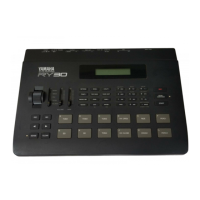
llParameter Record The parameter record and clock move modes allow you to refine and polish the
sound of your pattern quickly and easily. In the parameter record mode, you can
make subtle (or not-so-subtle) changes to pitch, decay, pan position, filter cutoff
frequency, and wave balance by simply operating the RY30 control wheel while
monitoring the results in real time.
1.
Select a pattern that has already been recorded, then press the [REC] key
to engage the record-ready mode.
Please note that the small “w” to the right of the pattern number indicates
that the pattern contains data.
28


 To Next Page