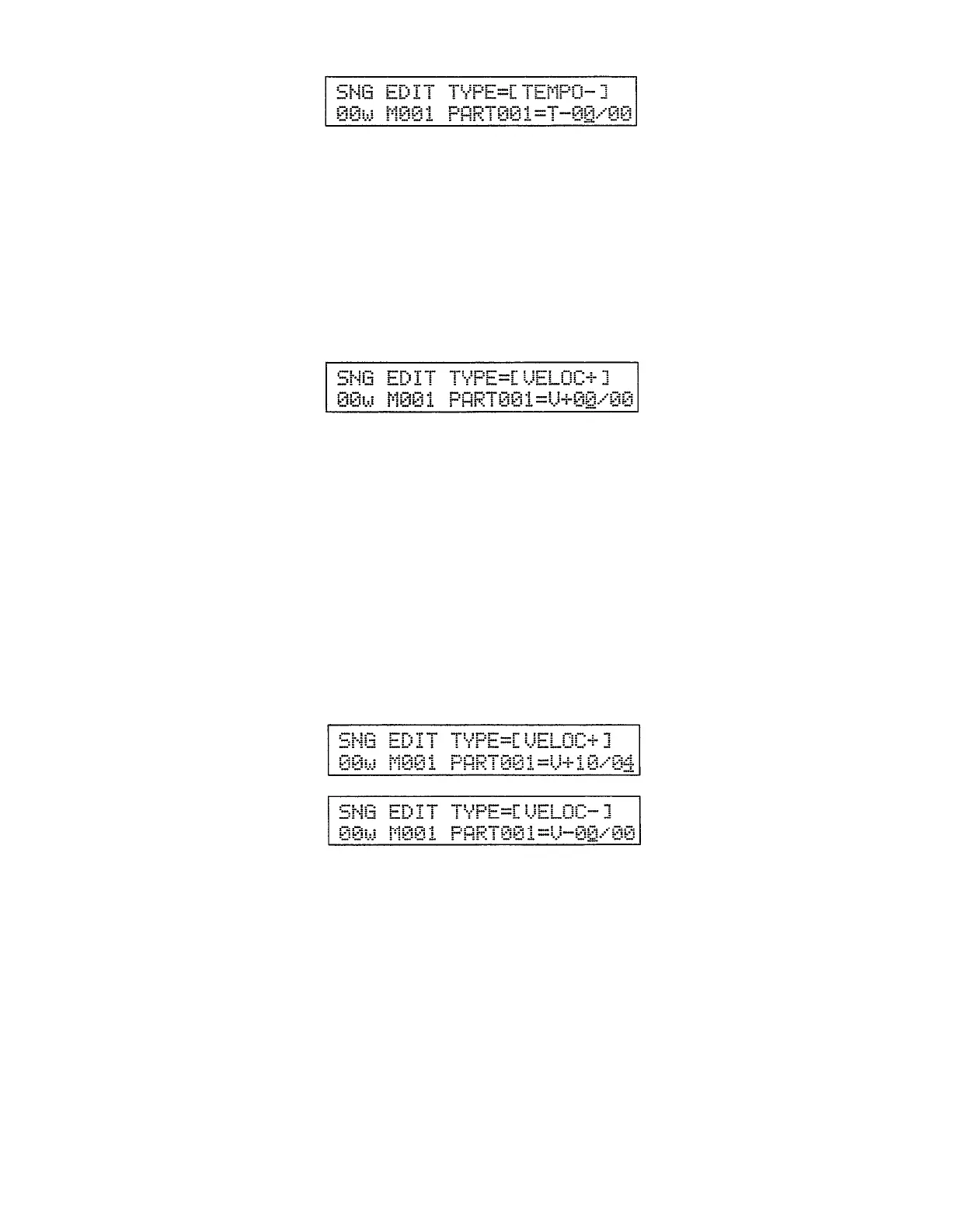
Decrease Tempo
This event has the opposite effect to the Increase Tempo event described
above. A Decrease Tempo event can be used to create a sudden or gradual de-
crease in tempo — for a “ritardando” type effect.
The number to the left of the slash is the amount by which the tempo is to be
decreased in beats per minute (range: 00 ... 99). The number to the right of the
slash determines how long it takes to reach the specified new tempo in 1/4 notes
(range: 00 ... 99).
After selecting the Decrease Tempo event and setting the parameters as
required, press the [ENTER] key to actually enter it into the current part num-
ber and advance to the next part number.
Increase Velocity
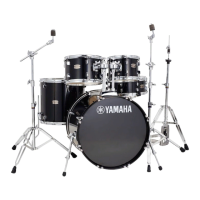
An increase velocity event can be used to create a sudden or gradual in-
crease in overall volume — for a “crescendo” type effect.
The number to the left of the slash is the amount by which the velocity is to
be increased (range: 0 ... 63). The number to the right of the slash determines
how long it takes to reach the specified new velocity in 1/4 notes (range: 00 ...
99).
After selecting the Increase Velocity event and setting the parameters as
required, press the [ENTER] key to actually enter it into the current part num-
ber and advance to the next part number.
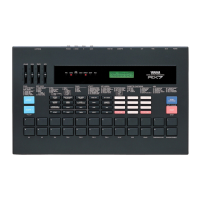
Example:
To increase the velocity by 10 over a period of one 4/4 measure, for example,
insert the following velocity increase event immediately before the measure
at which you want the velocity increase to begin:
Decrease Velocity
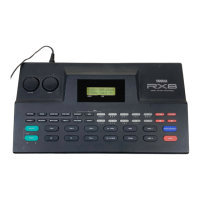
This event has the opposite effect to the increase velocity event described
above. An decrease velocity event can be used to create a sudden or gradual de-
crease in overall volume — for a “decrescendo” type effect.
The number to the left of the slash is the amount by which the velocity is to
be decreased (range: 0 ... 63). The number to the right of the slash determines
how long it takes to reach the specified new velocity in 1/4 notes (range: 00 ...
99).
After selecting the Decrease Velocity event and setting the parameters as
required, press the [ENTER] key to actually enter it into the current part num-
ber and advance to the next part number.
40


 To Next Page