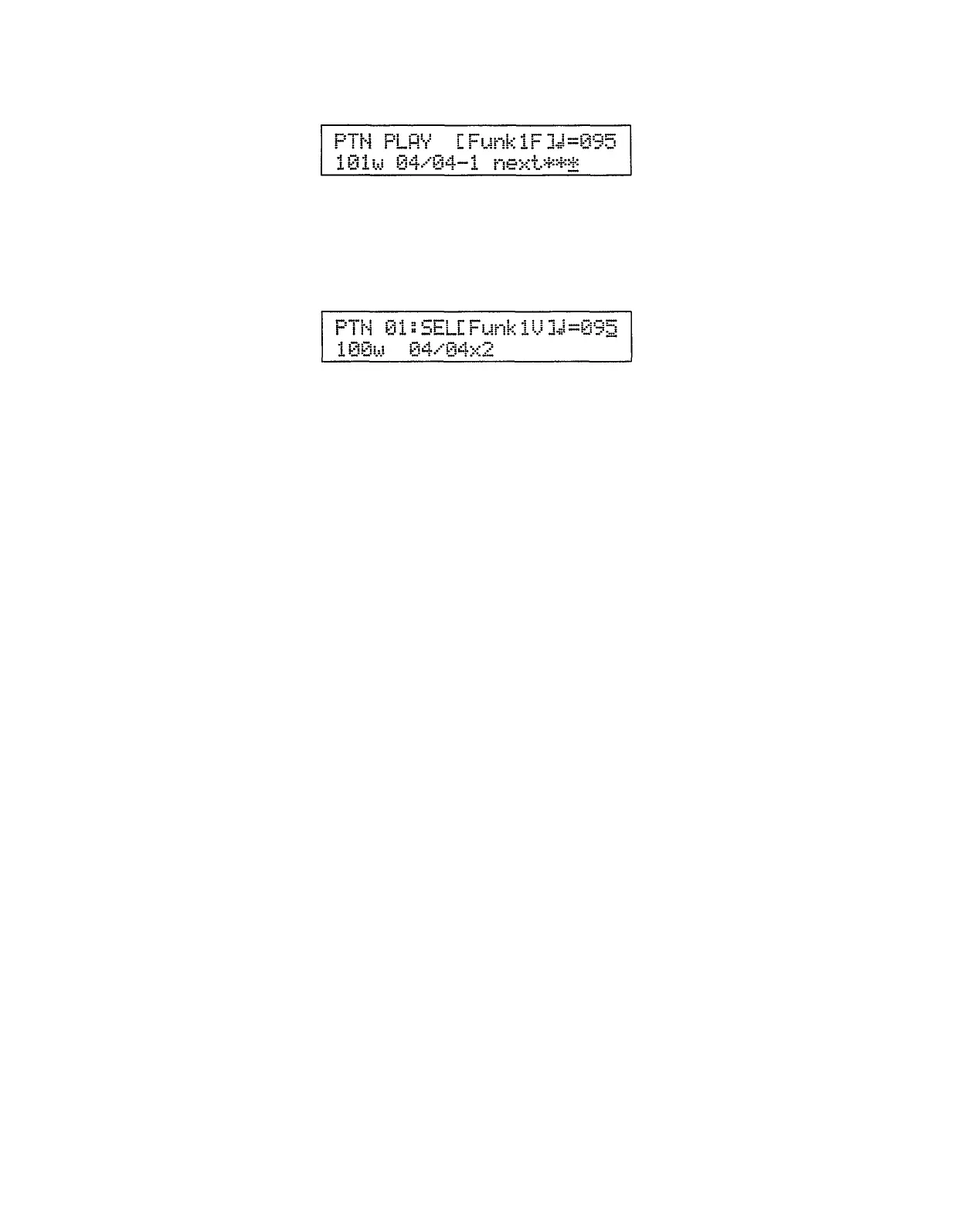
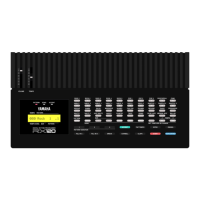
Then pattern 101 will begin playing.
Tempo Control
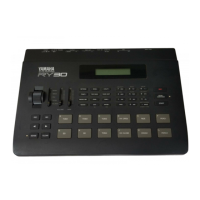
The tempo can be changed at any time —
while a pattern is playing or while
playback is stopped — by pressing the [TEMPO] key and then using the [INC]
and [DEC] keys, the [DATA] slider, or the numeric keys to select the desired
tempo. The underline cursor will move to the tempo parameter when the
[TEMPO] key is pressed.
Press the [TEMPO] key again to return the cursor to its previous position.
NOTE: Each pattern has a “recommended” tempo which is automatically called
when the pattern is selected.
20


 To Next Page