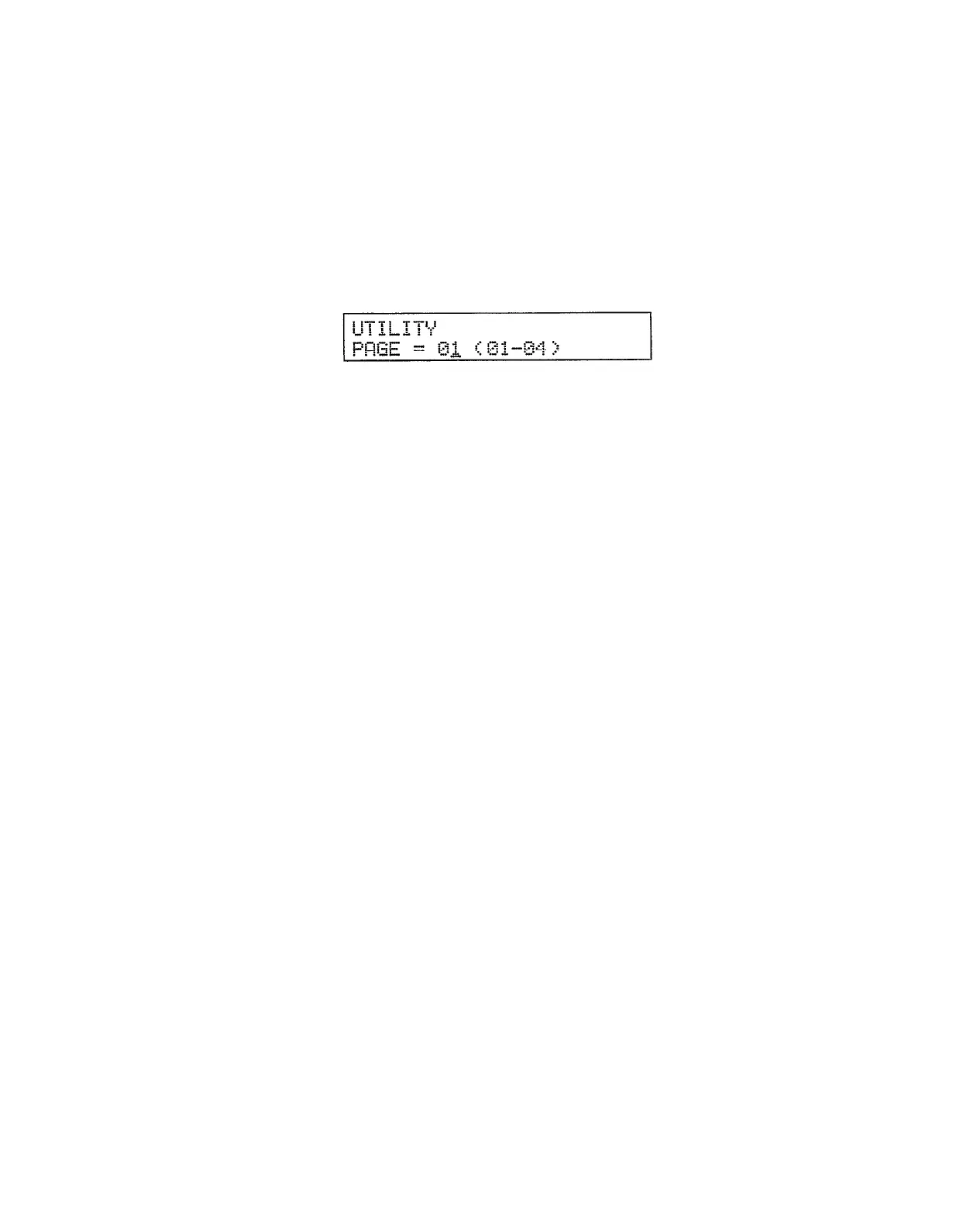
UTILITY MODE
ACCESSING THE UTILITY MODE FUNCTIONS
From the utility mode (selected by the [UTILITY] key), use the [PAGE–] and [PAGE+] keys to select the
desired function “page.”
Cassette jobs 1 through 3 are accessed through the CASSETTE JOB SELECT
page. MIDI jobs 1 through 13 are accessed via the MIDI JOB SELECT page. System jobs 1 through 5 are
accessed via the SYSTEM JOB SELECT page. Pressing the [UTILITY] key will always return you
directly to page 01 (CARD DATA LOAD).
An alternative method is to press the [PAGE] key and enter the desired page number via the [INC] and
[DEC] keys, the [DATA] slider, or the numeric keys.
Once the page number has been entered, press the [ENTER] key to go directly to that page.
68


 To Next Page