6.
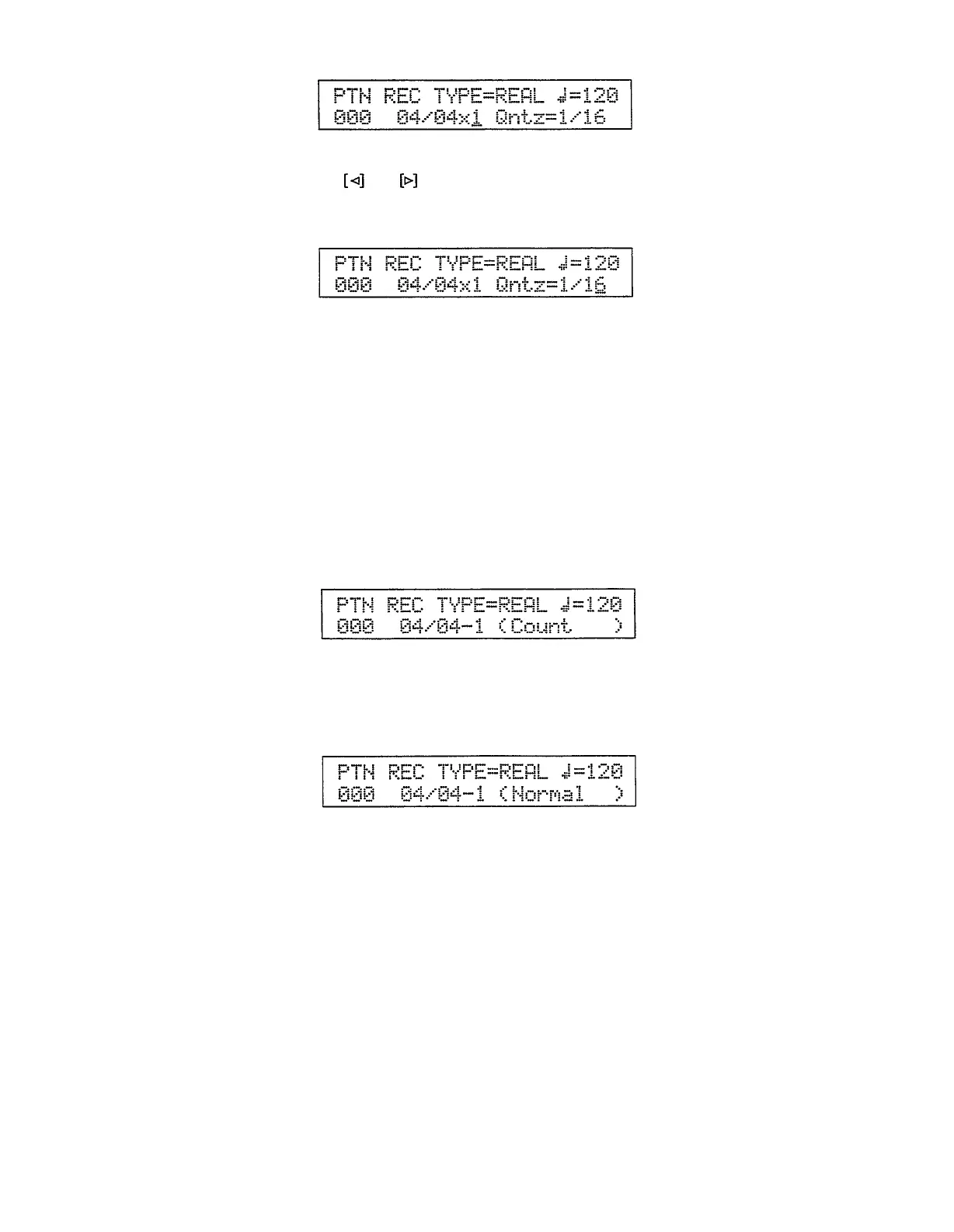
The default quantize value is 1/16. You can select other values by using the
and
cursor keys to move the underline cursor to the quantize param-
eter, then the [INC] and [DEC] keys or the [DATA] slider to select the re-
quired quantize value.
The available quantize values are
l
1/08 = 8th notes.
l
1/16 = 16th notes.
l
1/32 = 32nd notes.
l
1/12 = 4th-note triplets.
l
1/24
= 8th-note triplets.
l
1/48 = 16th-note triplets.
l
1/96 = the finest possible resolution.
7.
Press [START] to begin recording. The RY30 will give you a 1-measure
count-in during which nothing will be recorded. “Count” will appear in the
brackets on the bottom display line.
8.
You can start recording as soon as the count measure has finished or, since
the pattern cycles continuously while recording, you can wait till the top of
the pattern comes round again. “Normal” will appear in the brackets on the
bottom display line when normal recording begins.
If you have selected a pattern length of 2, 3, or 4 measures, the current
measure is indicated by the measure number to the right of the time-signa-
ture on the display.
9.
Play the instrument pads to record your pattern (make sure the [SENSE]
key indicator is lit if you want to record dynamics at the same time).
You don’t have to record everything in one pass. You could, for example,
record the bass and snare on one pass, the record the hi-hat part on the next
or a later pass. The pattern will continue to cycle as long as the real-time
record mode is engaged, so you can add parts whenever you’re ready. Just
remember that a maximum of 8 different instruments can be recorded on the
same beat.
10.
Press [STOP/CONTINUE] to stop recording and return to the normal pat-
tern mode display.
22


 To Next Page
 Loading...