MULTI-FUNCTION DISPLAY
1-25
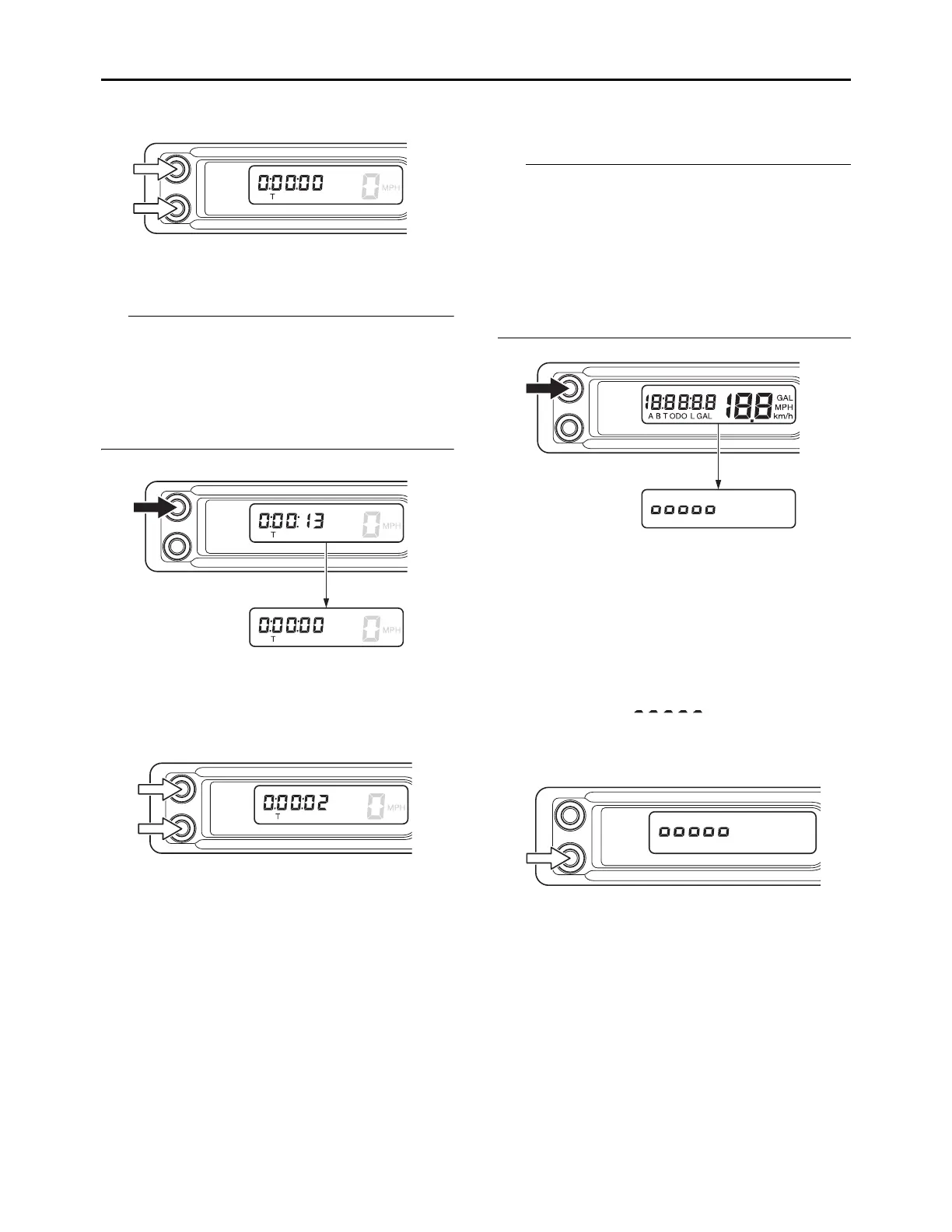
Long pushing the A button for 1 second and
more while the timer measurement is being
stopped will reset the value.
When reset is done, auto start will be canceled.
If you want to set auto start again, perform step
(1) of the settings.
3. Push the A button and B button simultane-
ously once again to restart the measurement.
EAM30622
SETTING MODE
Shifting to the setting mode
1. Keep the A button pushed and activate the
display.
After the display is activated, when the setting
mode is shifted to the first backlight bright-
ness setting, release the A button.
The display will change in the order:
Setting the backlight brightness Setting
the clock time (hour) Setting the clock time
(minute) Setting the unit Setting the fuel
consumption correction Setting the tire di-
ameter correction Setting the backlight
brightness
If one of the following situations occurs while
performing the setting mode, the setting value
that is displayed will be accepted even if the set-
tings are not finished, and the setting mode dis-
play will disappear.
• The display has been turned off
• The vehicle has been moved
• A communication error has occurred.
Setting the backlight brightness
1. Push the B button and adjust the brightness.
2. When the B button is pushed, the number of
segments will increase one by one as the me-
ter brightness increases.
If you push the B button when 5 segments
(highest setting) are selected, the segments
will go back to “ ” and the brightness
of the meter will become low.
3. When the brightness has been adjusted as
desired, push the A button.
The setting of the meter brightness will then
be kept and the display of the multifunction
meter will shift to the clock time setting.








 To Next Page