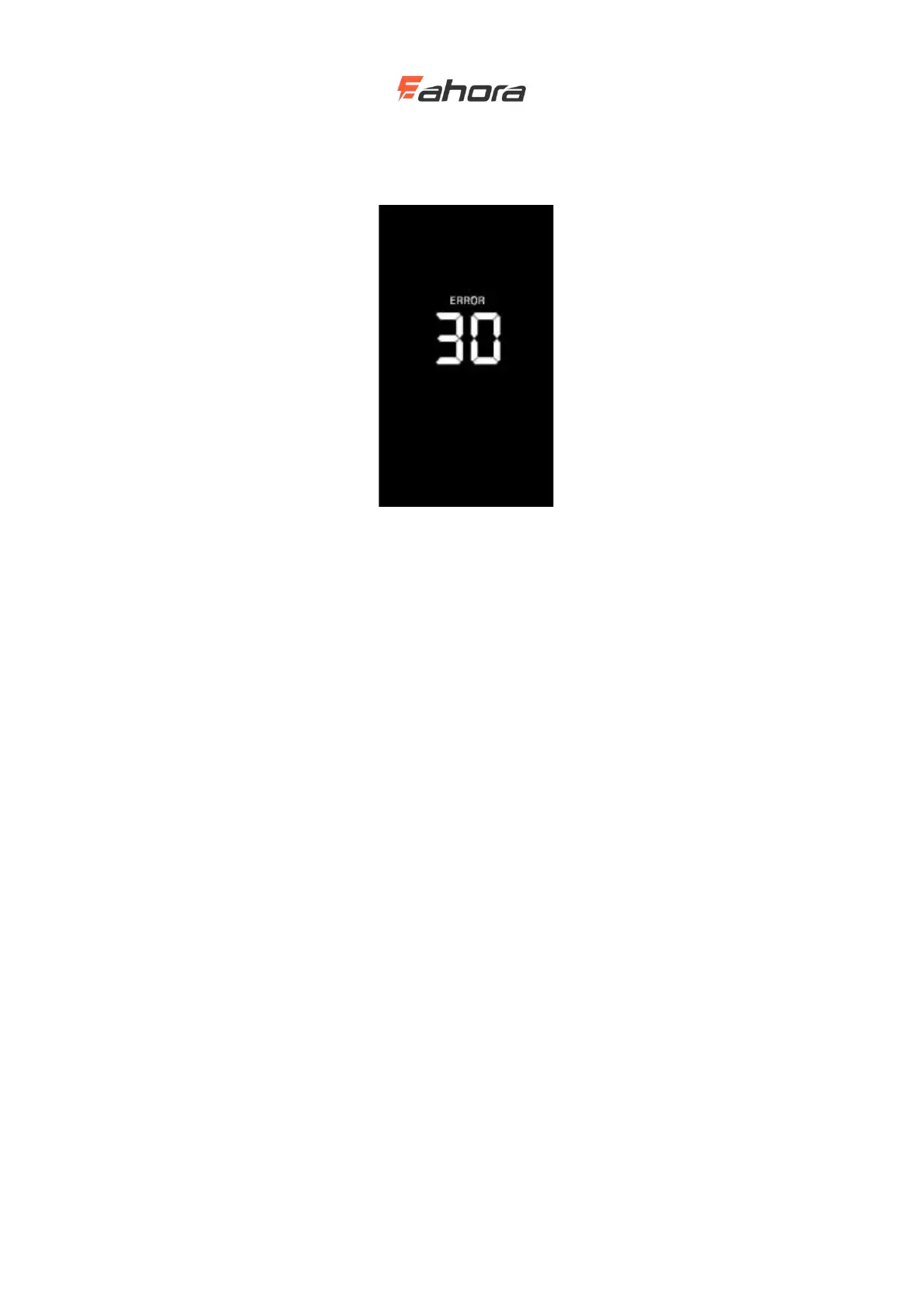
Error code indication
Error code indication interface
When an error code appears on the display interface, remove the fault in a timely
manner. The electric bike will not run normally after the fault occurs.
General settings
Press and hold M to power on. In the on state, when the bicycle is stationary, press and hold the
UP and DOWN buttons simultaneously for more than 2 seconds, the display will enter the general
setting state.
Each setting item needs to be set when the bicycle is stationary.



 To Next Page