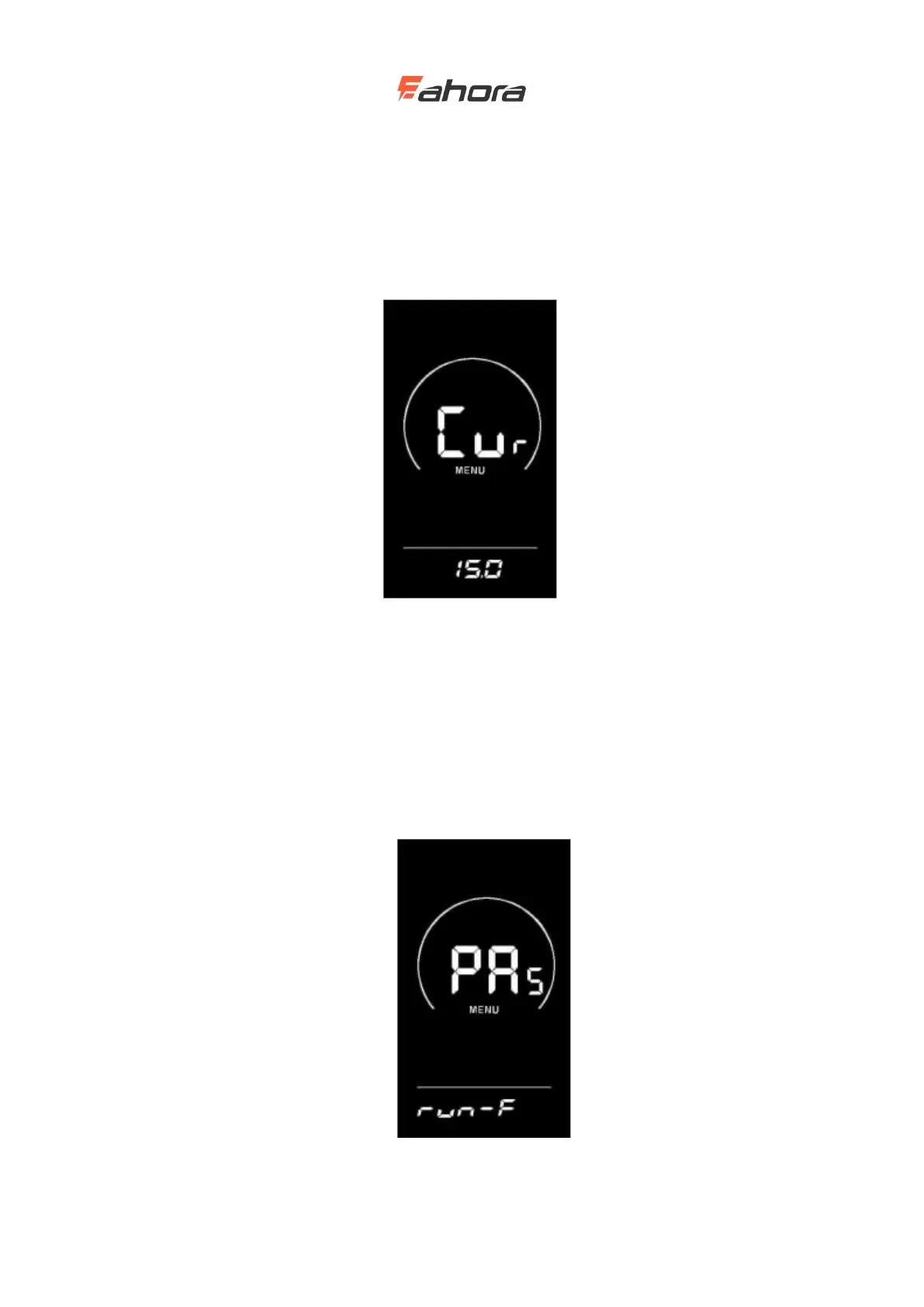
Current limit value setting (optional)
CUR stands for current limit. The current limit can be set in the range of 7.0-25.0A. Press the UP /
DOWN button to change the maximum current value of the controller. Press and hold the ‘i’ key
to confirm and return to the setting item selection interface of the display. The display's factory
default is 15.0A.
Current limit value setting interface
Booster sensor setting (optional)
Direction setting of power sensor
PAS stands for power sensor. Run-F / b is displayed on the screen. run-F stands for forward
direction, run-b stands for reverse direction. Press the UP / DOWN button to switch. Press the ‘i’
button to confirm and enter the sensitivity setting of the booster sensor. The display's factory
default value is forward.
Direction setting interface of power sensor



 To Next Page