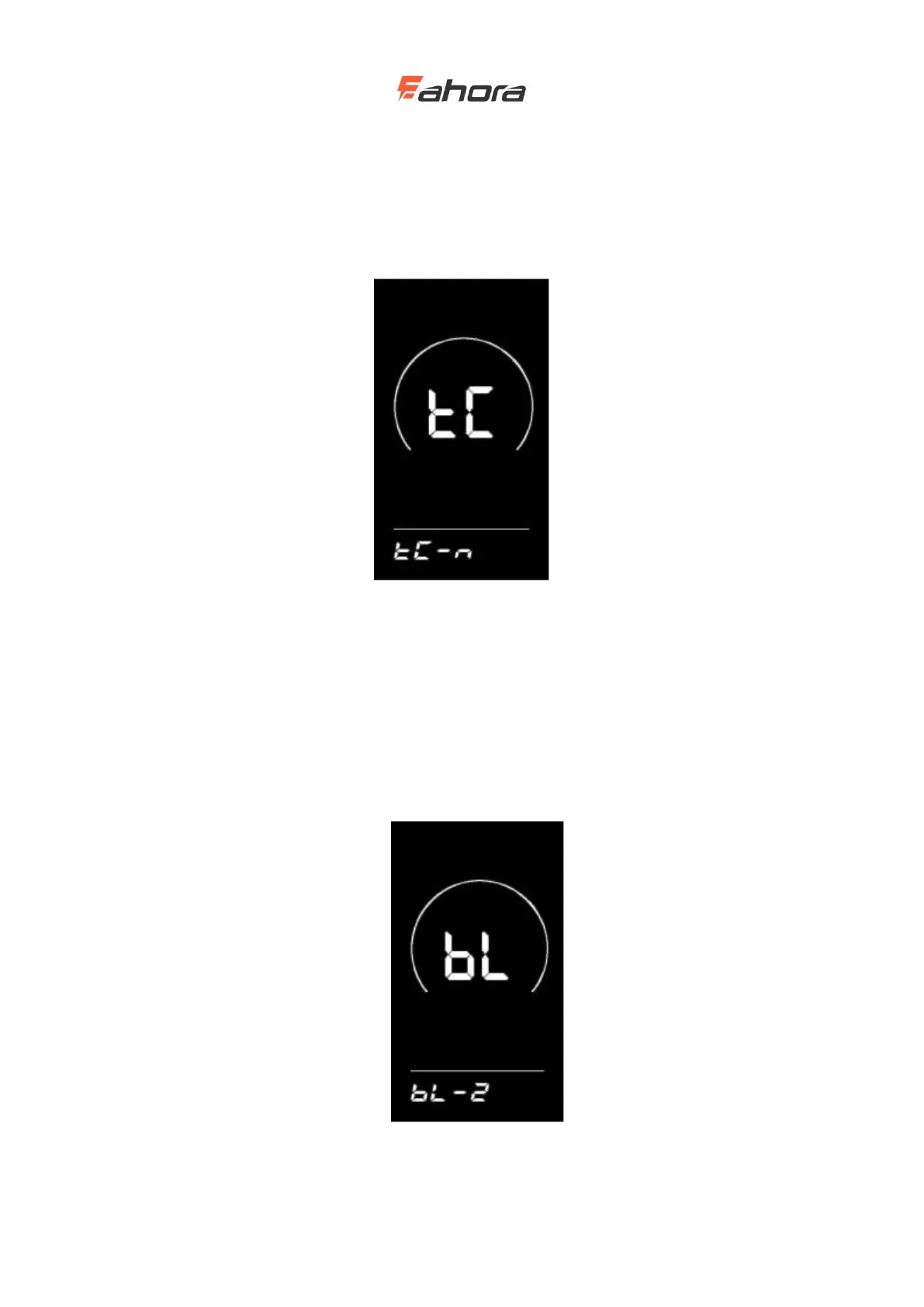
Single mileage reset
TC stands for Clear Single Mileage. Press the UP / DOWN button to select Y / N. Y (Yes) means
to clear the mileage of a single trip. N (No) means that the mileage of a single trip is not cleared.
Press ‘i’ key to confirm and enter the backlight brightness setting state.
Single mileage reset interface
Backlight brightness
bL stands for backlight. You can set the parameters 1, 2, and 3 to indicate the backlight brightness,
1 is the darkest, 2 is the standard brightness, and 3 is the brightest. The default value of the display
is 1. You can change the backlight brightness parameter by pressing the UP / DOWN button. Press
the ‘i’ key to confirm and enter the metric and English unit conversion setting state. Press and hold
the ‘i’ key to confirm and exit the general setting state.
Backlight brightness setting interface



 To Next Page