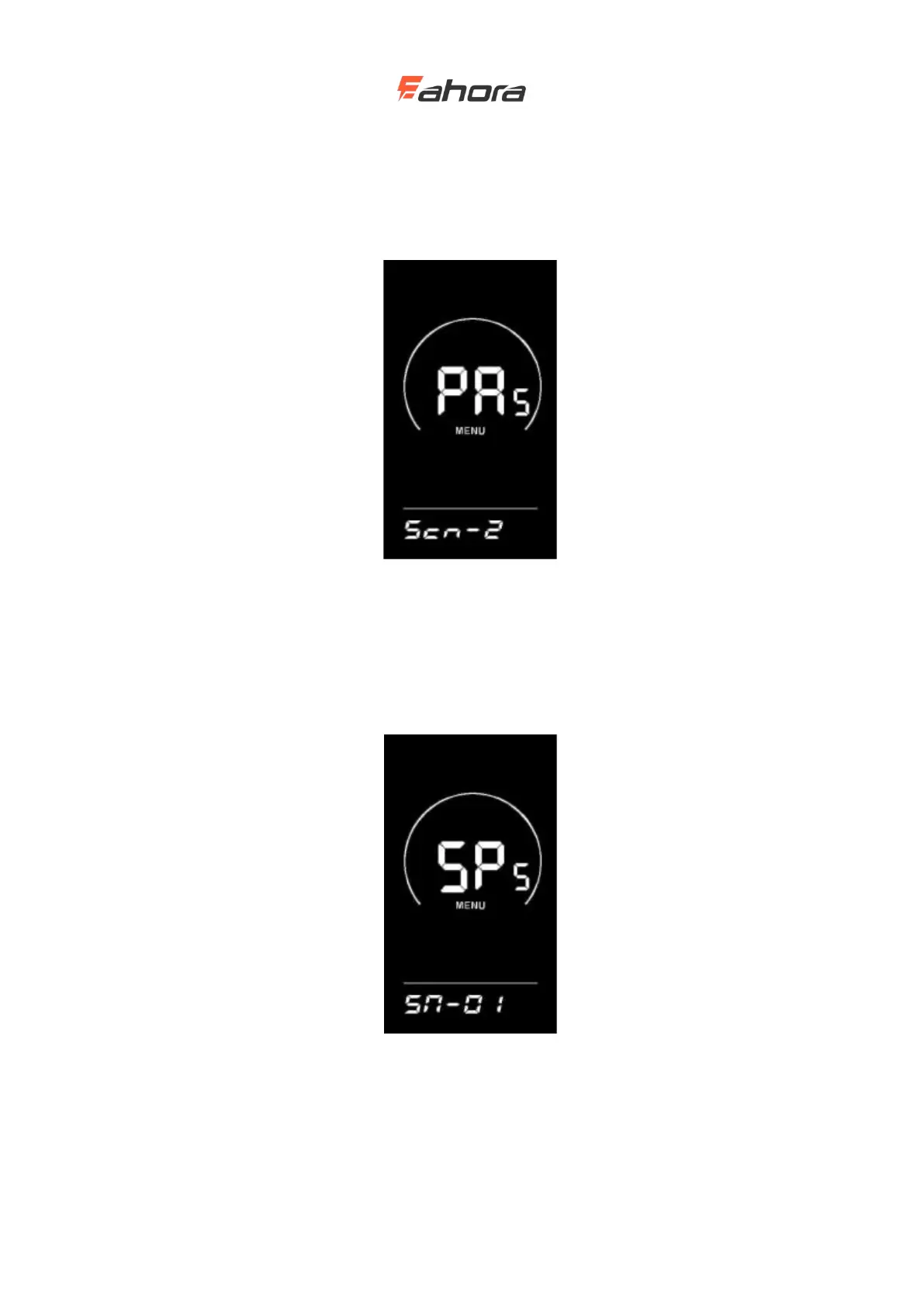
Booster sensor sensitivity setting
SCN stands for the sensitivity of the booster sensor; the setting range is 2-9, where 2 is the highest
sensitivity and 9 is the lowest sensitivity; use the UP / DOWN button to add / subtract the setting,
and press the ‘i’ key to confirm and enter the power sensor proportional parameter setting
interface. The display's factory default value is 2.
Booster sensor sensitivity setting interface
Setting magnetic disk number
SPS stands for speed sensor. It can be set according to the number of magnetic heads installed on
the wheels of electric vehicles. The setting range is 1-15; press the UP / DOWN button to modify
it, press and hold the ‘i’ button to confirm and return to the instrument setting item selection
interface. The display factory default value is 1.
Setting magnetic disk number interface
Throttle setting(optional)
Throttle boosts enable settings



 To Next Page