Battery level setting interface
Power assist parameter setting (optional)
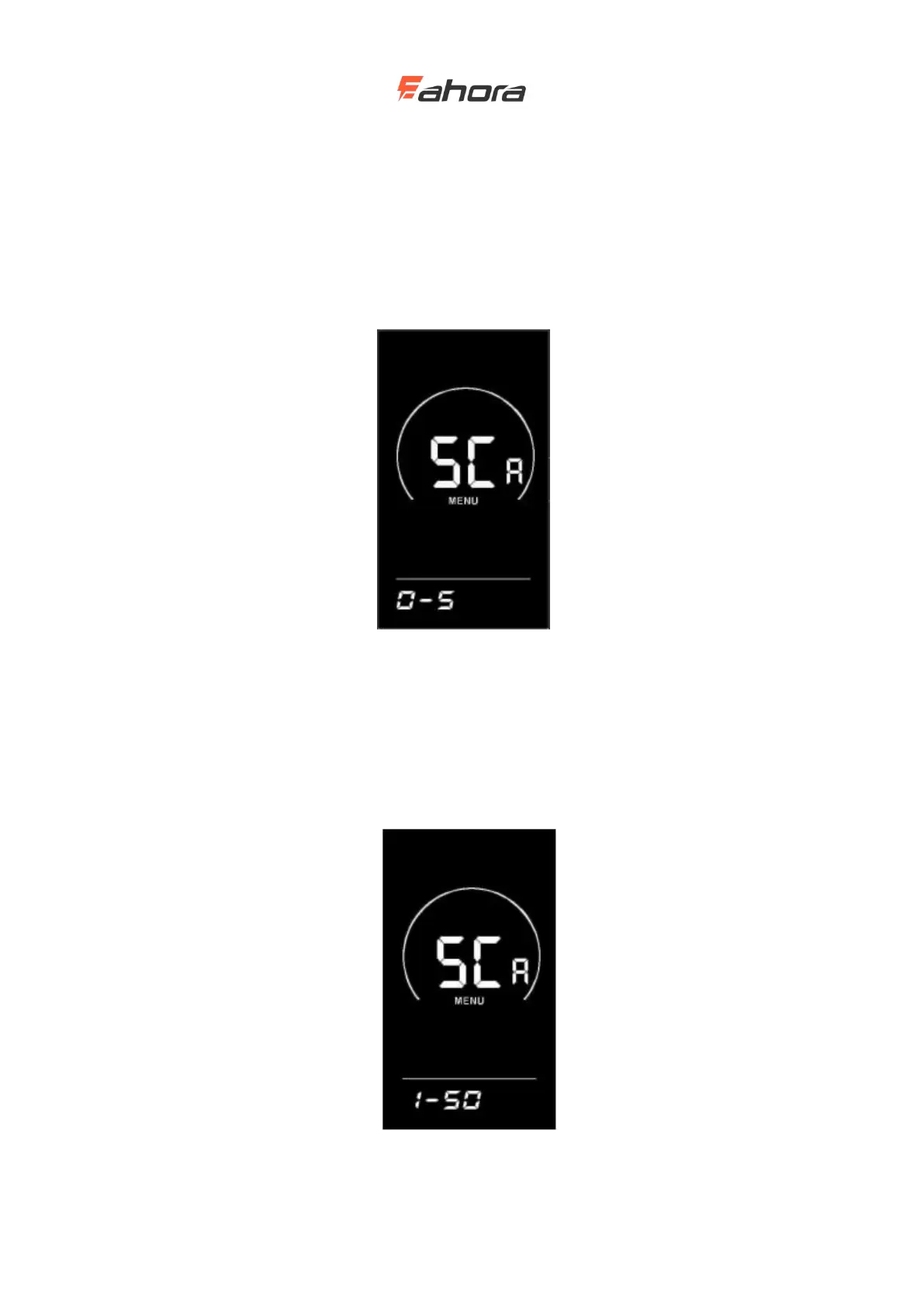
PAS levels selection
Eight modes are provided in the PAS levels selection: 0-3, 1-3, 0-5, 1-5, 0-7, 1-7, 0-9, 1-9; by UP /
DOWN and press the ‘i’ key to confirm and enter the assist ratio value setting interface in the
corresponding mode. The display's default mode is 0-3.
PAS levels selection interface
PAS ratio value setting
By setting the assist ratio value, the speed of each level can be adjusted to meet the same needs of
non-cyclists. Take the level 1 as an example, “45-55%” is the range of the level 1 ratio, and “50%”
is the default value of the level 1. It is a settable value. Use the UP / DOWN button to add /
subtract the setting. Short press ‘i’ key to confirm and enter the next boost ratio setting, up to 9 can
be set. After setting, press and hold ‘i’ key to confirm and return to the setting item selection
interface of the display. Refer to Schedule 2 for details.
PAS ratio value setting interface



 To Next Page