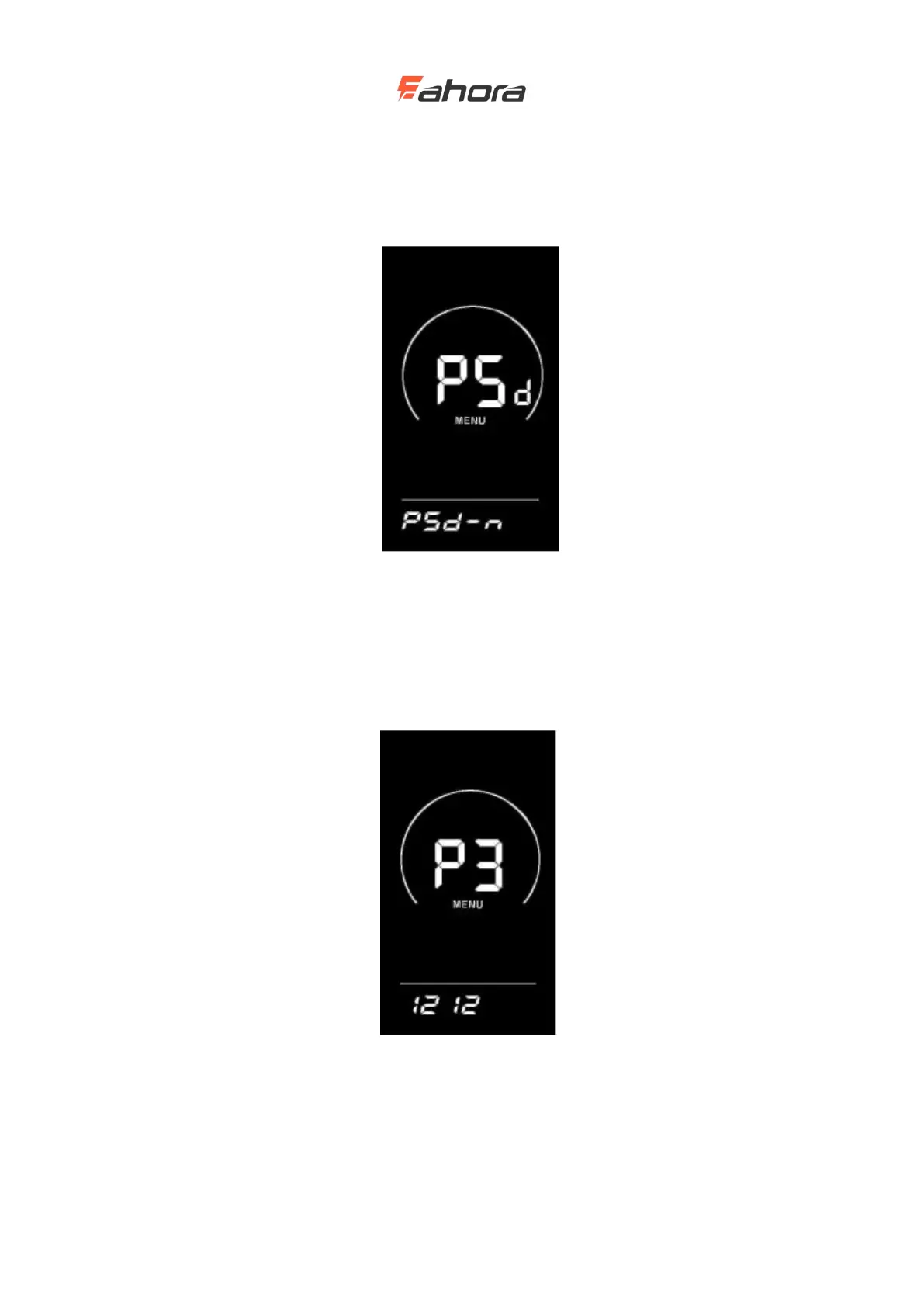
Enter the password enable interface after entering the password, and select Y / N with the UP /
DOWN button. Y indicates that a power-on password is required, and N indicates that a power-on
password is not required. Press the ‘i’ key to confirm. If Y is selected, press the ‘i’ key to enter the
password modification state, otherwise exit the password setting and return to the instrument
setting item selection interface. The display's factory default is N.
Power-on password enable interface
Power-on password modification
The display shows P3. Press the ‘i’ key to shift, and use the UP / DOWN key to increase /
decrease the value. After modification, press and hold ‘i’ to save and confirm, and exit the
setting interface. Restarting the display will show P1, 0000. The display can work normally only
after entering the correct password.
Power-on password modification interface
Exit Settings
In the setting state, press the ‘i’ key (within 2 seconds) to confirm the input to save the current



 To Next Page