General parameter settings
Simultaneously press the UP + DOWN button for more than 2 seconds to enter the general setting
state. Then press the DOWN and ‘i’ simultaneously for more than 2 seconds to enter the wheel
diameter setting interface.
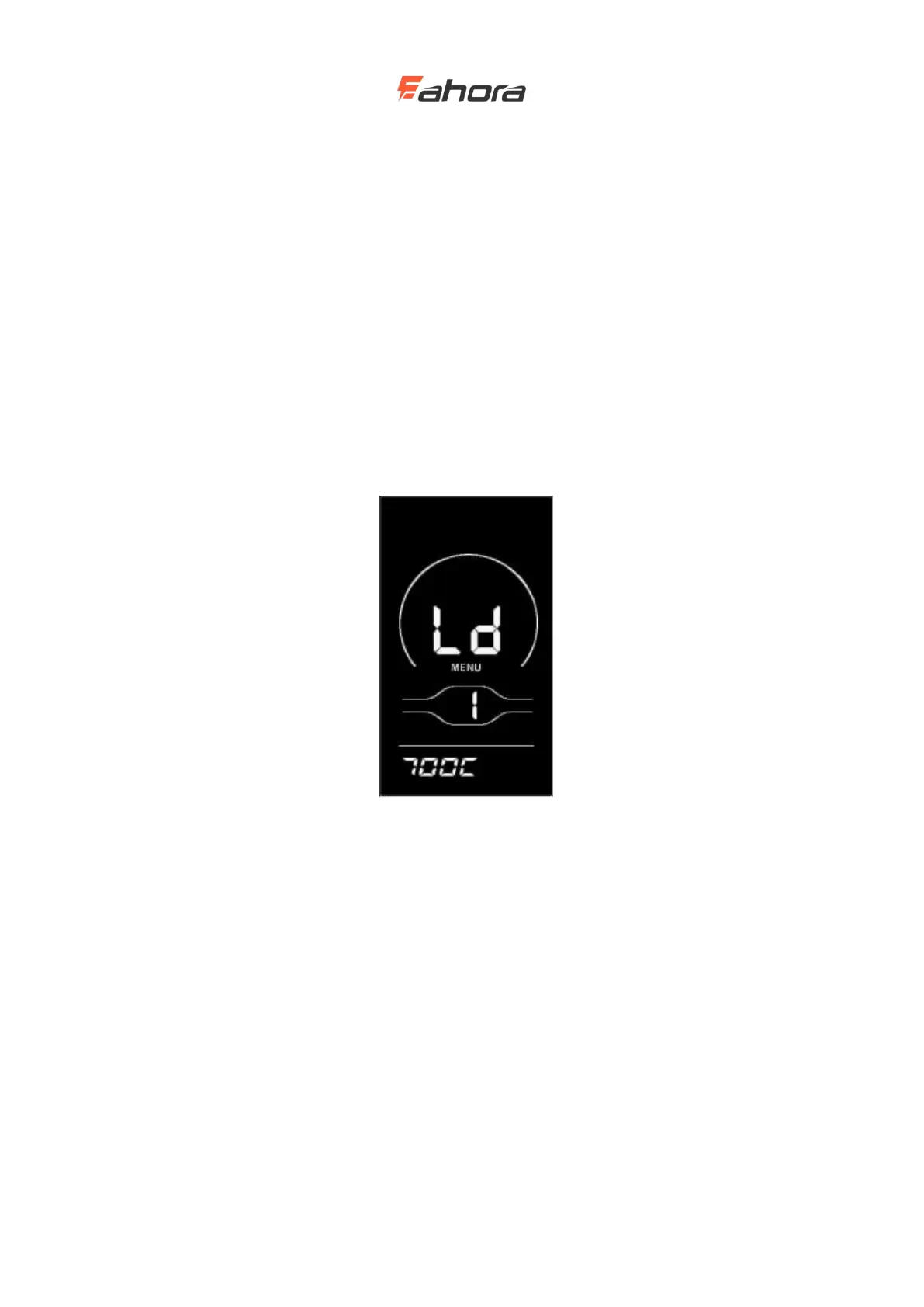
Wheel diameter setting
LD stands for wheel diameter, and the settable values are: 8-26, 700C, 28-30. Press the UP /
DOWN button to select the wheel diameter corresponding to the bicycle to ensure the accuracy of
the meter speed display and mileage display. The display factory default wheel diameter value is
26 inch or 20 inch. Press ‘i’ key to enter the speed limit setting interface.
Wheel diameter setting interface



 To Next Page