Walk power assist interface
The Walk power assist mode can only be used when the user pushes the electric bicycle.
Do not use it while riding.
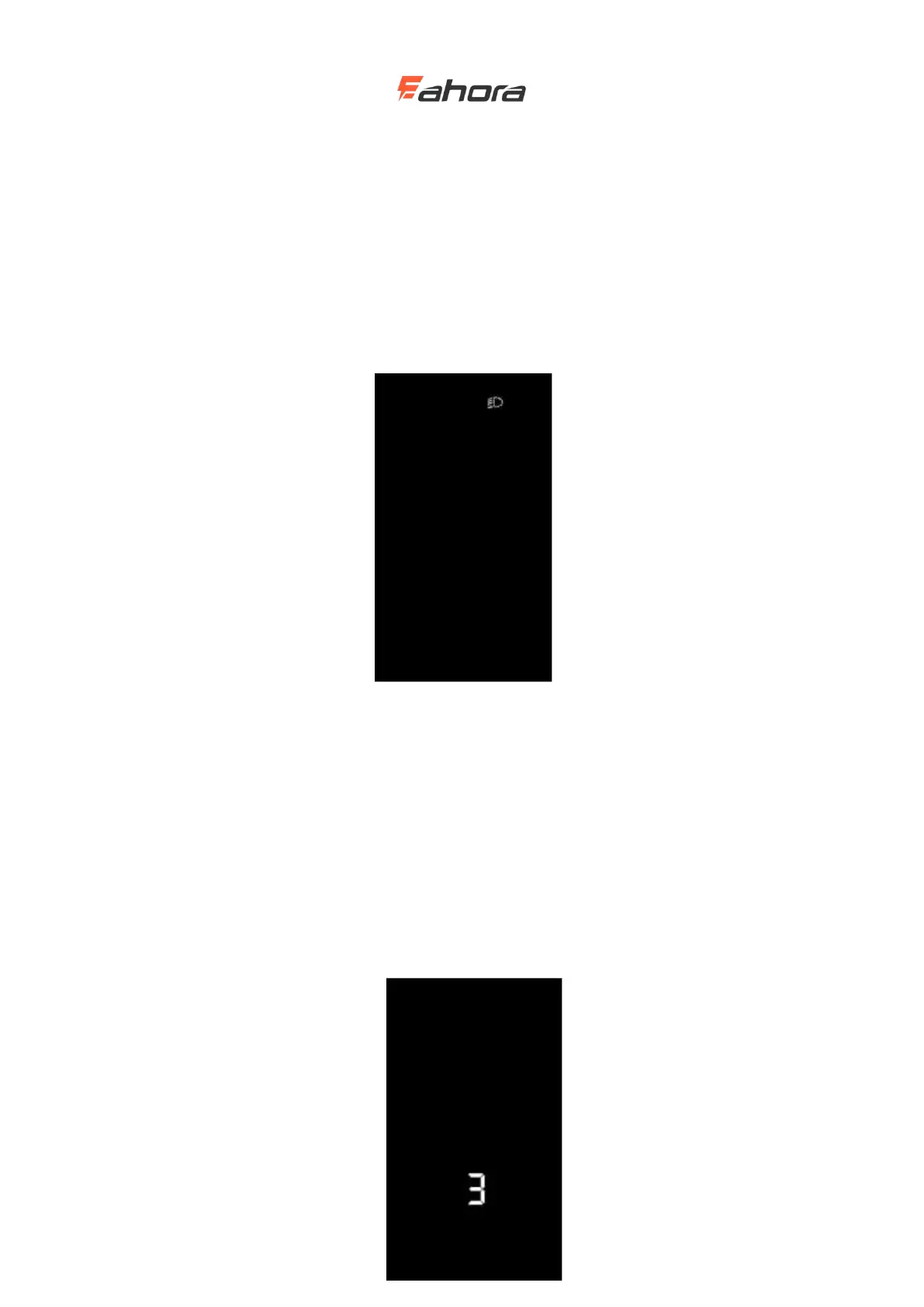
Backlight on / off
Short press the headlight key, the display backlight dims, and at the same time notify the
controller to turn on the headlight. When there is insufficient external light or driving at night, the
headlights can be turned on. Press the headlight key again, the display backlight turns on and tells
the controller to turn off the headlights.
Backlit display interface
Power assistance (PAS) level selection
Short press the UP / DOWN button to switch PAS level thereby changing the motor output power.
The default output power range of the display is 0-3, 0 is 0 power output, 1 is the lowest power,
and 3 is the highest power. When the level 3 is reached, short press the UP button again, the
interface still displays 3, and the number 3 does not change, which is the highest grade. After the
assist downshift reaches the level 0, press the DOWN button again briefly, the interface still
displays 0, the number 0 does not change, and it is the lowest level. The default position of the
display when it is turned on is level 1.



 To Next Page