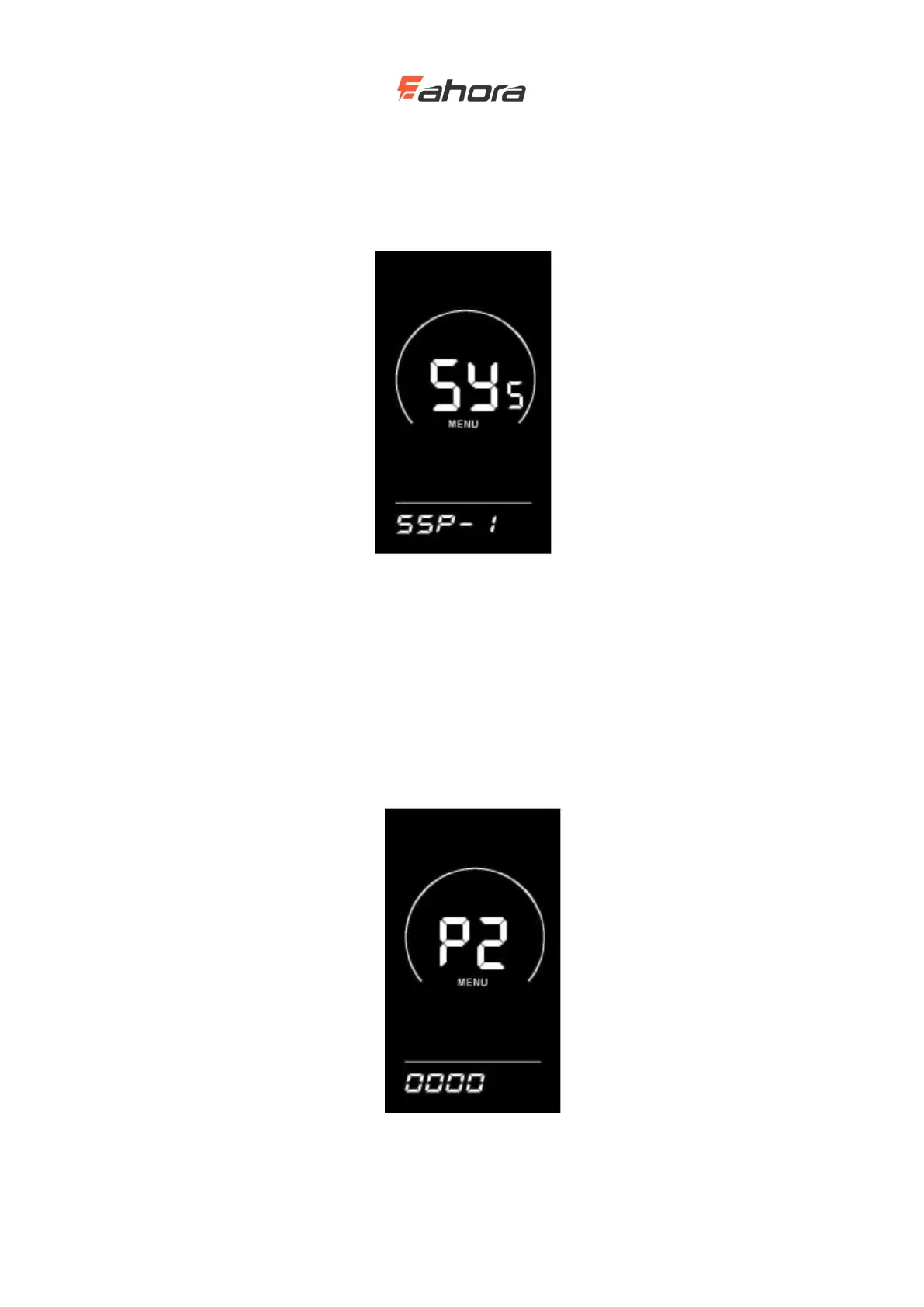
display's factory default value is 1.
Slow start settings interface
Power-on password setting
Press the ‘i’ button to enter the password setting state, and the screen prompts "P2", indicating the
power-on password. Press the ‘i’ key to shift, and use the UP / DOWN key to increase / decrease
the input value. After the 4-digit password is entered, press the ‘i’ key to confirm. If the password
is correct, enter the power-on password enable setting interface. Enter the status. The default
power-on password is 1212.
Power-on password input setting interface
Power-on password enable



 To Next Page