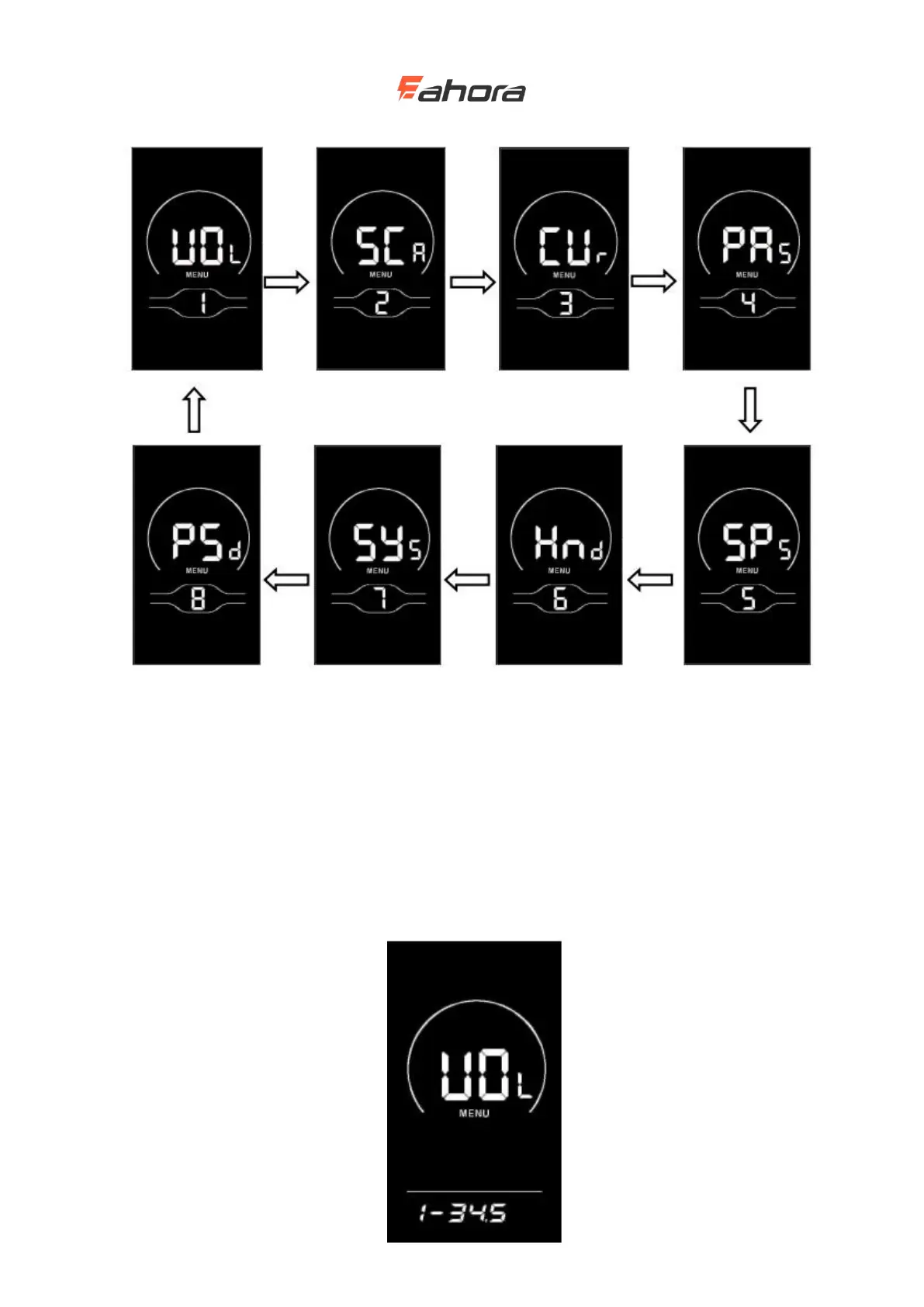
Personalized item selection interface
Battery level setting
VOL stands for voltage, and requires 1 to 5 voltage values to be input one by one. Take the first
power value as an example: "1" on the screen indicates the first voltage, and "34.5" is the first
power value. Press the UP / DOWN button to increase / decrease the value, press ‘i’ key to
confirm and enter the next section of power setting interface; after setting the 5 power values,
press and hold ‘i’key to confirm and return to setting item selection interface of the display.



 To Next Page