6.3 PAS level setting
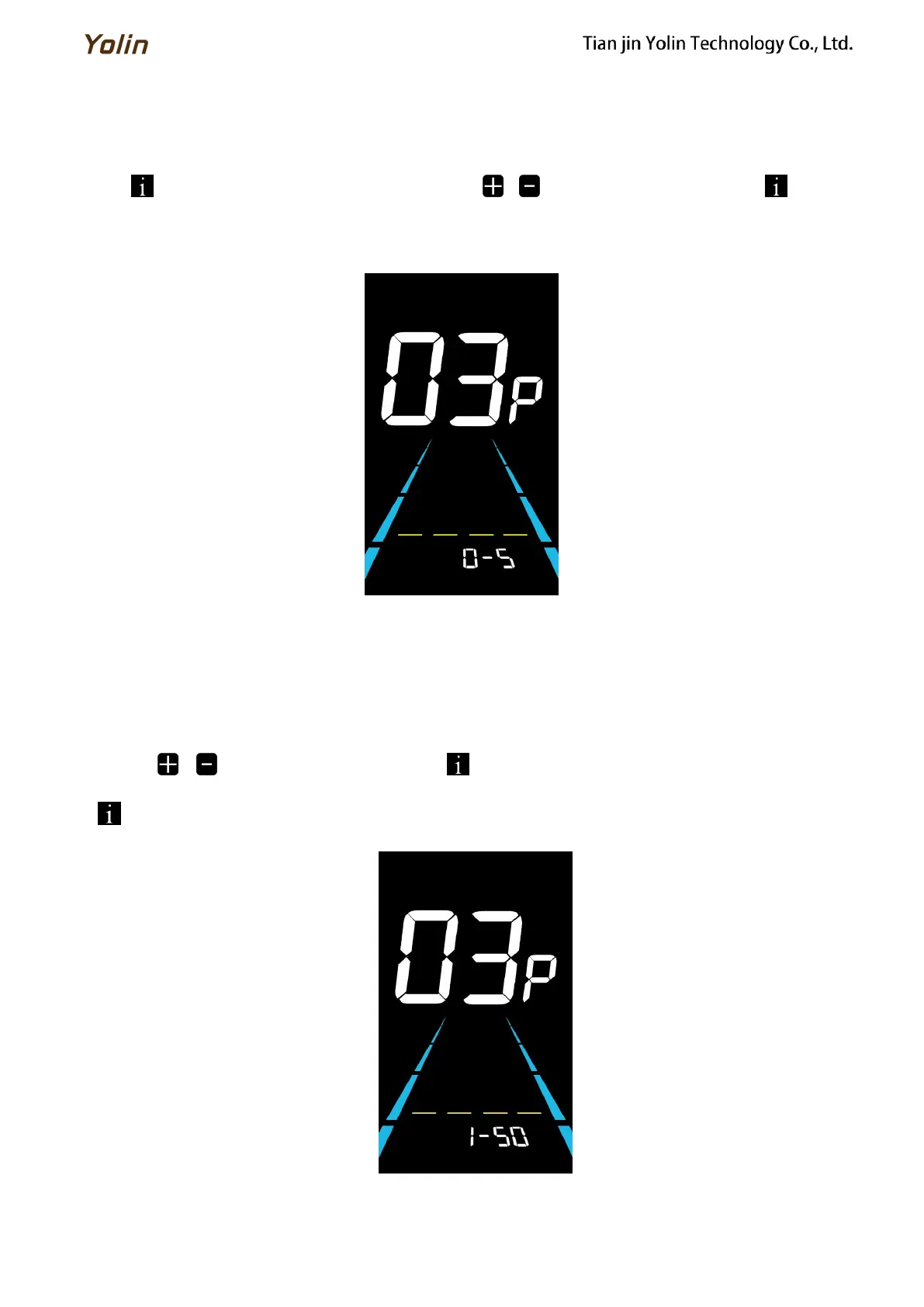
03P is the Pedal assist level setting. The available PAS level settings are: 0~3, 1~3, 0~5, 1~5, 1~7, 0~7, 0~9, 1~9.
Press to enter the parameter changing state. Press the / to select the parameter and press to save the
parameter setting and return to the personalized parameter setting interface.
Figure 6-3 PAS level setting interface
6.3.1 PAS level ratio value setting
To meet different requirements for users, the speed of every level can be adjusted by setting the PAS level ratio value.
Please see the details from Schedule 2.
For example, “45-55%” is the ratio range of PAS 1. The default ratio value of PAS 1 is 50% which is adjustable.
Press the / to select the parameter and press to save the parameter and enter into the next level setting.
Press again to save the settings and return to the personalized parameter setting interface.
Figure 6-4 PAS level ratio value setting interface



 To Next Page