5.3 Walk boost mode
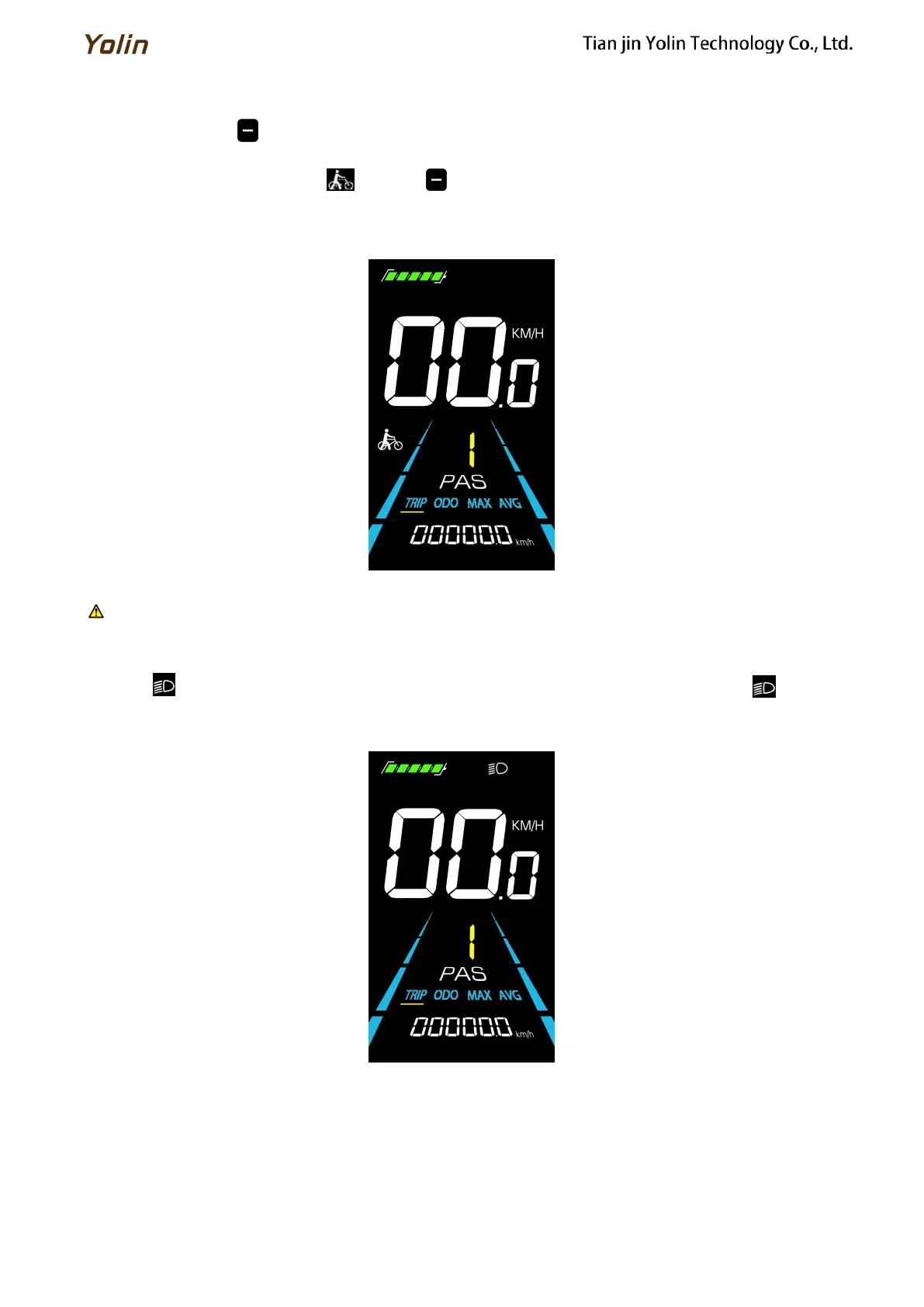
Long Press and hold , the electric bicycle enters the walk boost mode. The electric bicycle will walk at a fixed
speed of 6 km/h and the display shows . Release to stop the power output immediately and restore to the state
before walk boost.
Figure 5-2
Helping to implement the display screen
The walk boost mode can only be used when pushing the electric bicycle, please do not use it while riding.
5.4 Turning on/off lights
Press the to make the controller turn on the lights and the display backlight becomes dim. Press again to make
the controller turn off the lights and the backlight restore brightness.
Figure 5-3 Backlight display interface



 To Next Page