6.8 PAS sensor setting
08P is the PAS sensor setting.
6.8.1 PAS sensor direction setting
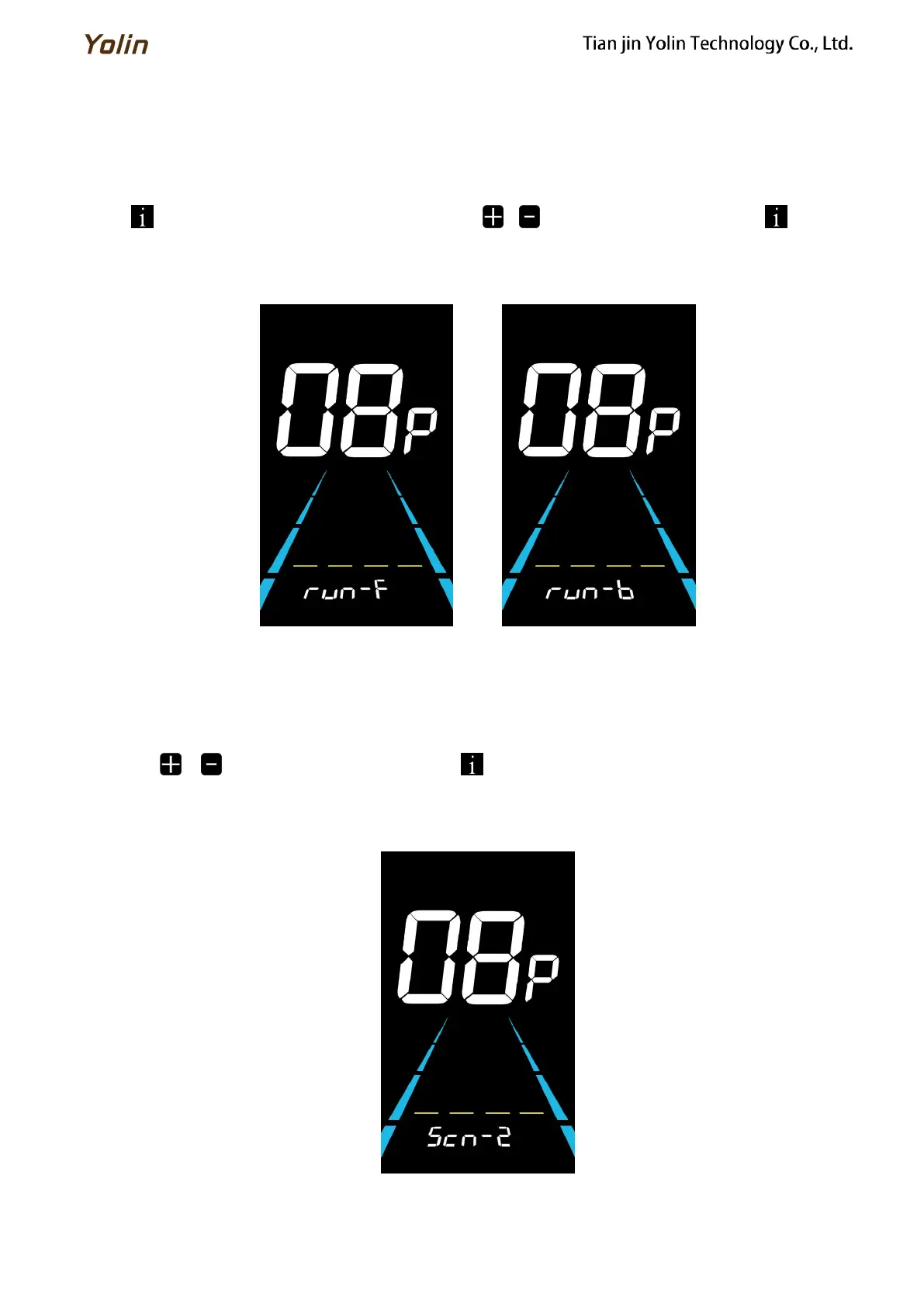
run is the PAS sensor direction setting. run-F is front direction and run-b is opposite direction.
Press to enter the parameter changing state. Press the / to select the parameter and press to save the
parameter setting and enter into 6.8.2 PAS sensor sensitivity setting interface.
Figure 6-9 PAS sensor direction setting interface
6.8.2 PAS sensor sensitivity setting
SCN is the PAS sensor sensitivity setting. The adjustable range is: 2-9. 2 is the highest level sensitivity while 9 is the
lowest.
Press the / to select the parameter and press to save the parameter setting and enter into 6.8.3 PAS
magnets number setting interface.
Figure 6-10 PAS sensor sensitivity setting interface



 To Next Page