Average Speed Maximum Speed
5. Routine Operation
5.1 Power on/off
Long press to power on/off the display. When the display is off, it will not use the battery power and the leakage
current is less than 1uA.
The display will automatically shut off if it is not used for more than 10 minutes.
5.2 Display interface switching
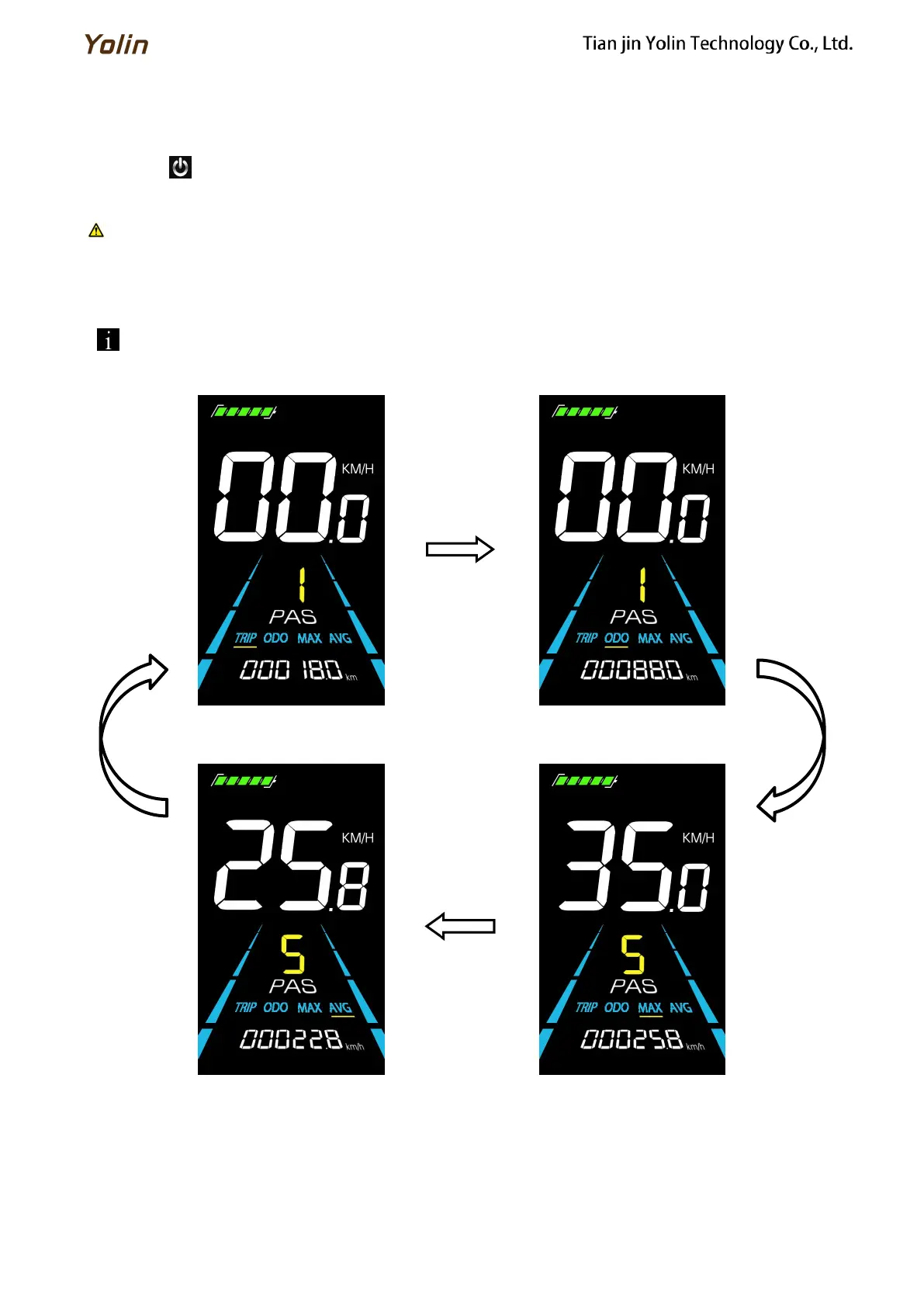
When the display is powered on, it will show the Current Speed (km/h) and Trip Odometer (km) by default. Short
press to switch between Trip Odometer(km), Odometer (km), Maximum Speed (km/h), and Average Speed (km/h).
Figure 5-1 Display Interface Switching



 To Next Page